PRIVATE MESSAGE
After the Guests Leave
Turn a familiar couple photo into a short after-dinner scene. Let the conversation settle, bring the adults closer, and end with a kiss in the warm light.
 Kissee
Make an adult kiss video from two portraits or one couple photo. Choose a scene, describe the movement in your own words, and create online for free with Kissee.
Start with one authorized couple photo. Choose a model to see its supported photo inputs. Start/end frames guide a video’s beginning and ending; they are not separate-person photos.
An uncensored AI video generator lets you direct an adult scene in your own words instead of relying only on a preset. Start with an authorized couple photo or two portraits, then describe the kiss, the movement, and the camera view. For a scene without photos, Kissee also has a Text to Video workspace. Creative freedom still requires consent and the right to use every person's likeness.
Start with photos, choose a moving scene, and direct the moment in one workspace.
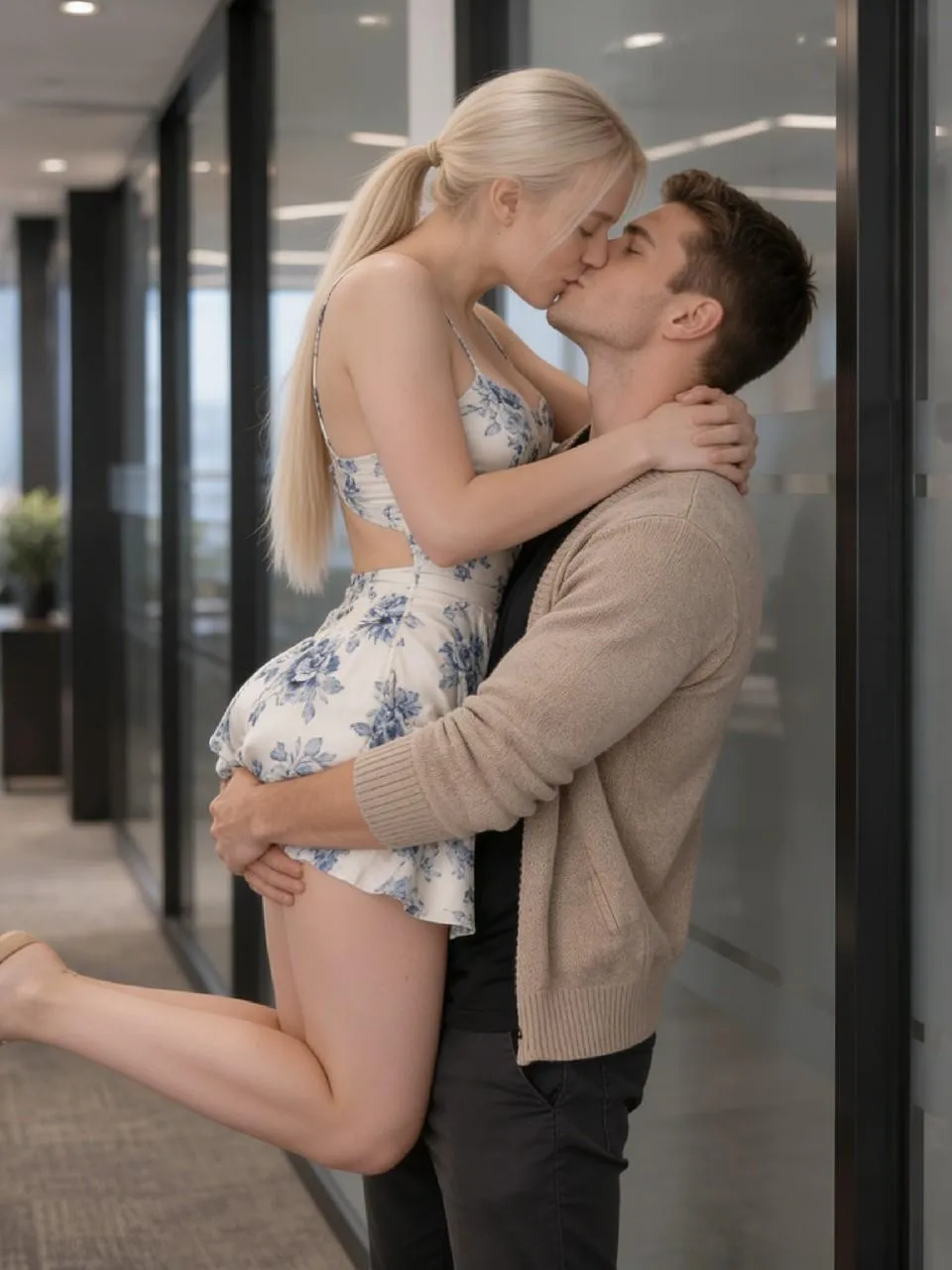
Use two adult portraits or one couple photo as the visual starting point. The prompt tells the people how to move and where the kiss should happen.
Browse video templates for a starting gesture, then describe your own setting, pace, or camera movement instead of staying with the preset.
Select a model, duration, and resolution in the same workspace. Try a short close-up for a private message or a wider shot when the setting matters.
Think about the moment you want to show: a private message, a short romantic scene, or a story beat.
Turn a familiar couple photo into a short after-dinner scene. Let the conversation settle, bring the adults closer, and end with a kiss in the warm light.
Use an almost empty dance floor as the opening shot. A few steps, a pause in the music, and a slow kiss give the clip a beginning and an ending.
Set a short kiss just outside the spotlight: two performers meet behind the curtain, share a quiet moment, and part as the show begins.
Use an authorized photo and guide the motion in three steps.
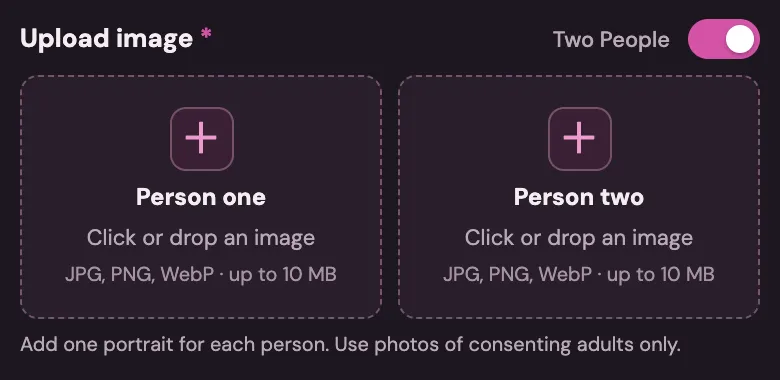
Add two portraits or one photo showing both consenting adults.
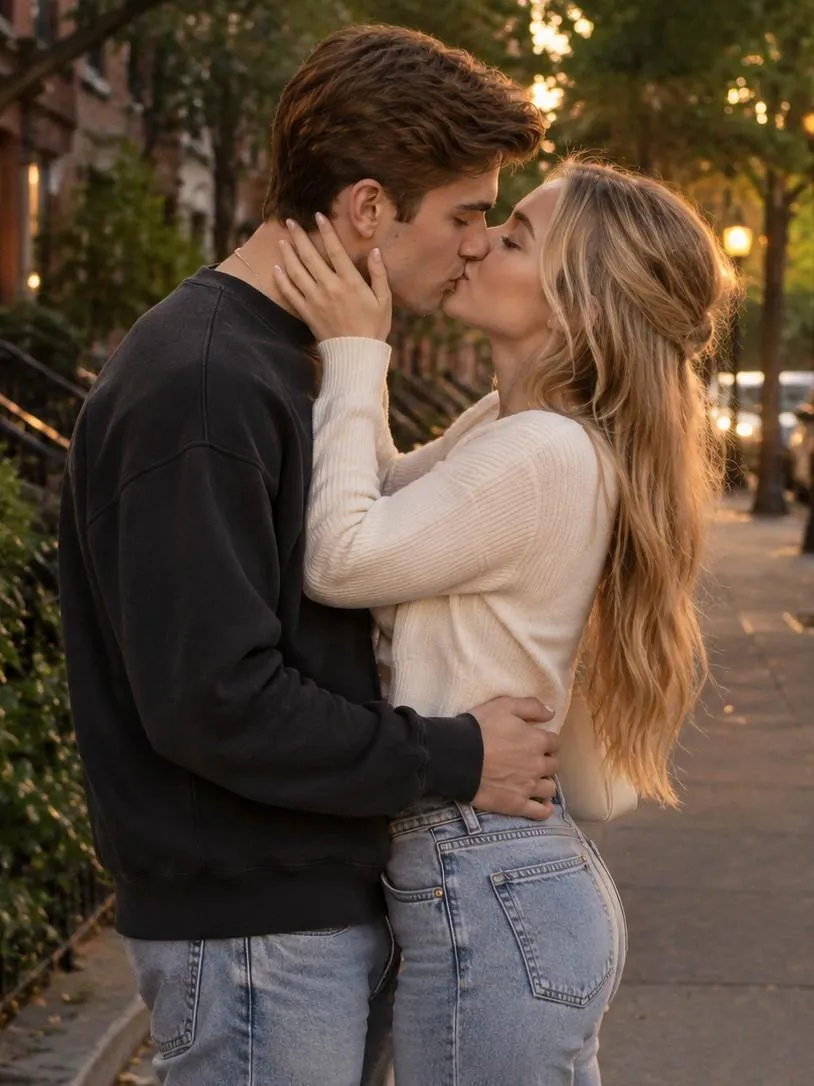
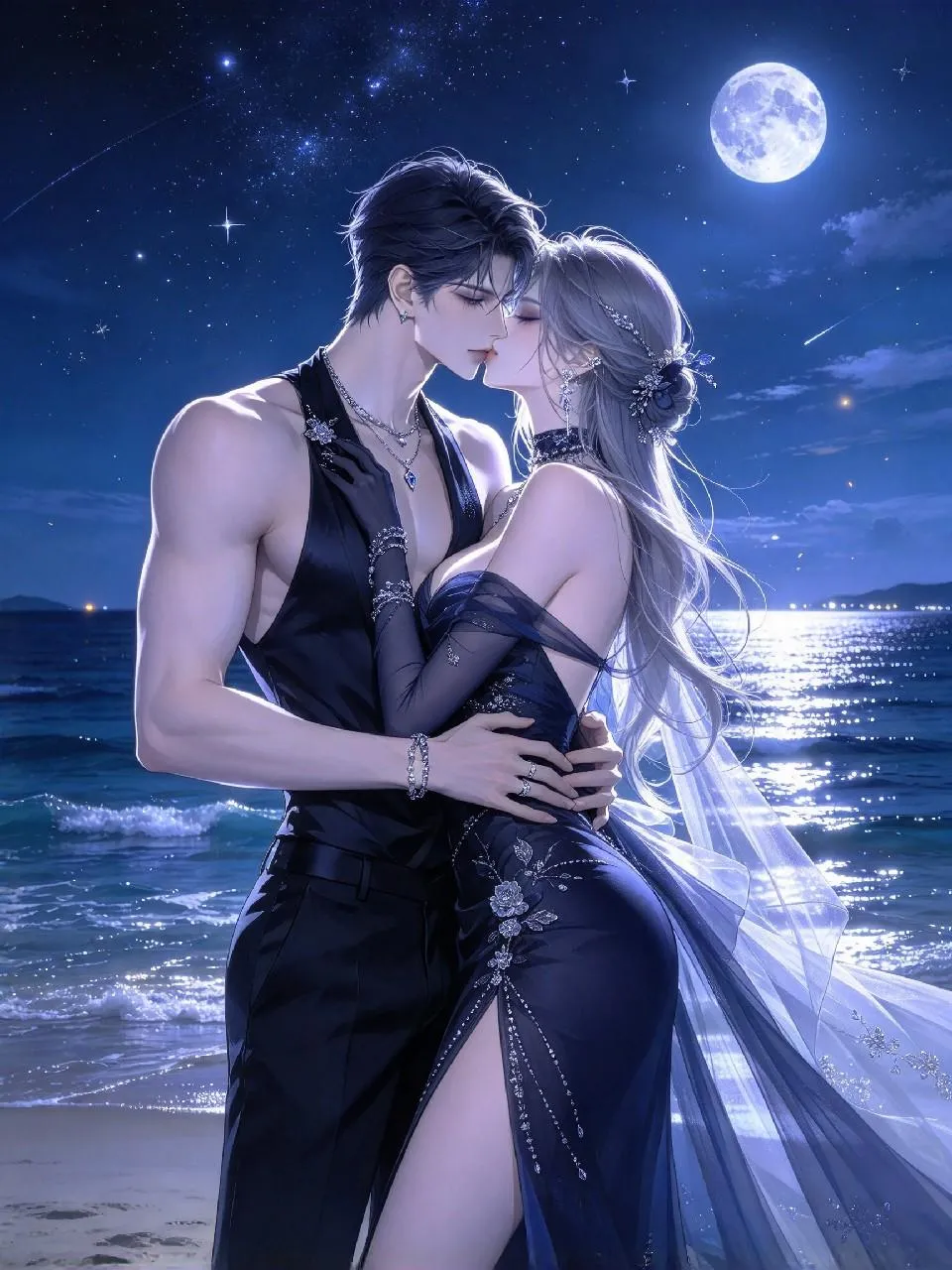
Choose a video idea or write your own prompt for the setting, gesture, and camera movement.
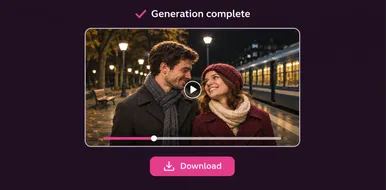
Set the model, duration, and resolution, then generate your video. Adjust the prompt to explore another take.
Try another creation mode or find a kiss style for your next scene.
I like having more creative freedom when making videos. Kissee gives me the flexibility to explore different ideas and visual styles without feeling too restricted. It's refreshing to have more room to experiment.
Sometimes my creative ideas don't fit into the usual templates or styles. I enjoy using Kissee because it gives me more flexibility to explore different concepts and bring my vision to life. The variety of models is a big plus.
What stands out to me is the freedom to experiment with different video concepts. I can try different prompts, explore various styles, and see how different models interpret my ideas. It makes the whole creative process more exciting.
I don't like feeling limited when exploring creative ideas. Kissee gives me more options to experiment with different visual concepts and styles. I especially appreciate being able to switch between models depending on what I want to create.
I've tried several AI video platforms, but I appreciate having more creative flexibility with Kissee. It's easy to test different ideas and generate videos without spending hours on manual editing. Definitely a useful tool for my projects.
I mainly use Kissee for fun and personal creative projects. I enjoy being able to explore ideas that are a little more unconventional and experiment with different video styles. There's always something new to try!
Yes. You can start for free with a kiss template or your own adult scene idea, then create a video from photos or text.
Yes. Kissee supports intimate video scenes featuring adults, from a sensual kiss to bolder sexual themes. Use real people's likenesses only with their consent.
Kissee gives you creative freedom beyond a fixed set of templates: use your own adult images and prompt to shape the action, setting, and style. Adults-only, consent, and image rights rules still apply.
Yes. Add two adult portraits, choose a scene, and describe how you want the people to move. Only use photos you are authorized to upload.
Yes. The photo setup also supports one image showing both consenting adults.
Yes. Describe the setting, people, and action in the Text to Video workspace.
Only if that person has agreed to this specific intimate use of their likeness. A publicly available image does not provide that permission.
See Content & Safety for guidance on adults, consent, and photo use.
Upload two portraits or a couple photo, choose a kiss template, and create a video to download and share.