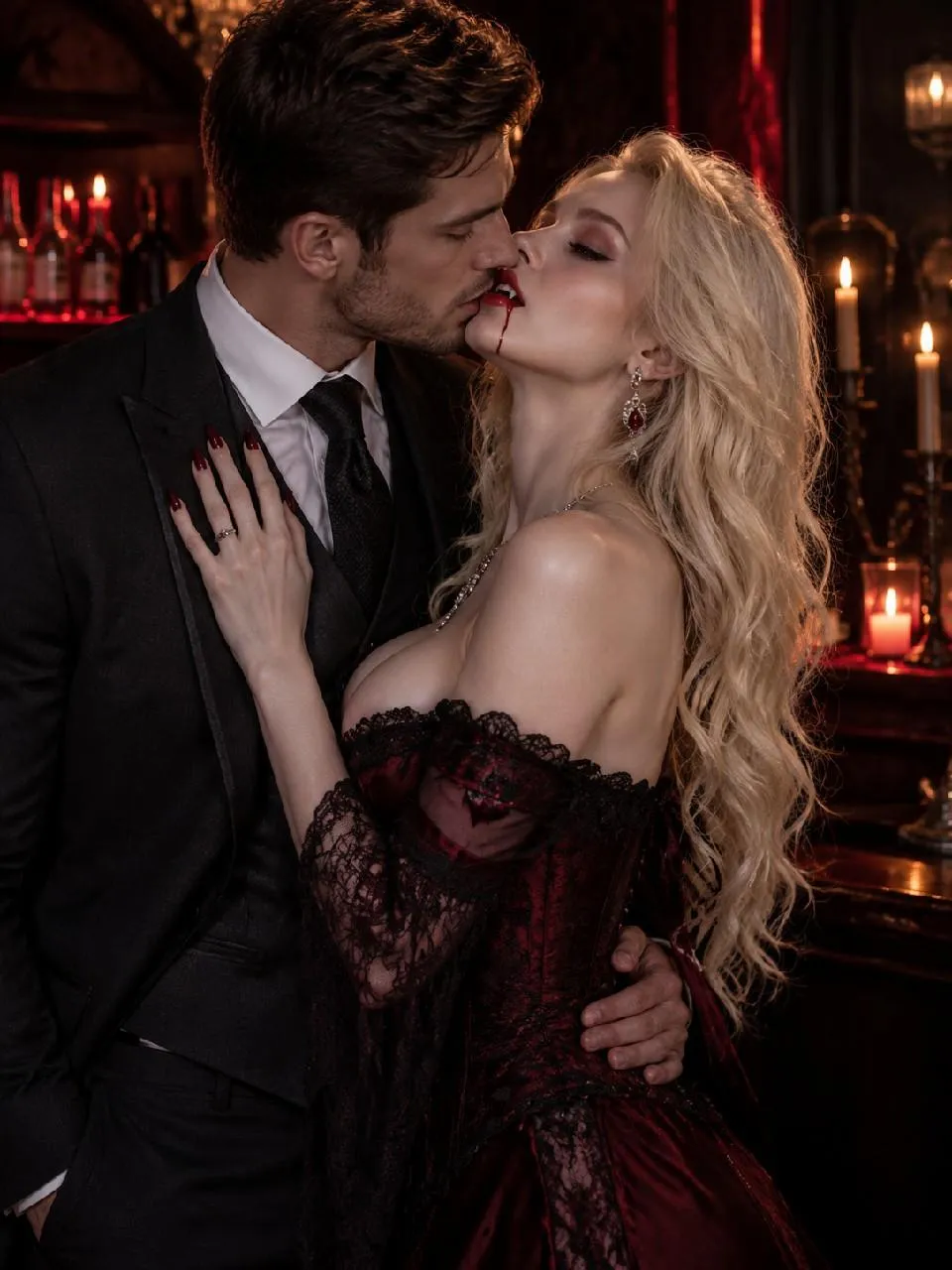
PRIVATE PORTRAIT
A Softer Evening Look
Turn an authorized portrait into a candlelit image with a silk robe or relaxed eveningwear. Keep the person's expression and pose, then let the fabric and light set the mood.
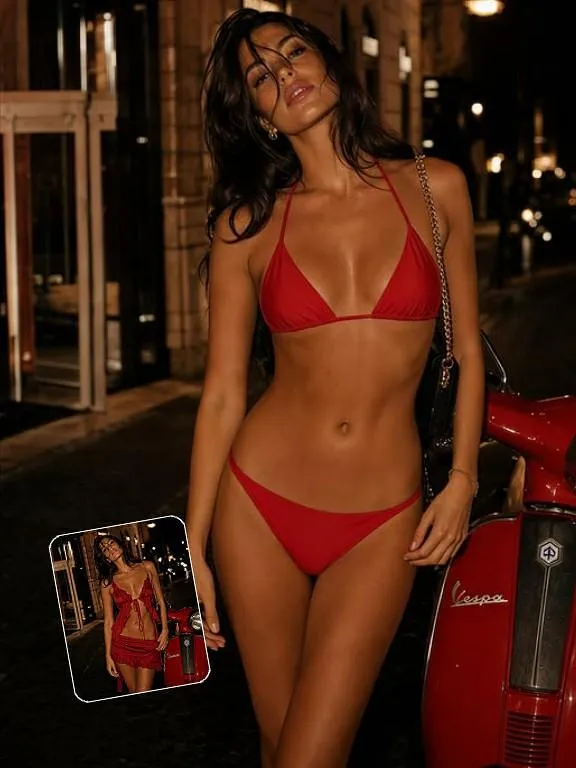
 Kissee
Explore intimate outfit edits with Kissee. Upload a photo of yourself or an adult who has agreed to this use, then describe the clothing and mood you want to create.
An AI undresser edits how clothing appears in a photo. In Kissee, the starting point is an authorized photo of an adult; the prompt describes the outfit change, lighting, and framing. You can explore a more intimate fashion look while keeping the person and pose recognizable. Only edit a real person's likeness when they have explicitly agreed to this use.
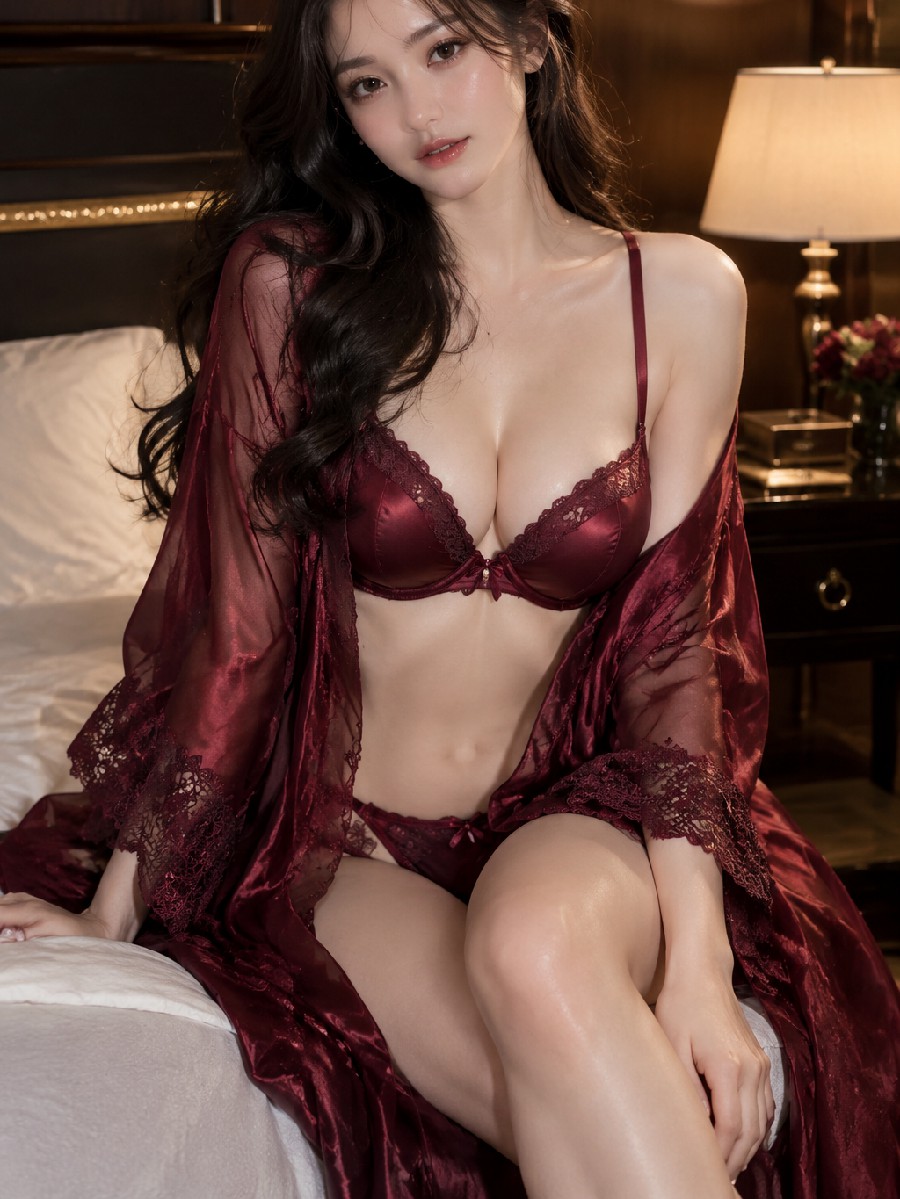
Start from an existing photo and guide the look in your own words.
Use a photo as the visual reference for the face, pose, and composition while changing the clothing and setting around them.
Write a prompt for the garment, fabric, color, and level of coverage. Describe the result in your own words.
Pick a model, resolution, and aspect ratio in the same workspace. Use a portrait crop for a personal image or a wider frame for a fashion scene.
Choose the image you want to make before deciding how far to change the outfit.
Turn an authorized portrait into a candlelit image with a silk robe or relaxed eveningwear. Keep the person's expression and pose, then let the fabric and light set the mood.
Explore an elegant lingerie editorial or an open-collar look for a consenting adult. Describe the garment and crop clearly so the finished image reads like a deliberate fashion portrait.
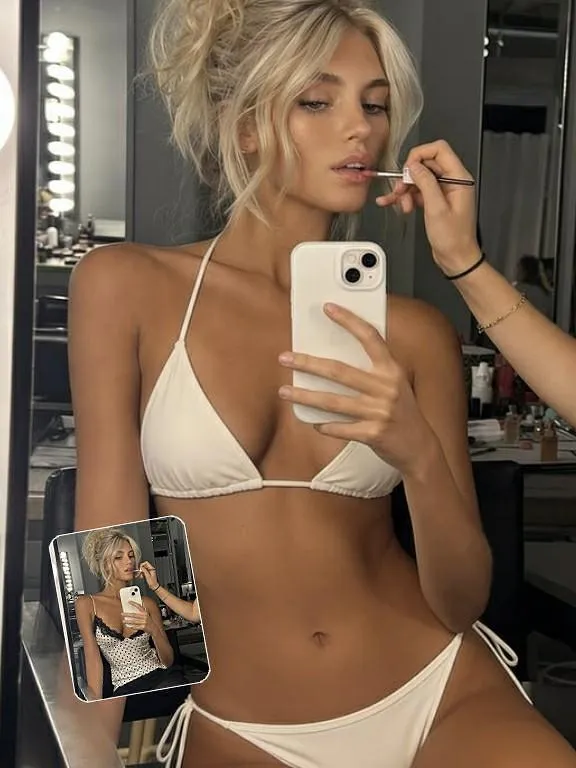
Use your own character reference and change the costume to fit a romance scene: a velvet evening look, beachwear at sunset, or a relaxed shirt after a long night.
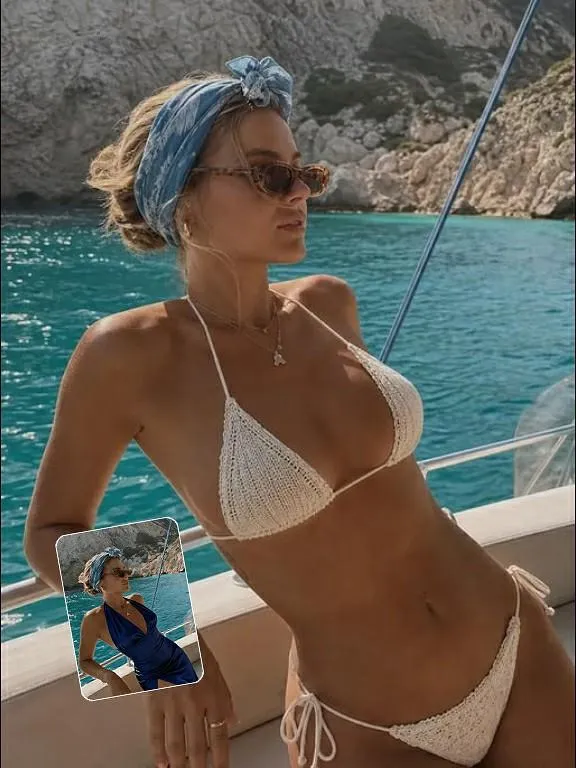
Start with a photo you have permission to edit, then describe the wardrobe change.
Choose a clear image of yourself or another adult who has agreed to this edit.
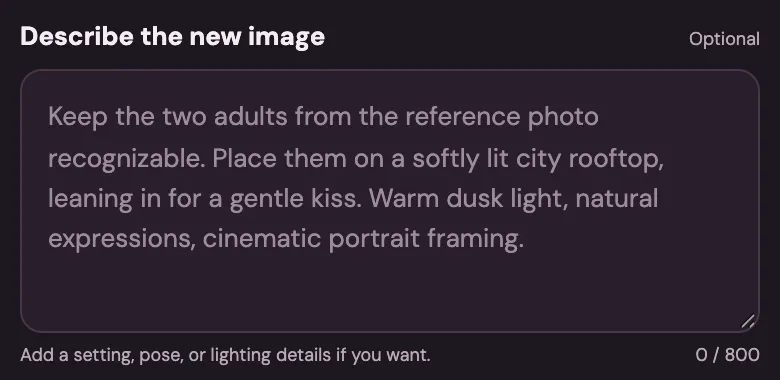
Describe the clothing, fabric, setting, and details you want to preserve.
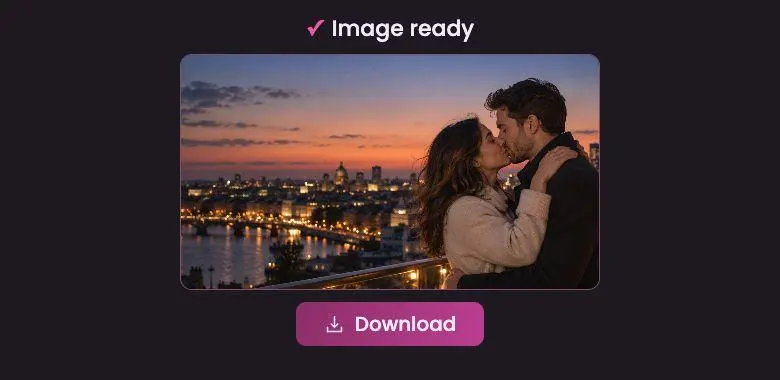
Select a model, resolution, and frame shape, then generate the image online for free.
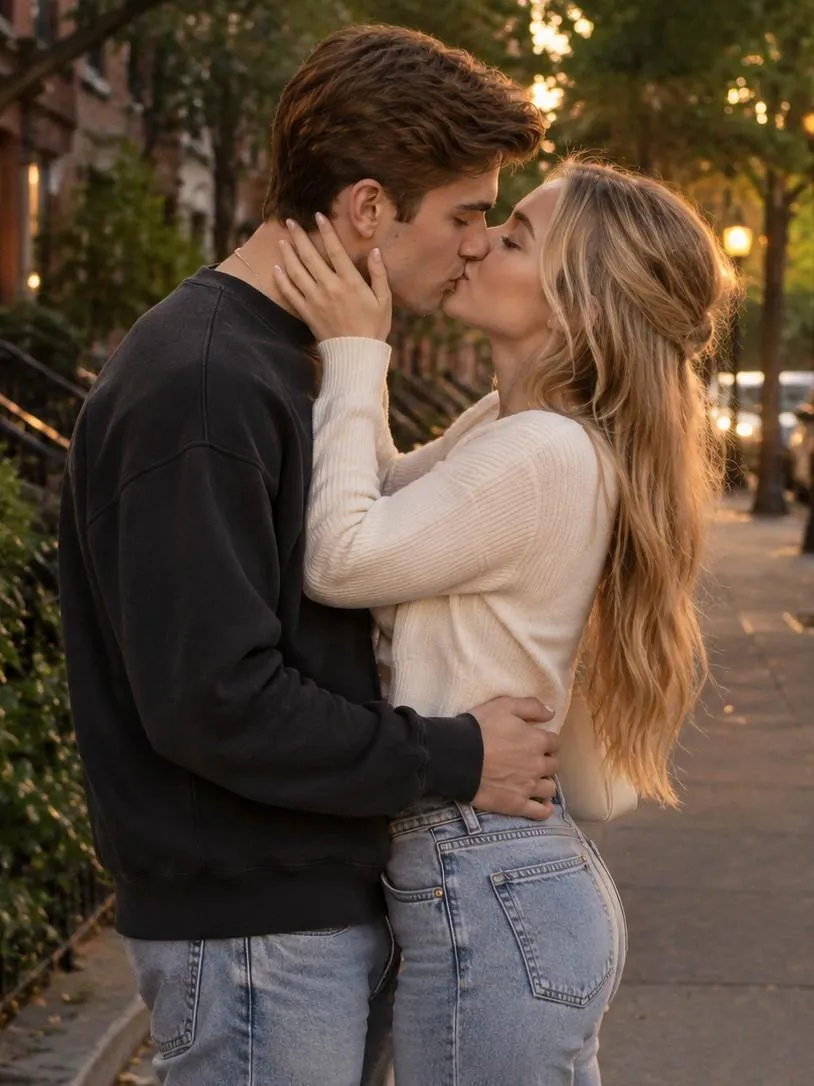
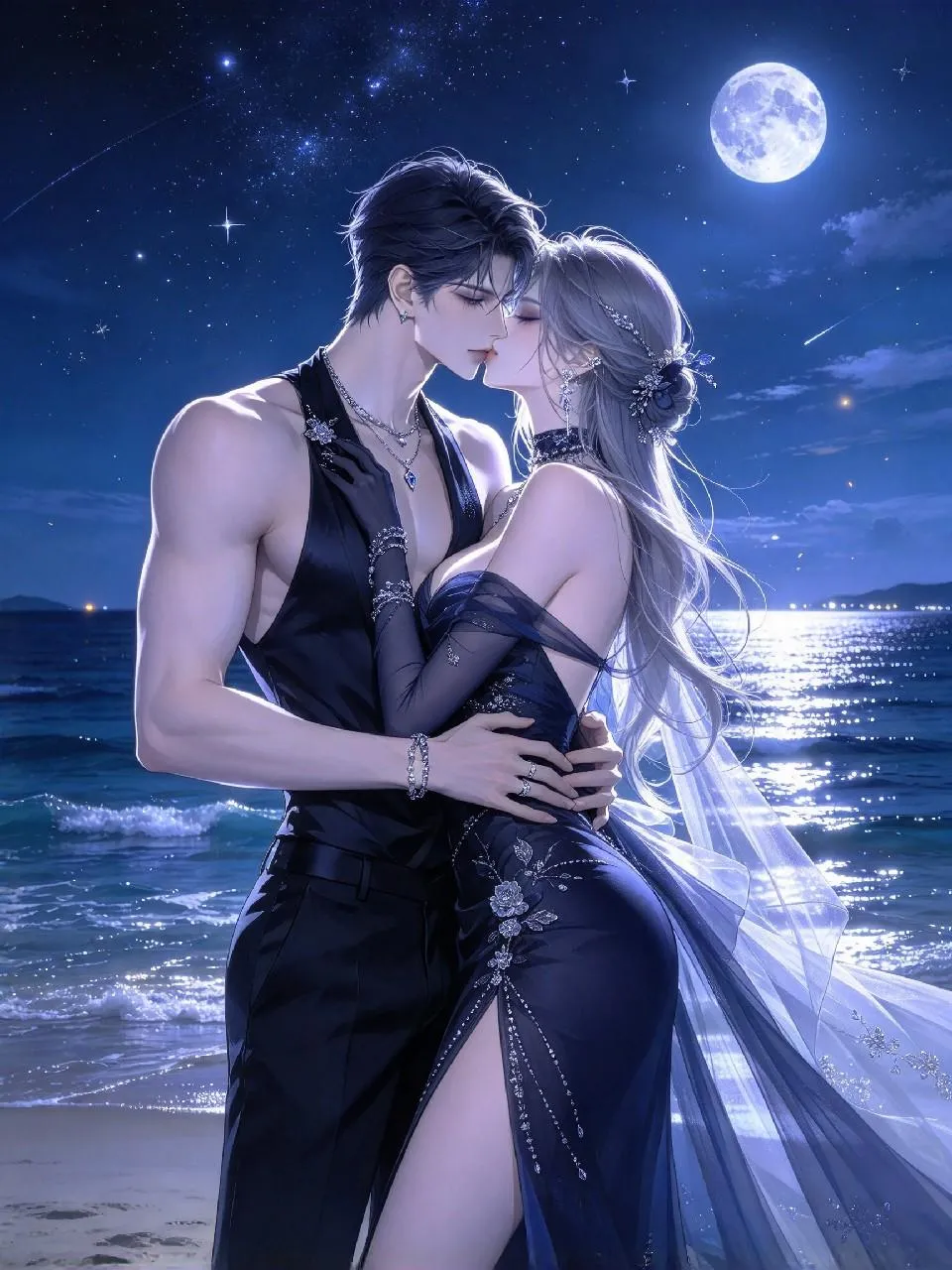
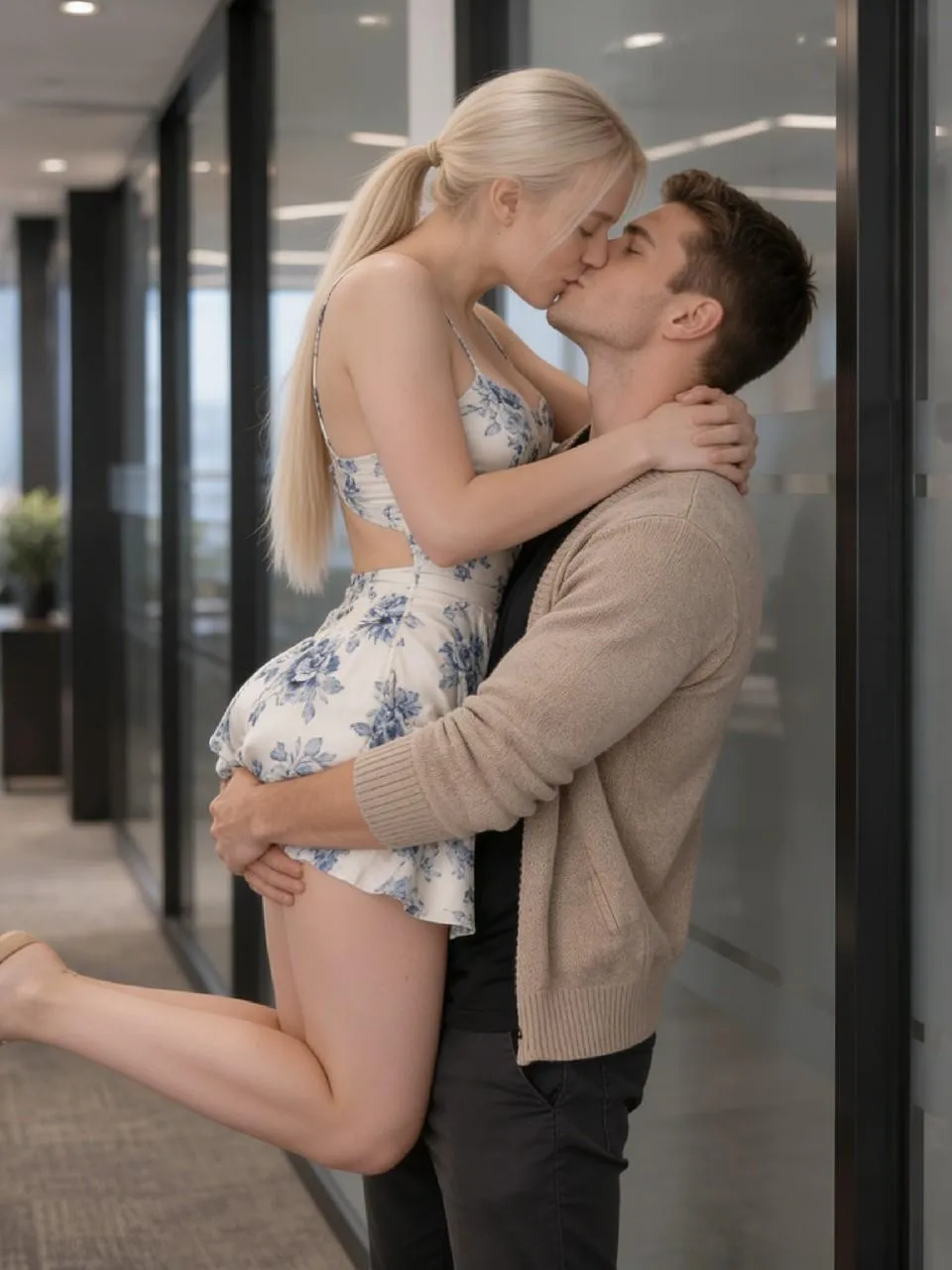
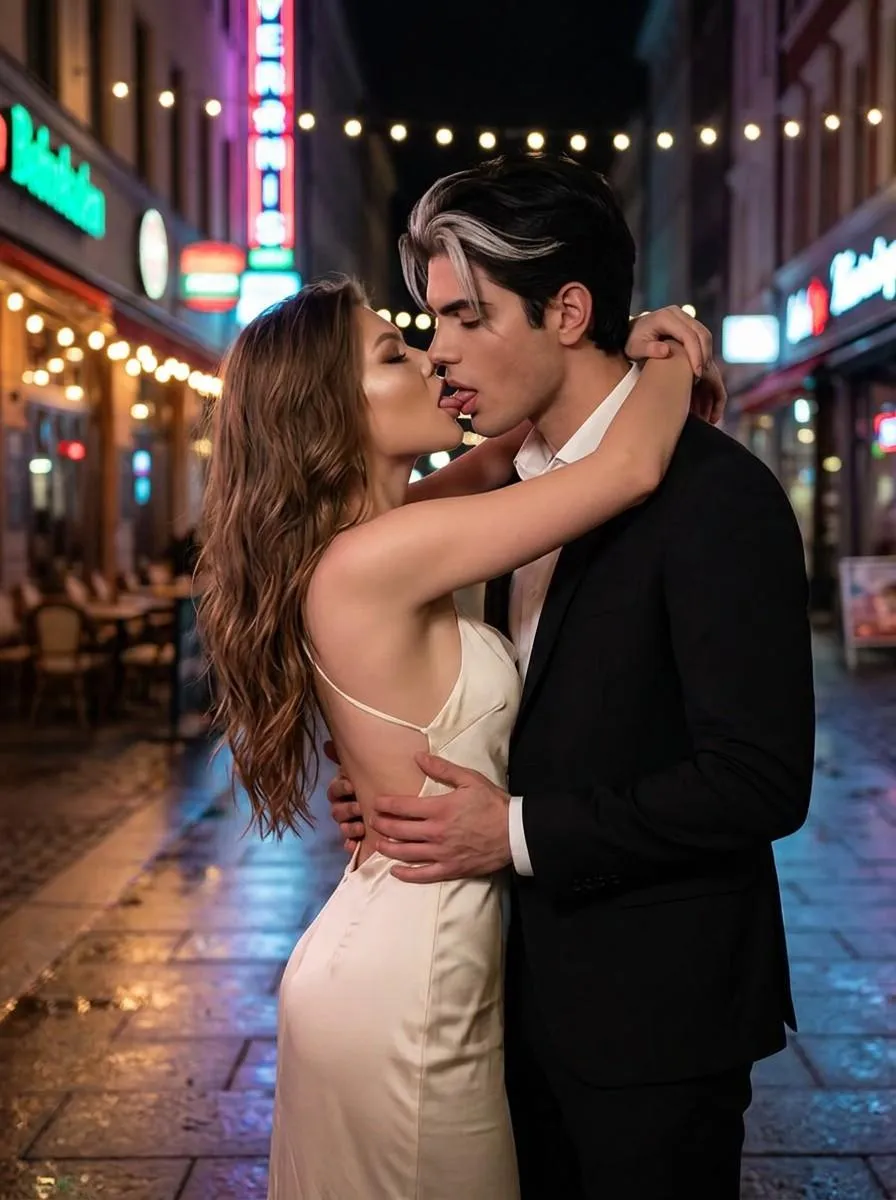
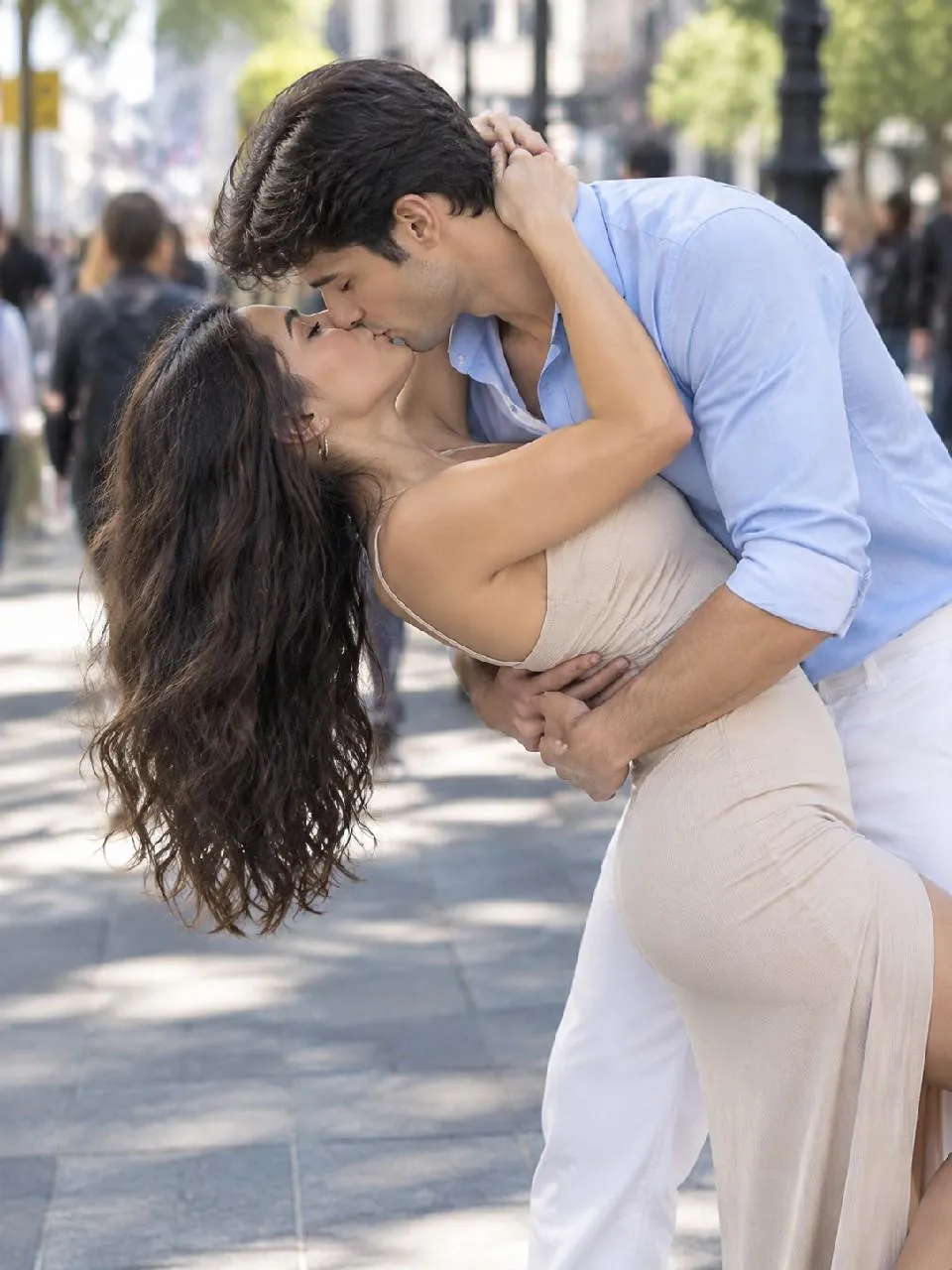
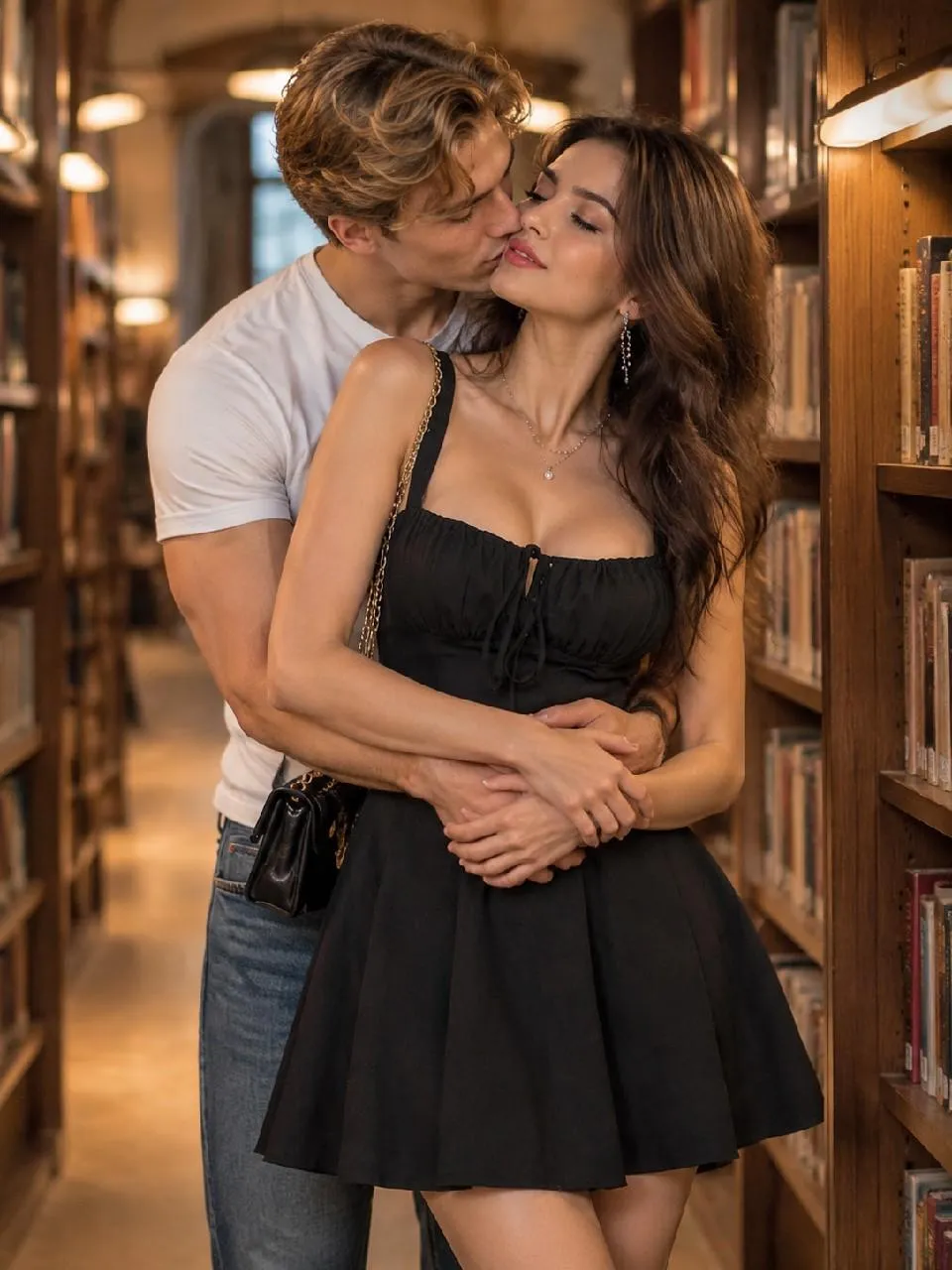
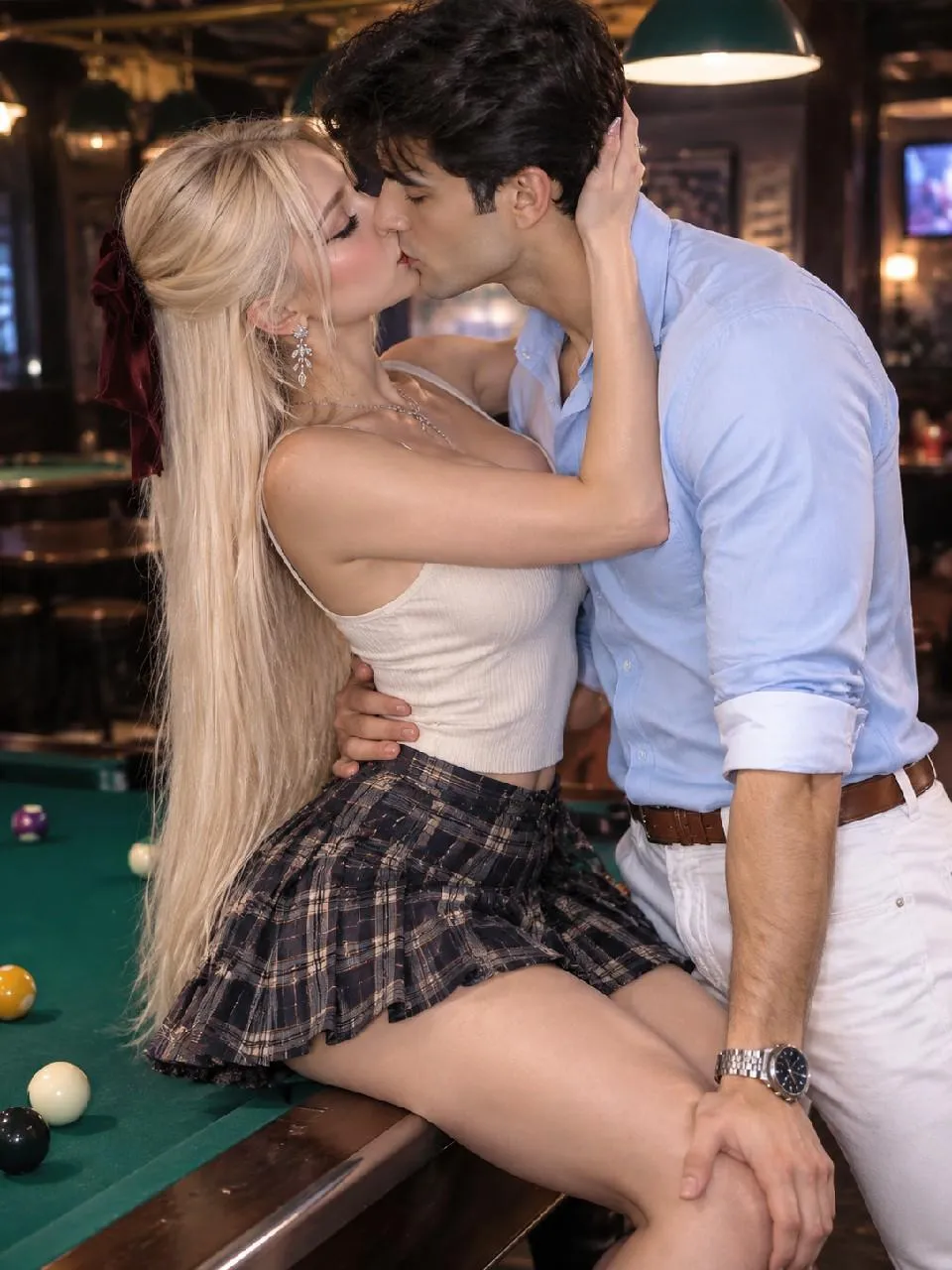
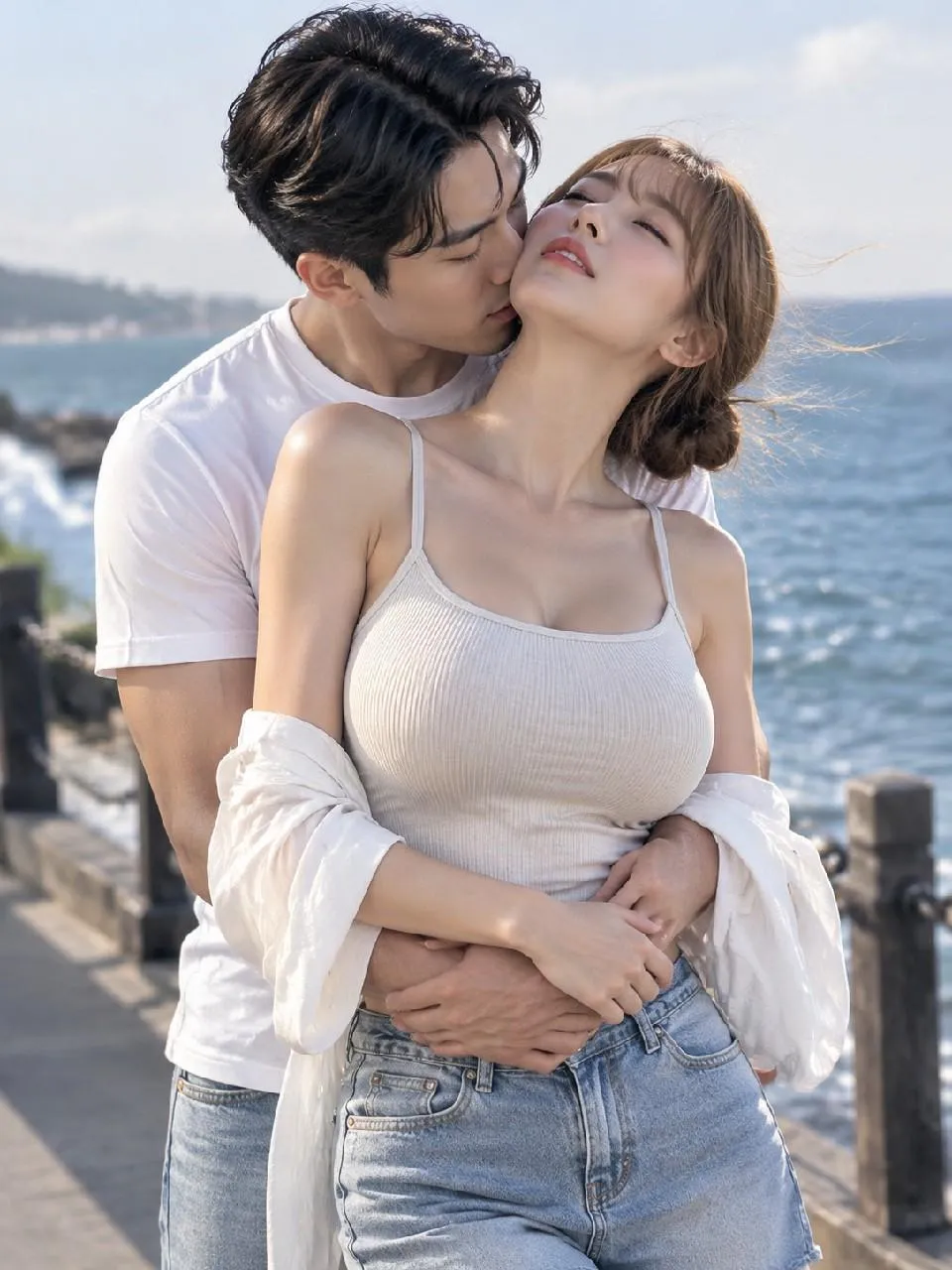
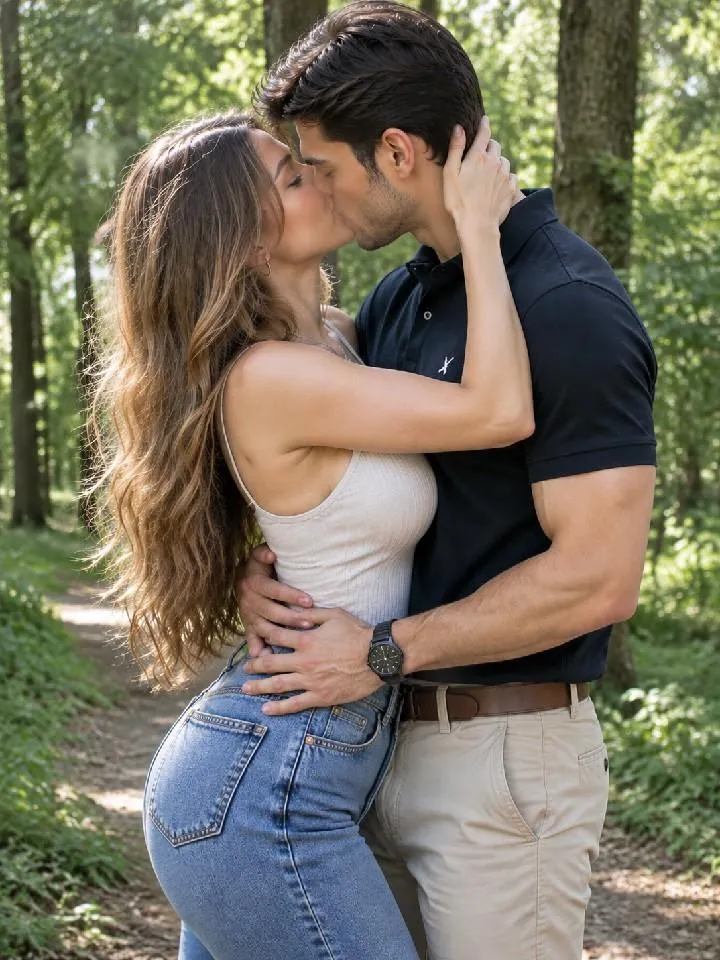
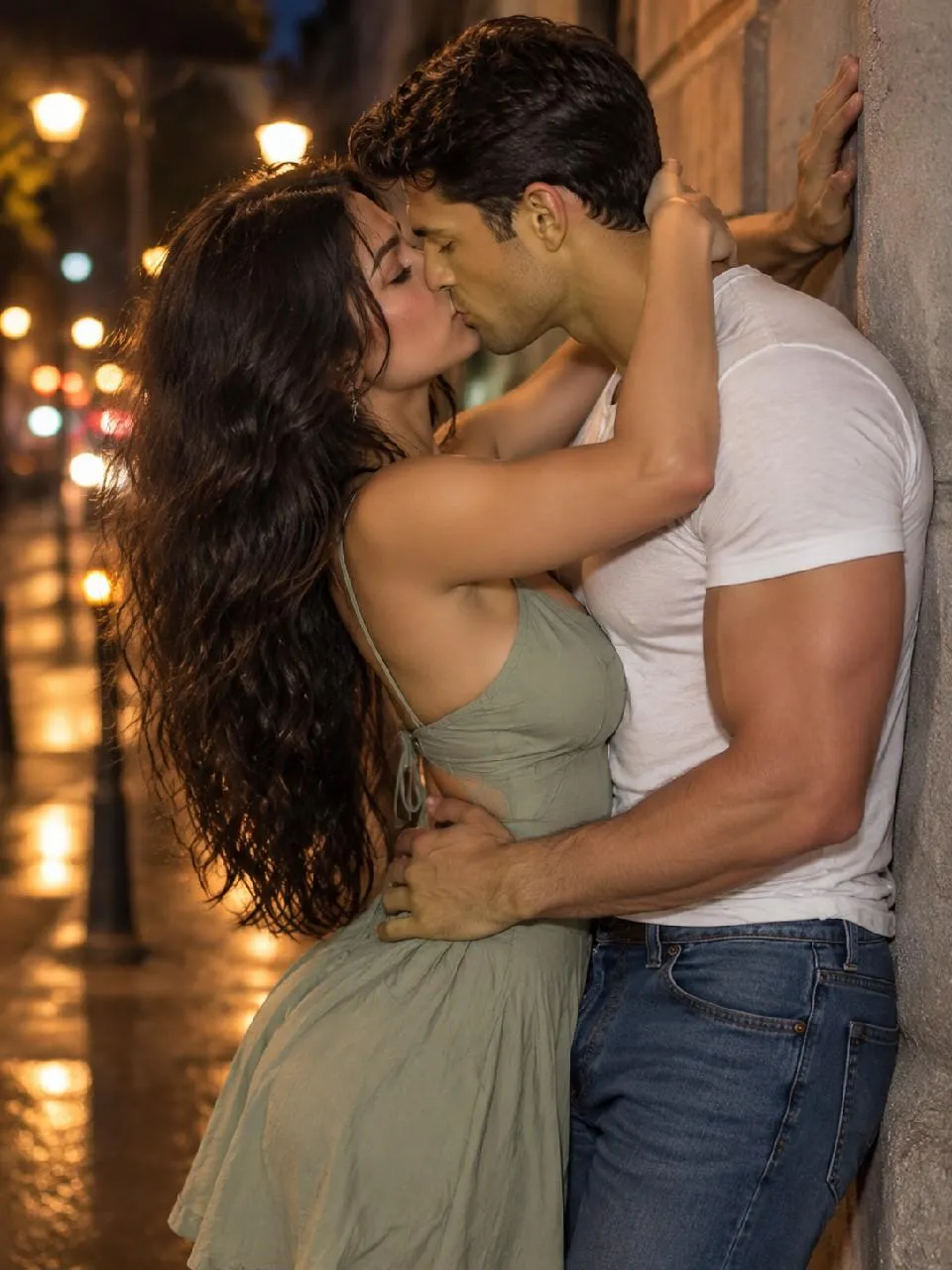
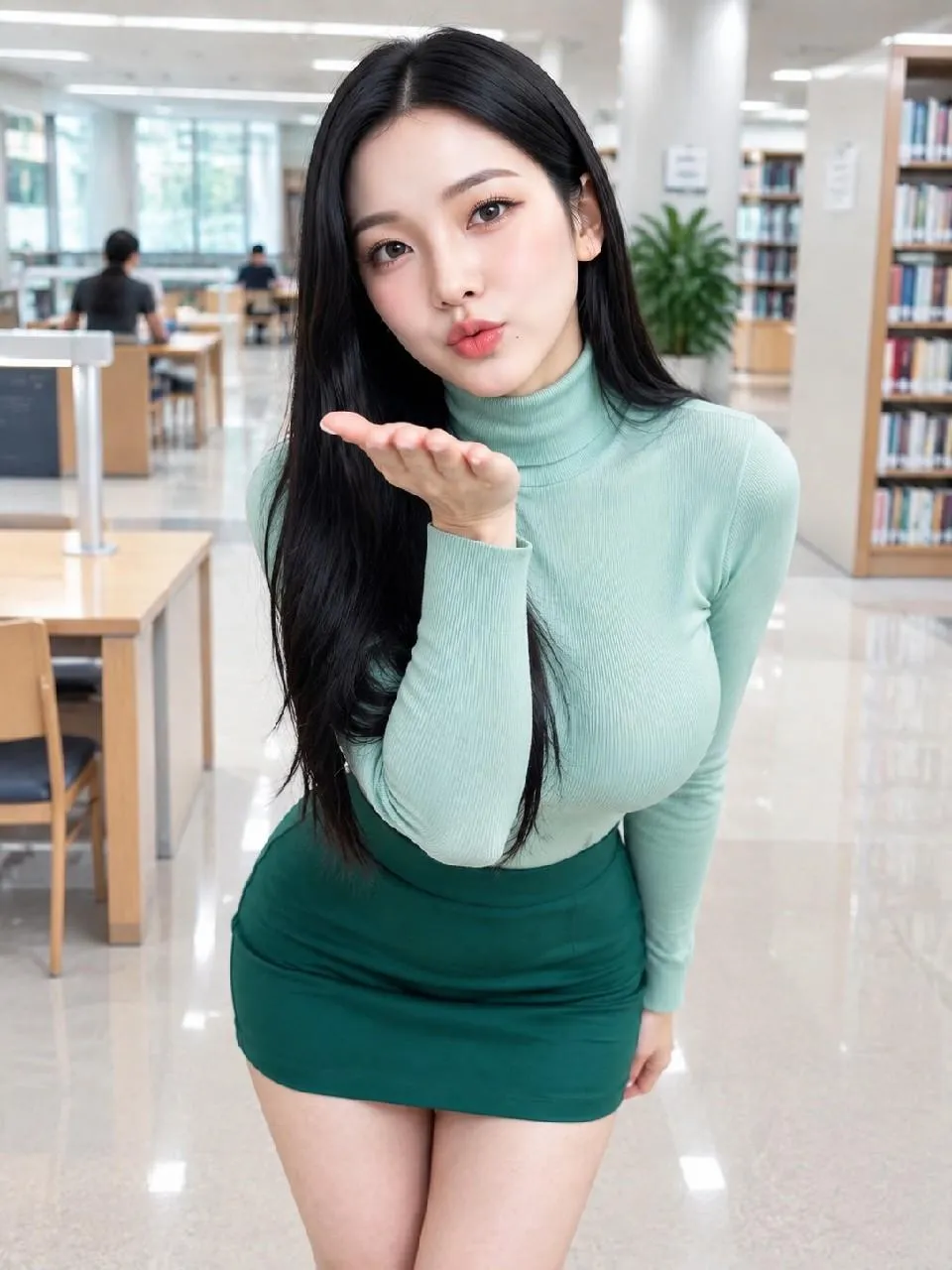
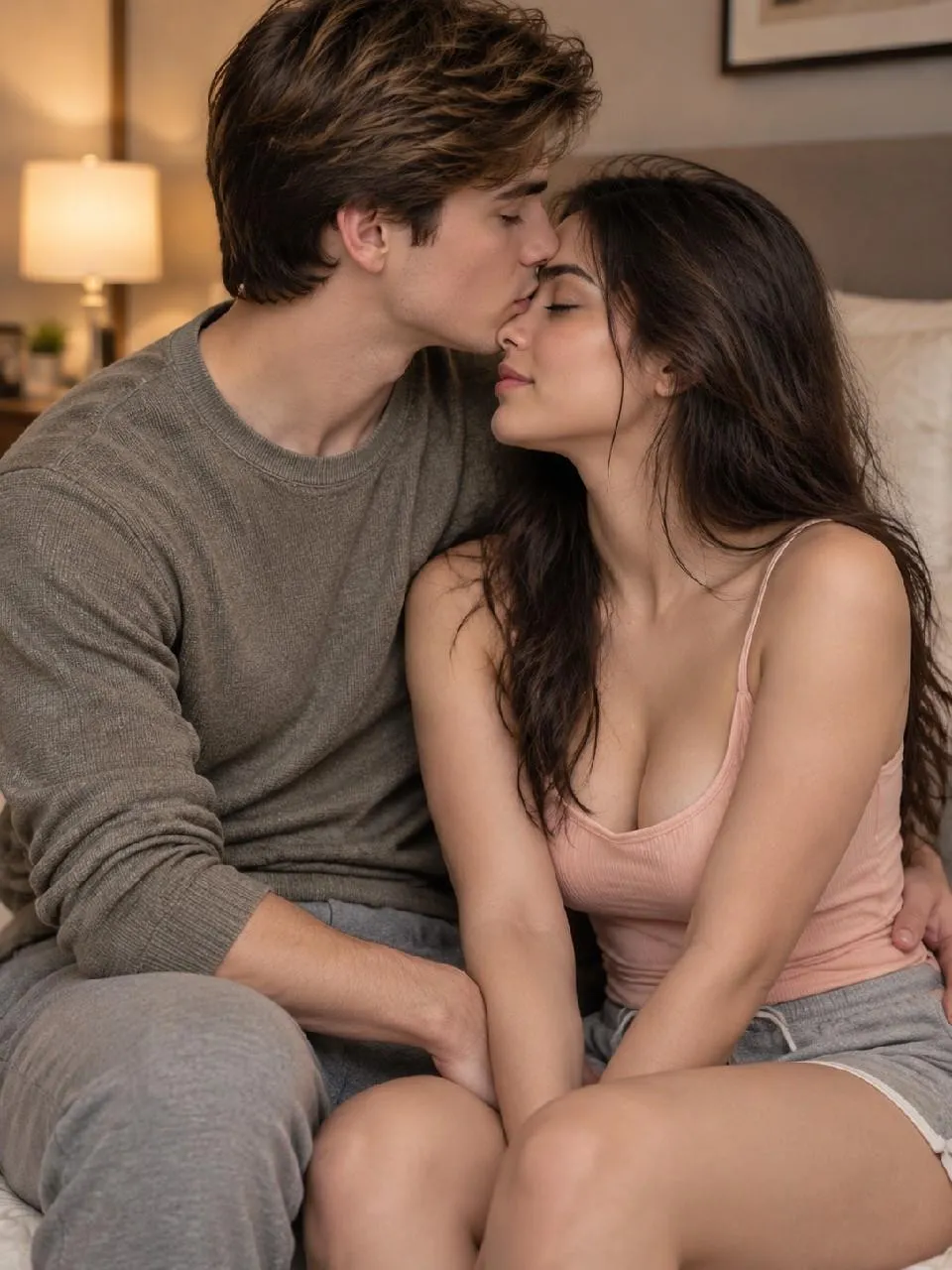
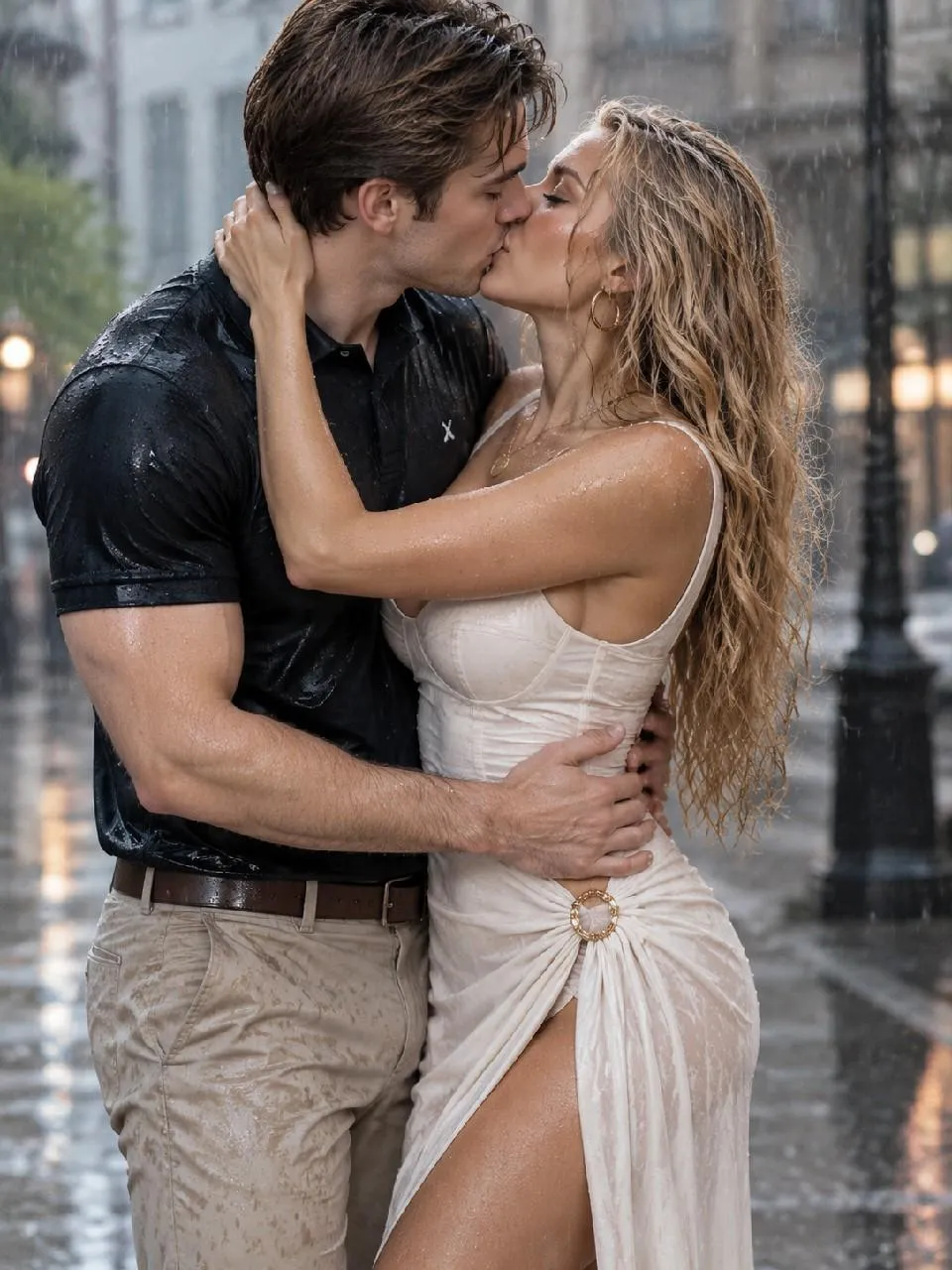
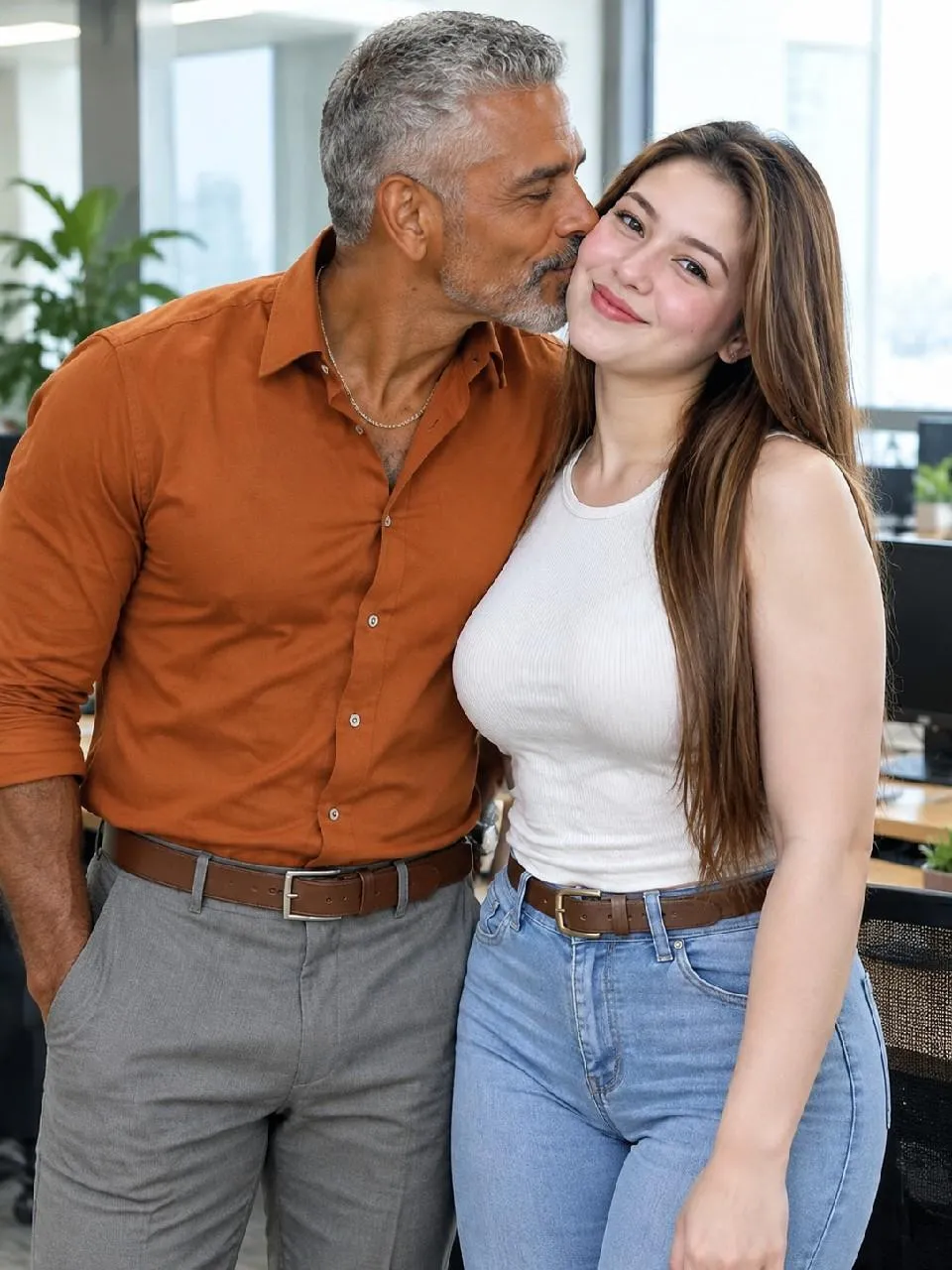
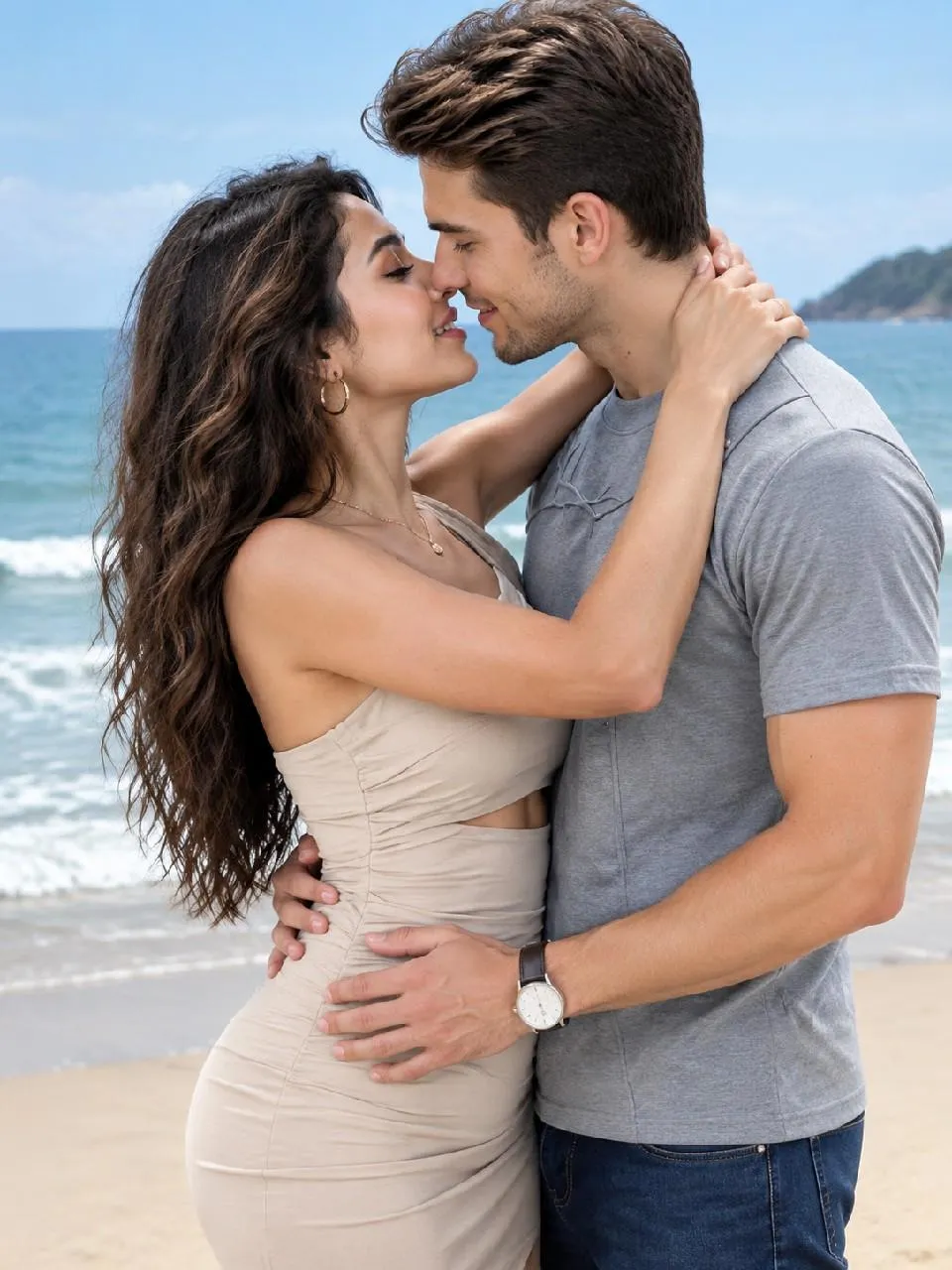
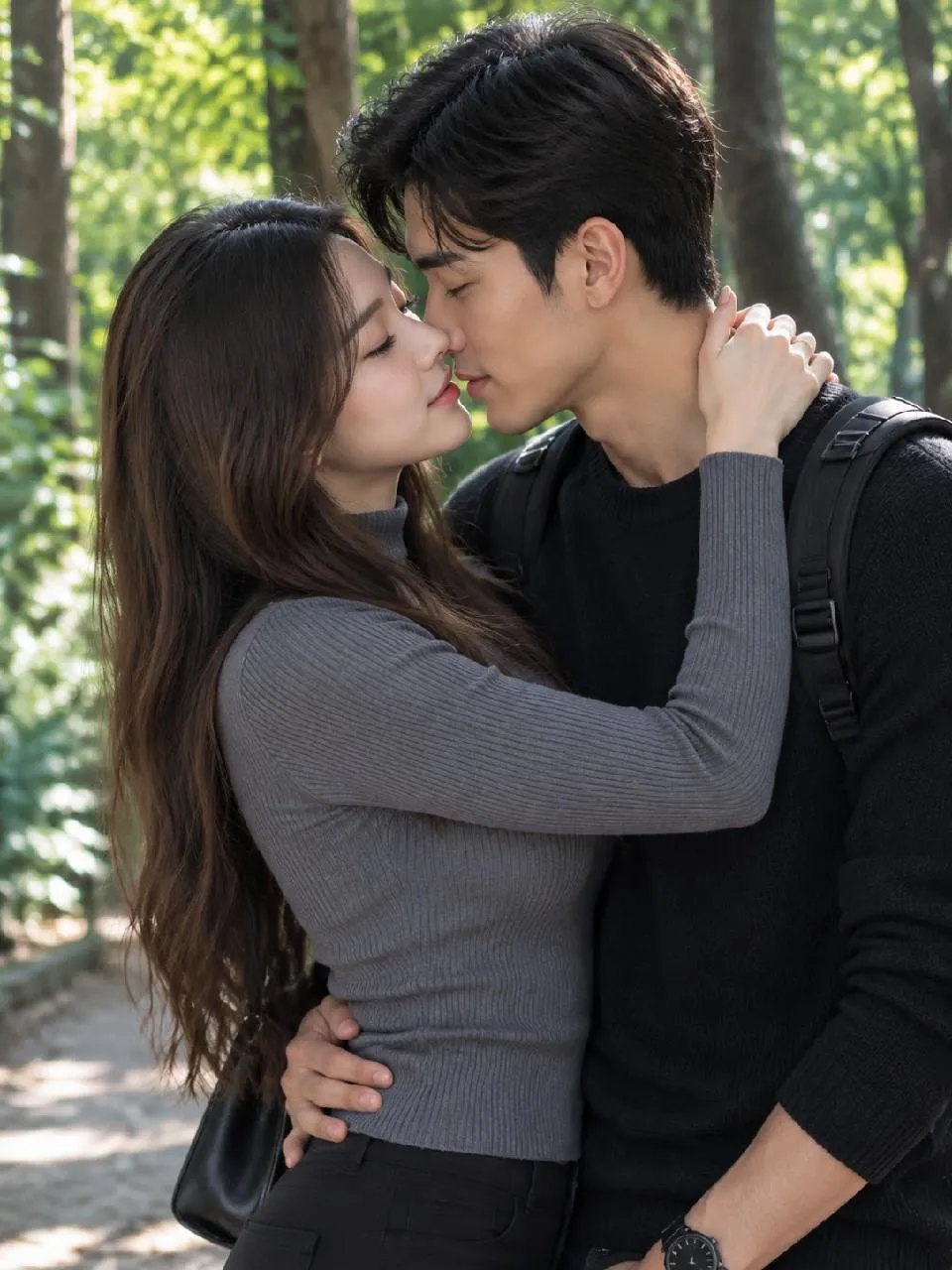
Choose an image style and use it as a starting point for your next kiss image.
I love being able to try different outfits without taking new photos every time. It's a fun and easy way to explore new looks!
Really enjoy experimenting with different clothing styles. It's amazing how easily I can transform an outfit in an existing photo.
This is such a handy tool for exploring outfit ideas. I can preview different styles and get inspiration for my next look!
I've tried several AI image editing tools, and I like how straightforward this one is. Changing clothing styles in photos is quick and convenient.
Sometimes I want to see how a different outfit would look in a photo. Kissee makes that incredibly easy. Love experimenting with different styles!
It's fun to explore different fashion concepts using AI. I can experiment with clothing combinations and create new visual ideas without complicated editing.
You can start an adult outfit edit online for free. Upload an authorized photo, write your own outfit prompt, then review the available settings before creating an image.
Choose a clear adult photo with the face, pose, and clothing visible. Describe which details should remain recognizable and which clothing details should change.
Only if that adult has explicitly agreed to this intimate use of their likeness. A public photo or a photo you can download is not permission to edit it.
Name the garment, fabric, color, lighting, background, and framing. For example, ask for a satin robe in warm lamplight or an eveningwear portrait with a close crop.
Yes. Use an original adult character image that you own or have permission to edit, then describe the costume change and the story setting.
For a moving scene, use Kissee's Uncensored AI Video Generator. This page is for still images.
Upload two portraits or a couple photo, choose a kiss template, and create a video to download and share.