A Kiss with Your Dream Partner
Some scenes are just for you. Pair your portrait with an image of a fictional partner and make the kiss you've pictured in your head. It could be a quiet evening together or the ending to your own romance.

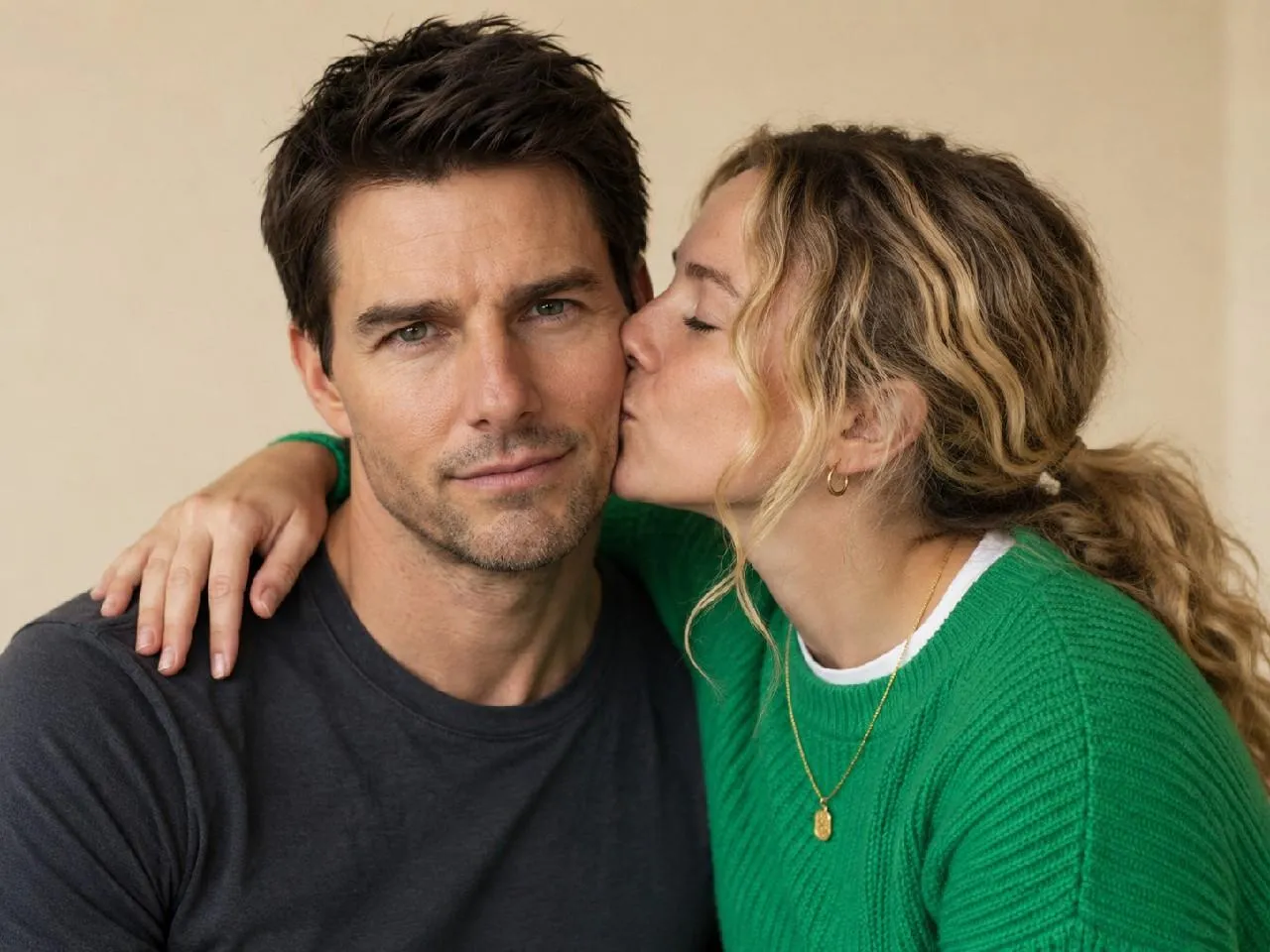
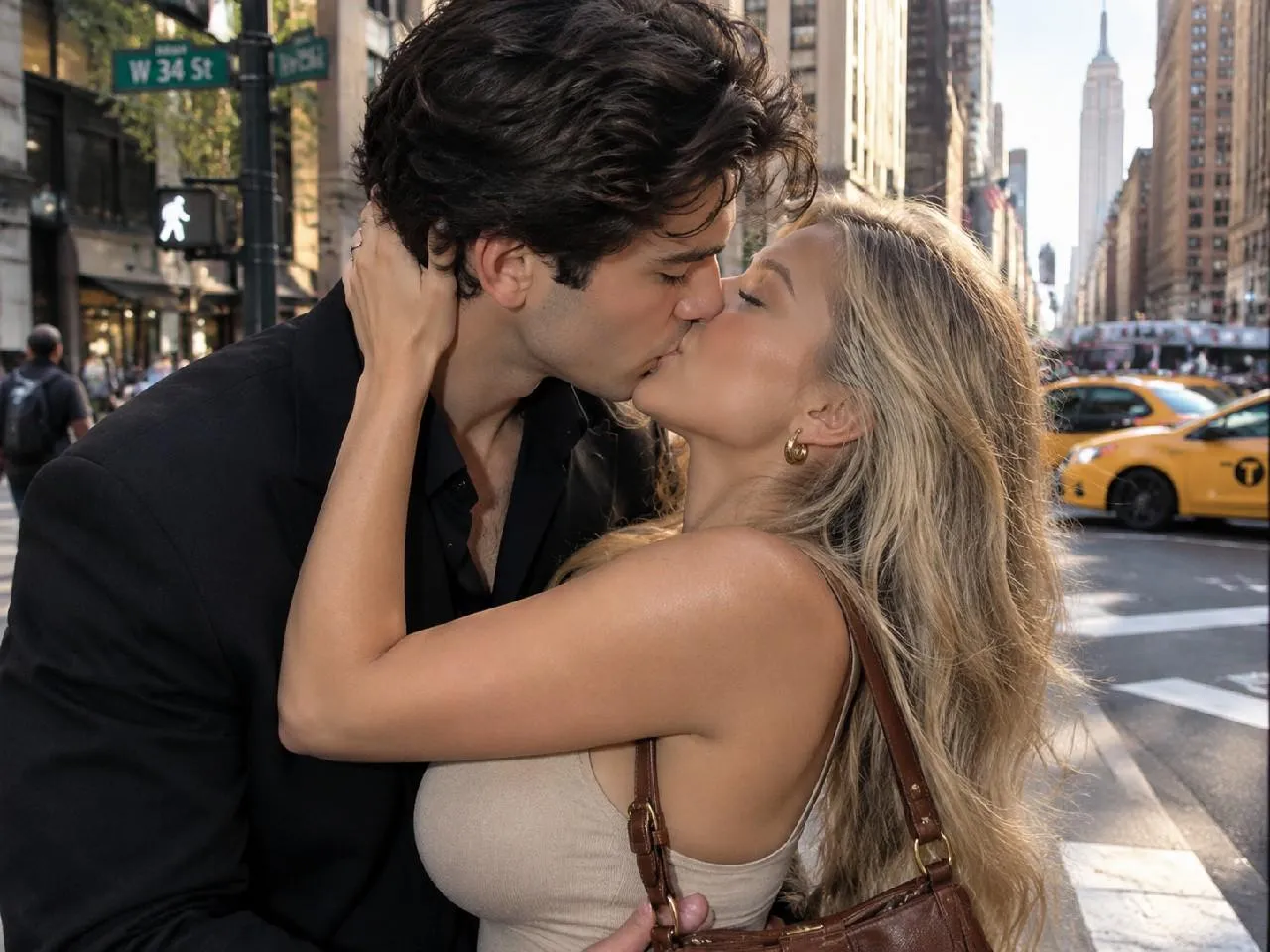
Turn a couple photo or two portraits into a French kiss video. Make an anniversary surprise, add a scene to your wedding montage, or see a kiss you've only imagined.
Kissee's AI French kiss video generator turns a couple photo or two separate portraits into a short kissing scene. The people in your photos don't need to be kissing already. Use it to reimagine a moment you didn't film, make a personal gift, or create a new scene for a love story video.
One couple photo or two separate portraits.
No kissing pose needed in the original photo.
A short video made from the photos you choose.
A small surprise for someone you love, or a scene from your imagination. Here are a few places to start.
Some scenes are just for you. Pair your portrait with an image of a fictional partner and make the kiss you've pictured in your head. It could be a quiet evening together or the ending to your own romance.

You have a wedding photo you love, but no video of that moment. Reimagine it as a French kiss scene, then add the clip to an anniversary message or a Valentine's Day surprise. You don't have to stage the occasion all over again.

Keep the photos that tell your story, then add short kissing clips between them. Create a few scenes in Kissee and arrange them with music, captions, and existing footage in a video editor. Build a wedding montage or anniversary film one scene at a time.
Start with your photos. Choose a scene, then let Kissee create the kiss.

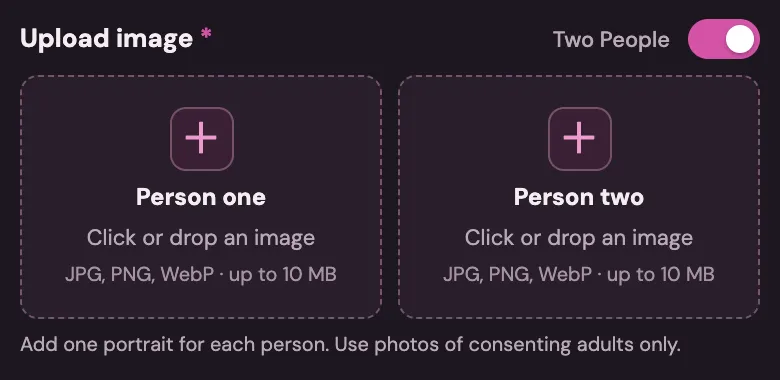
Add one couple photo or a separate portrait of each person. Choose clear faces and similar lighting where possible. Use photos of consenting adults that you have permission to use.

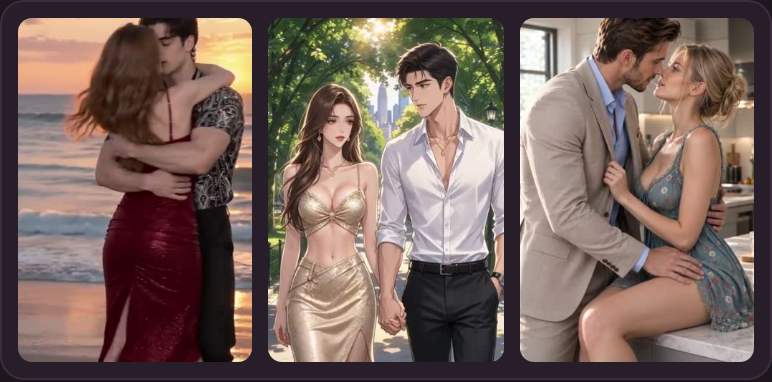
Choose a French kiss preset that fits the video you want to make. You can start with a ready-made scene without writing a prompt from scratch.

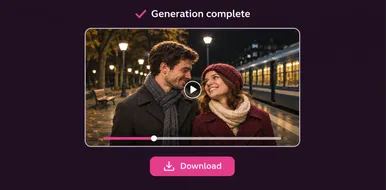
Click Generate to turn your photos into a French kiss video. Watch the result and choose how you want to use it: as a personal surprise or a scene in a longer edit.
Start with photos you already like and make a scene you wouldn't normally have on video.
Use an everyday couple photo or two portraits. There's no need to find someone to hold the camera, pose for a kiss, or arrange another photo shoot.
A lingering kiss might be right for an anniversary surprise. A closer embrace could suit the ending of a wedding montage. Pick a scene with the feeling you want to share.
Use one short video on its own, or work it into a longer edit. Add your photos, music, and a message in a video editor to make the finished piece personal.
Make another scene for your video, or try a different way to start.
I could choose a close-up without losing the little pause before the kiss. That made the scene feel more personal.
Starting from one couple photo was straightforward, and the French Kiss style gave me a clear direction.
I compared a few kiss styles before picking the slower moment for my anniversary edit.
Yes. Add one portrait of each person with Two People enabled. If you already have a photo together, turn that option off and use the couple photo instead.
Use a portrait of yourself and an image of a fictional adult partner as your two photos. Choose the kiss scene you have in mind and generate the video. You supply the two people; Kissee creates the scene from their images.
Choose clear photos with visible faces and good lighting. Avoid faces hidden by sunglasses, hands, or heavy filters. The people don't need to be kissing in the original images; a portrait or an ordinary couple photo is a useful starting point.
Create the individual clips in Kissee, then combine them with photos and music in a video editor. Put the scenes in the order you want, add a title or message, and trim the clips to fit your soundtrack.
The terms overlap. French kiss and tongue kiss usually refer to the same kind of kiss; deep kiss describes a more intense or lingering moment. Kissee groups these related presets on one page so you can choose the scene you want to make.
Upload two portraits or a couple photo, choose a kiss template, and create a video to download and share.