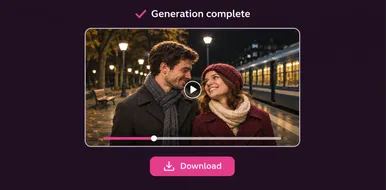
AI Wedding Kiss Generator

Turn the wedding photo you keep coming back to into a kiss video. Make a new scene for your anniversary, or imagine the wedding moment you're still counting down to.

01Upload your photos
Two People

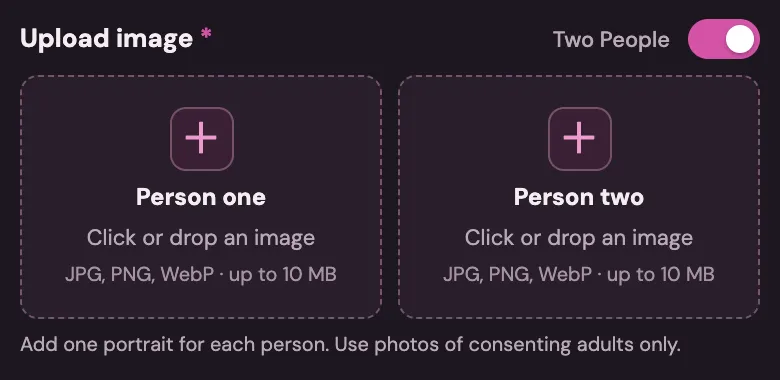
Person oneClick or drop an imageJPG, PNG, WebP · up to 10 MB

Person twoClick or drop an imageJPG, PNG, WebP · up to 10 MB

02Choose a kiss style
Edit prompt, model & settings
03Generate your AI Kiss video

What Is an AI Wedding Kiss Generator?

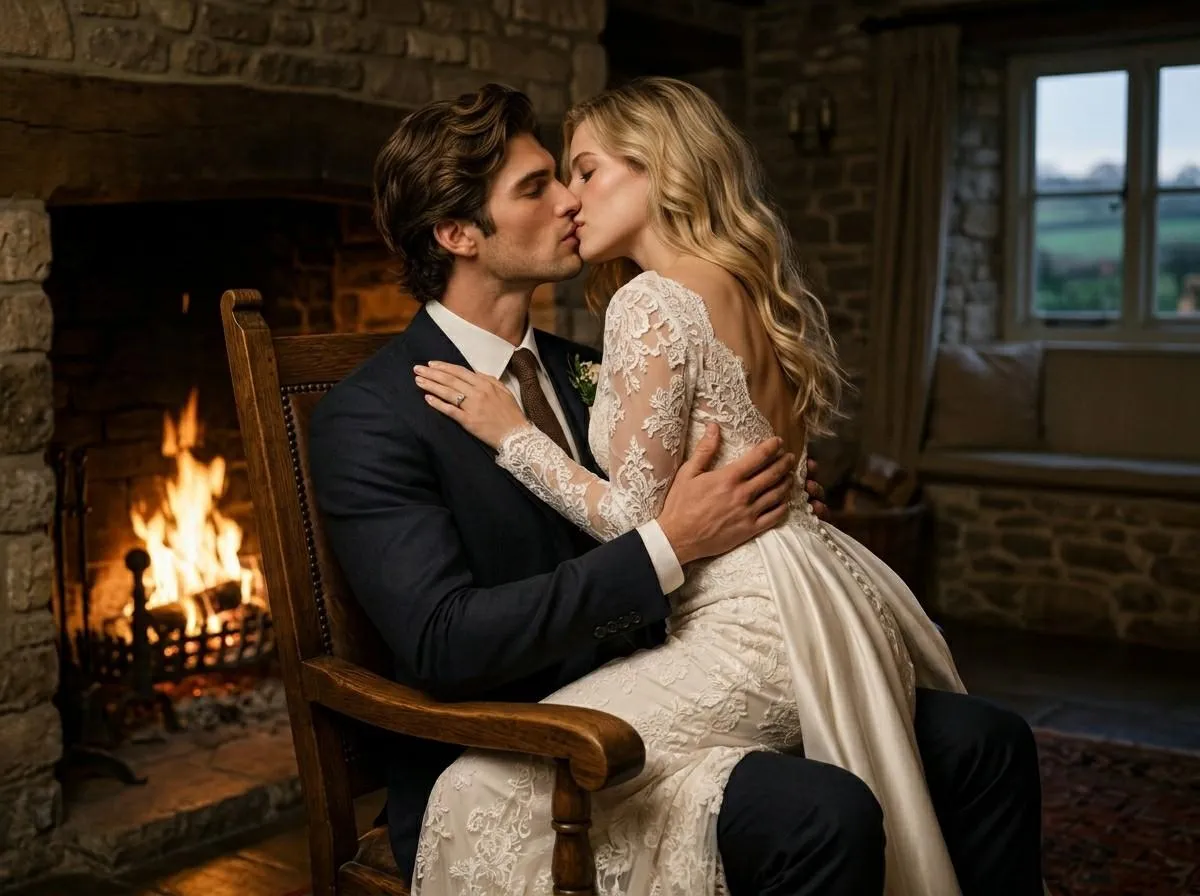
Kissee's AI wedding kiss generator creates a short wedding kissing video from a couple photo or two portraits. Choose a ceremony or reception scene, and let a smile lead into a kiss. The result is a new AI scene you can use in an anniversary message, a wedding announcement, or a film about the two of you.

  1. 01

    The photo

    Start with a wedding photo, a couple photo, or two portraits.

  2. 02

    The setting

    Choose a ceremony or reception setting for the kiss.

  3. 03

    The moment

    Use the clip on its own or as part of your wedding edit.

A Wedding Kiss for Your Next Chapter

Whether you're planning the day or celebrating another year together, make a little something from the photos you love.

01 / USE CASE

An Anniversary Gift from Your Wedding Album

You may have a whole album and very little video of the two of you. Choose a favorite wedding portrait and create a new kiss scene from it. Send it with an anniversary note, or add it to a film of your years together.

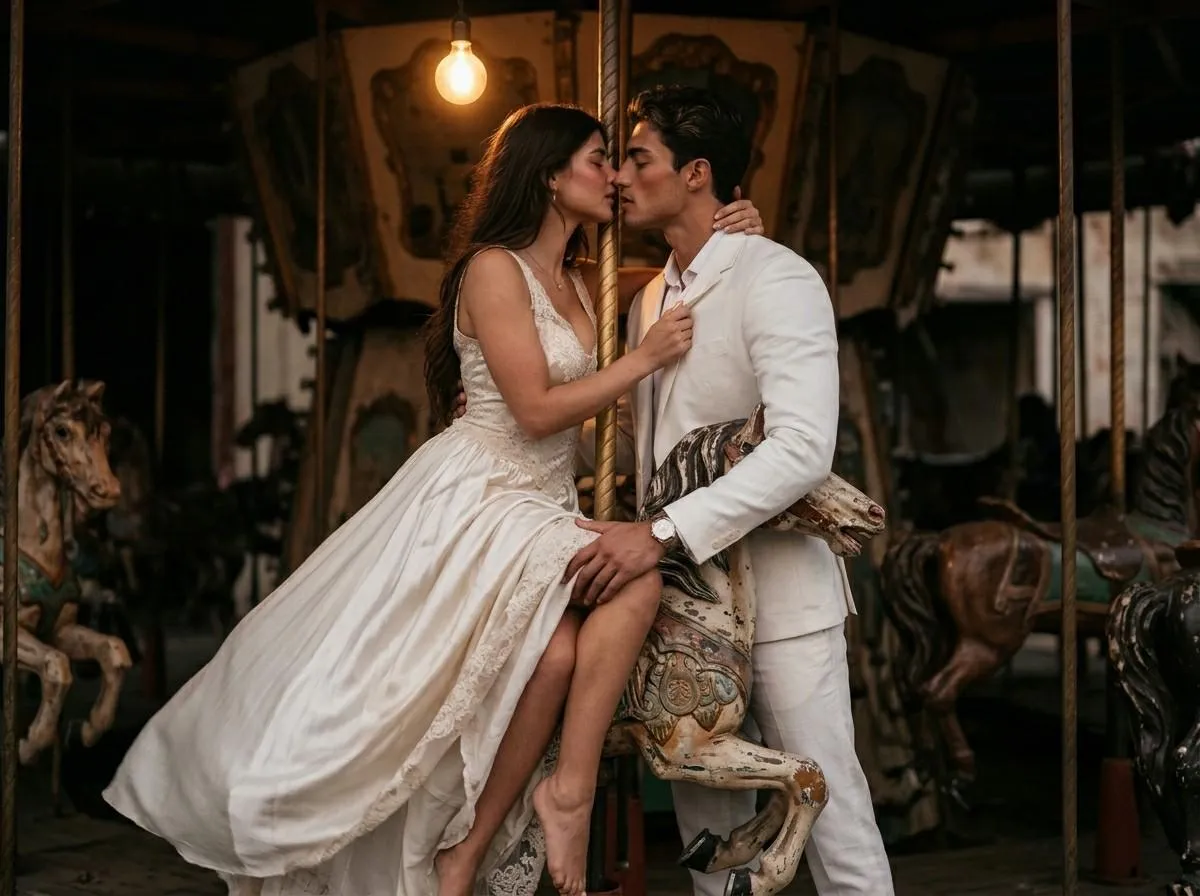
An Anniversary Gift from Your Wedding Album scene
02 / USE CASE

A Personal Save the Date

Make a wedding kiss clip from an engagement photo or two portraits. Add your names and wedding date in a video editor, then send it to the people you want beside you. It gives your announcement a moment to look forward to.

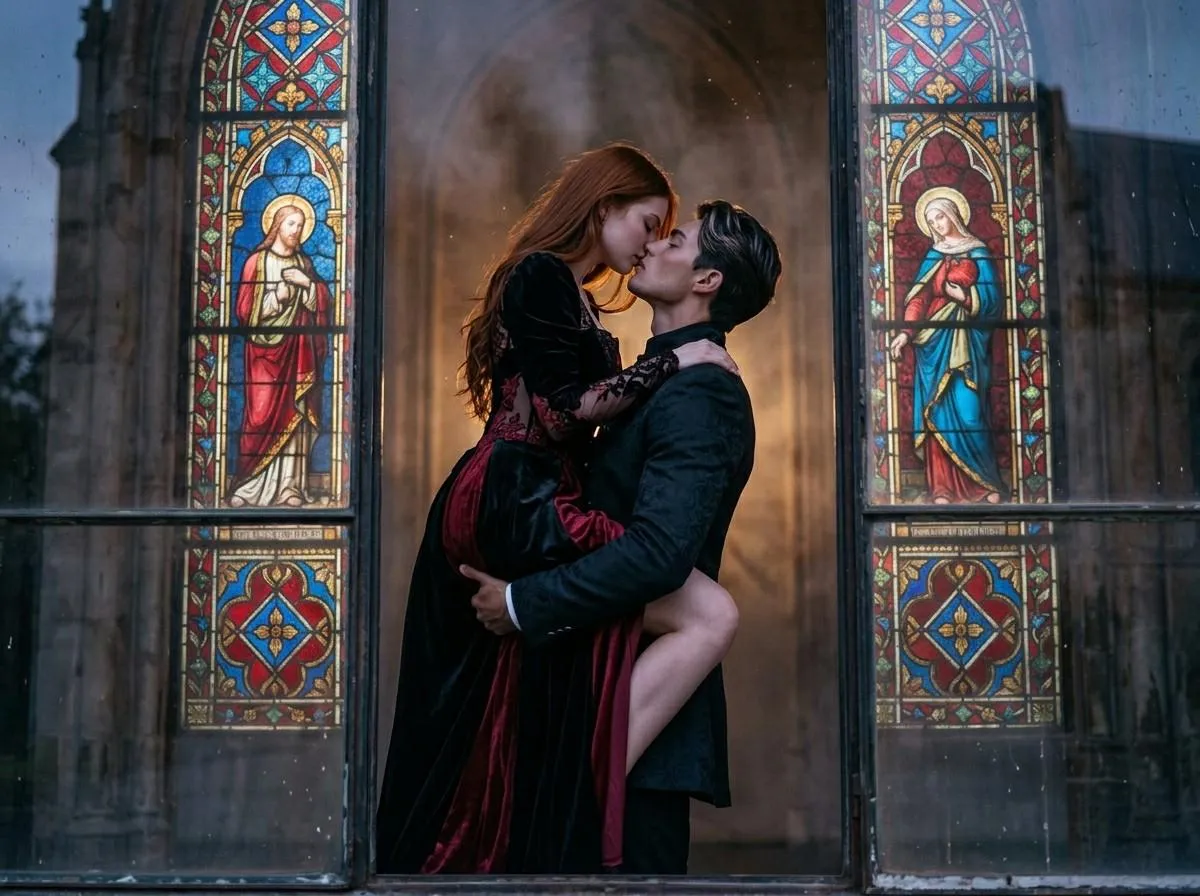
A Personal Save the Date scene
03 / USE CASE

The Wedding You've Been Imagining

Picture your kiss in a garden, along a ceremony aisle, or at a quiet reception. Use photos of you and your partner to try the scene before the day arrives. For a fictional wedding story, start with images of adult characters and create the kiss that closes the scene.

The Wedding You've Been Imagining scene

How to Make a Wedding Kiss Video from Photos

Choose the couple, find the setting, and create your wedding kiss scene.

01
Upload fields for two portraits or one couple photo

Step 1. Choose Your Photos

Upload a wedding or engagement photo showing both people, or add one portrait of each person. Look for clear faces without a veil or bouquet covering them. Use photos of consenting adults that you have permission to use.

02
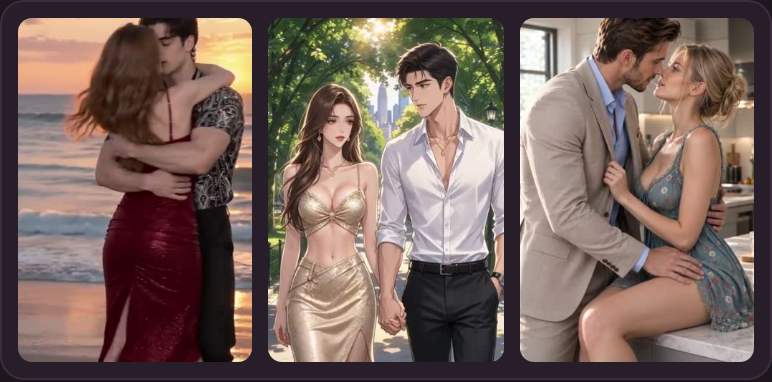
Three AI kiss template previews

Step 2. Choose the Wedding Kiss Scene

Select the Wedding Kiss template and a setting that fits your idea. A garden, ceremony aisle, or reception backdrop gives the couple a place to share the kiss.

03
Illustrative AI kiss video preview

Step 3. Generate Your Wedding Kiss

Click Generate to create the scene from your photos. Watch the clip, then send it to your partner or bring it into a video editor for your announcement or anniversary film.

Set up your Wedding Kiss video

Why Make Your Wedding Kiss Video with Kissee?

Give a photo from your camera roll or wedding album a new place in your celebrations.

Begin with a Photo You Love

Use a wedding portrait you've kept for years or an engagement photo taken last week. Two separate portraits work too, so you can start before you have a wedding album.

Keep the Kiss at the Center

Choose a close-framed wedding scene that moves from a smile to the kiss. A simple setting leaves room for the couple and the moment you want the video to be about.

A Short Clip for a Bigger Celebration

Use the wedding kiss as a standalone message or the closing scene of a longer edit. Add your own vows, dates, or song in your video editor to connect it to your story.

More Romantic Scenes for the Two of You

Create another moment for your anniversary message or the next part of your film.

Wedding Kiss Video: Creator Perspectives

Review 3 of 3

Questions About Making Your Wedding Kiss Video

Can I use a wedding photo of us together?

Yes. Turn Two People off and upload one photo showing both of you. Choose an image where both faces are visible. A wedding portrait or an engagement photo can be a good starting point.

Can I make a wedding kiss video from separate portraits?

Yes. Keep Two People enabled and upload one clear portrait of each person. You can use this setup if you don't have a photo together yet.

Can I choose a different wedding setting?

Yes. Choose a scene reference such as a garden, rooftop, or reception. Pick the one that suits the wedding moment you have in mind, whether it is for an announcement or an anniversary.

Do we need to be kissing in the original photo?

No. An ordinary portrait or a photo of you standing together can be the starting point. The selected wedding scene supplies the movement toward the kiss.

Can I use the clip in an invitation or anniversary video?

Yes. Create the kiss clip in Kissee, then add it to your video editor. Combine it with photos, names, dates, music, or a personal message to make the invitation or keepsake your own.
Create Your AI Kiss Video Online

Upload two portraits or a couple photo, choose a kiss template, and create a video to download and share.