AI Cheek Kiss Generator

Send a kiss with the words you were going to text. Turn a couple photo or two portraits into a cheek kiss video, whether you're saying thanks or wishing them luck.

01Upload your photos
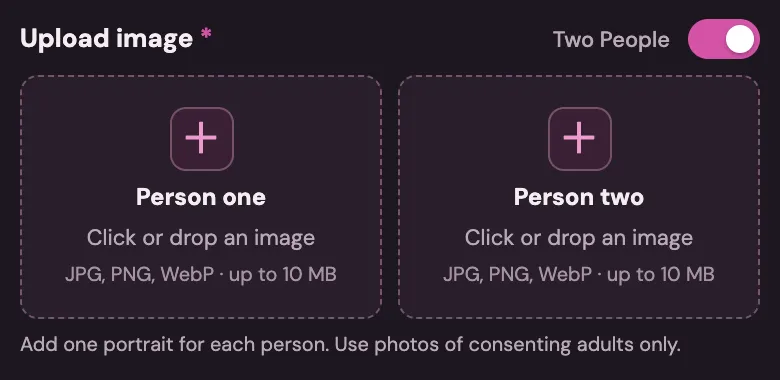
Two People

Person oneClick or drop an imageJPG, PNG, WebP · up to 10 MB

Person twoClick or drop an imageJPG, PNG, WebP · up to 10 MB

02Choose a kiss style
Edit prompt, model & settings
03Generate your AI Kiss video

What Is an AI Cheek Kiss Generator?

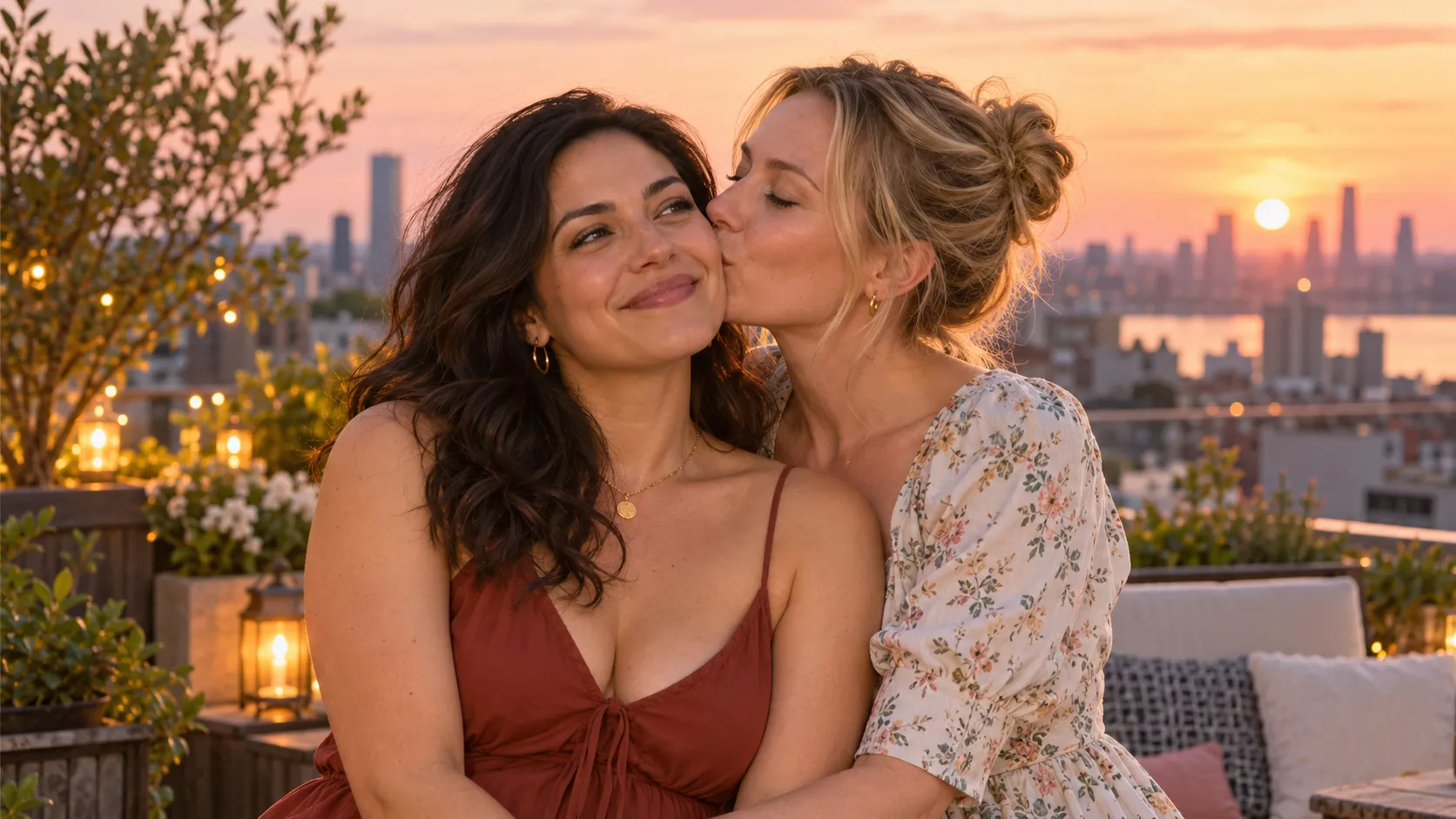
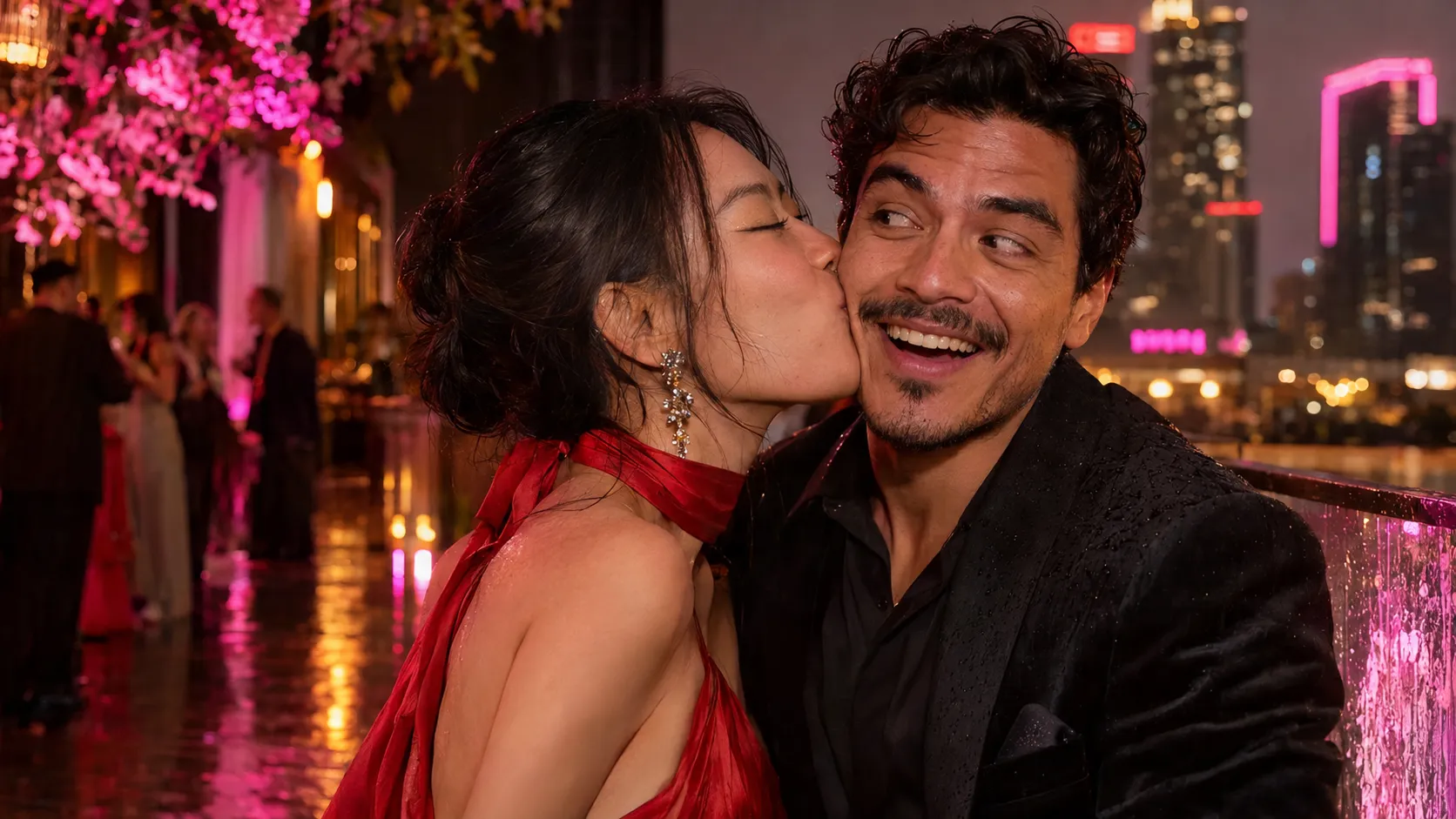
Kissee's AI cheek kiss generator turns a couple photo or two portraits into a short kiss-on-the-cheek video. Build the scene around one person leaning in for a quick kiss and the other's smile. Use it to say thank you, send a little encouragement, or give a favorite photo a new moment.

  1. 01

    The people

    Start with a couple photo or two separate portraits.

  2. 02

    The cheek kiss

    Make a brief kiss on the cheek the focus of the scene.

  3. 03

    The message

    Send the clip on its own or add it to a personal message.

What Would You Like Your Kiss to Say?

Make a cheek kiss for a small kindness, a special date, or a romantic scene you've been imagining.

01 / USE CASE

A Thank-You with a Kiss

For the lift home, the late-night phone call, or the way they knew you needed cheering up. Make a cheek kiss video from your photos and send it with a few words about what they did. A small kindness deserves a personal thank-you.

A Thank-You with a Kiss scene
02 / USE CASE

An Anniversary Full of Everyday Moments

Use the photos you rarely print: a coffee run, a laughing selfie, a weekend on the sofa. Turn one into a cheek kiss clip and add it to an anniversary or Valentine's Day video. Those ordinary days belong in your love story too.

An Anniversary Full of Everyday Moments scene
03 / USE CASE

The First Kiss in Your Own Story

Pair your portrait with an image of a fictional adult partner, or create a scene between two original adult characters. A shy kiss on the cheek can close a first date or follow a confession. Build a longer romance around it with other clips in your editor.

The First Kiss in Your Own Story scene

How to Make a Cheek Kiss Video from Photos

Choose the people, describe the little kiss, and create your clip.

01
Upload fields for two portraits or one couple photo

Step 1. Add Your Photos

Upload a couple photo or one portrait of each person. Choose clear faces with the cheeks visible. Use photos of consenting adults that you have permission to use.

02
Three AI kiss template previews

Step 2. Set Up the Cheek Kiss

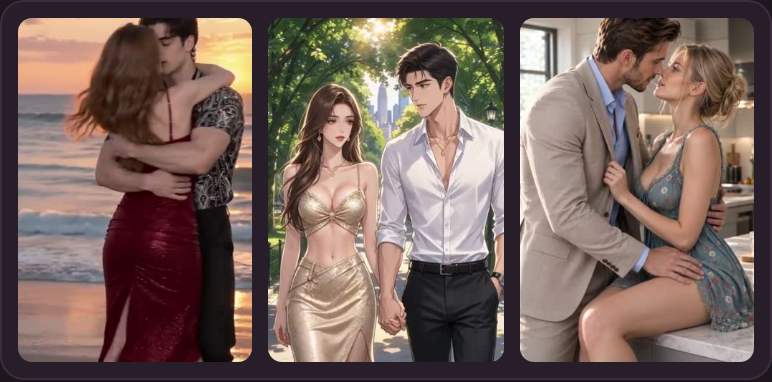
Describe one person leaning in to give the other a brief kiss on the cheek, followed by a smile. Keep both faces in the frame and the movement simple so the gesture is easy to see.

03
Illustrative AI kiss video preview

Step 3. Generate Your Video

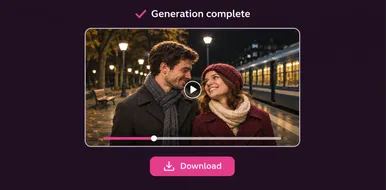
Click Generate to create the scene from your photos. Watch the result, then choose a clip to send or use in your edit. You can refine the scene description and try another version if needed.

Set up your kiss scene

Why Make Your Cheek Kiss Video with Kissee?

Start with photos you already have and make a short clip for someone you care about.

No Kiss Photo Needed

Start with a selfie together or two separate portraits. You don't need to have caught a cheek kiss on camera, or ask someone else to film one. Your photos are the starting point for a new scene.

A Gesture That Fits a Short Message

A quick peck on the cheek gives you a simple scene for a greeting, a good luck note, or an everyday 'love you.' You can keep the clip brief and let your words give it context.

Something to Add to Your Photo Story

Use the kiss clip between still photos in a birthday or anniversary edit. A shared joke or a line from your song can connect it to the rest of the story. Add those touches in your video editor.

More Kiss Ideas for Someone You Love

Try another small gesture, or make a different kind of romantic scene.

Cheek Kiss Video: Creator Perspectives

Review 3 of 3

Questions About Making Cheek Kiss Videos

Can I make a cheek kiss video from two separate photos?

Yes. Use one portrait of each person to bring them into the same scene. You can also start with a couple photo. Choose similar framing where possible to give both faces a clear starting point.

What photos work well for a cheek kiss video?

Use sharp, well-lit images where both faces and the cheek area are visible. Avoid hair, hands, or other objects covering the face. A slight turn of the head can give the cheek room in the frame.

Do we need to be kissing in the original photo?

No. A regular couple photo or two portraits can be your starting point. Describe the cheek kiss you want to create; you don't need a photo of that exact gesture.

How should I describe the cheek kiss?

Keep it specific: one person leans toward the other's cheek, gives a brief kiss, then pulls back slightly as the other person smiles. Ask for both faces to stay visible and keep the setting simple.

Can I use the clip in a birthday or anniversary video?

Yes. Create the cheek kiss clip in Kissee, then combine it with photos or other footage in a video editor. Add your captions and music there to make a video card, a slideshow, or a longer romantic story.

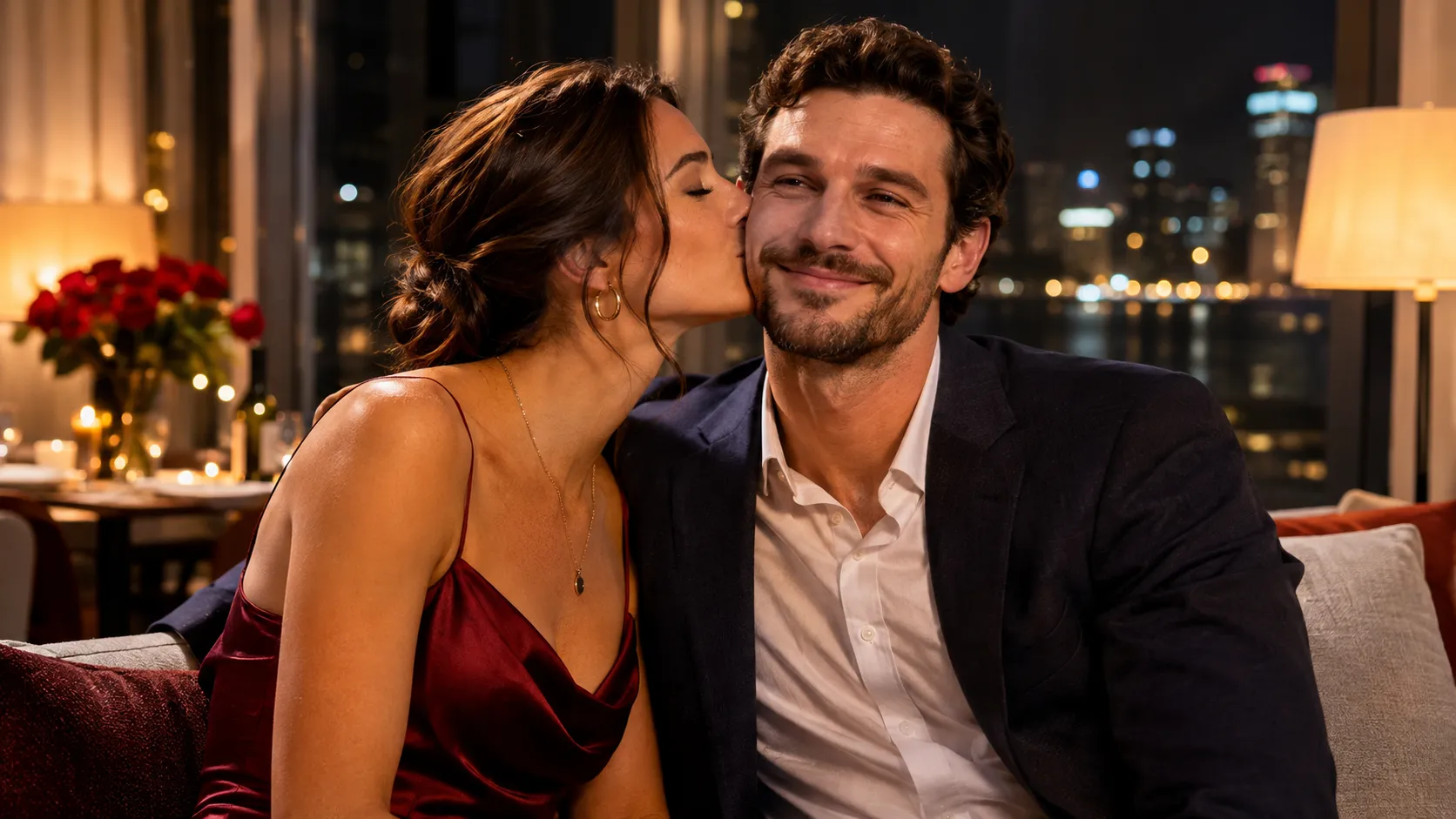
Create Your AI Kiss Video Online

Upload two portraits or a couple photo, choose a kiss template, and create a video to download and share.