01 / SCENE
The First-Date Pause
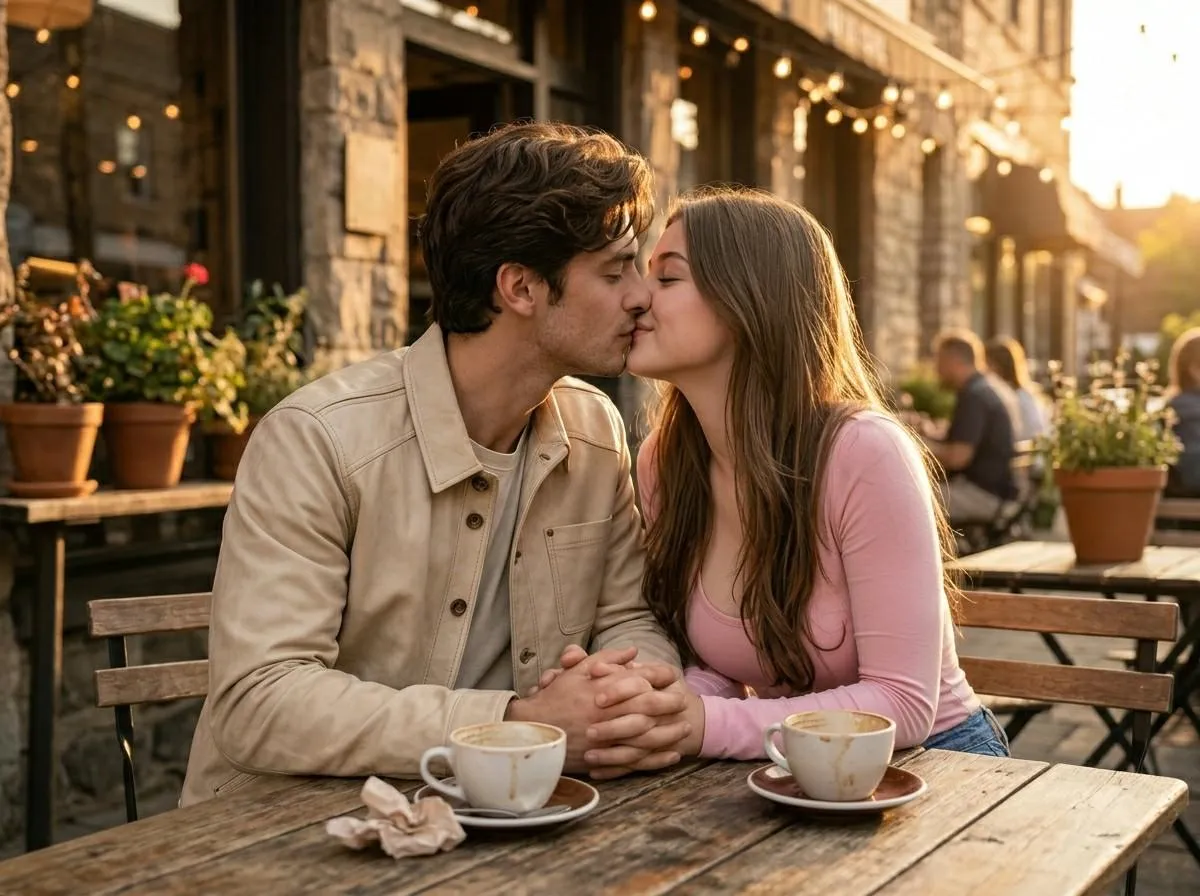
The coffee is finished, but neither wants to leave. Their hands meet across the table, a smile lingers, and the first kiss answers the question neither has asked.
 Kissee
Try Kissee's romantic kissing generator online. Add two adult portraits or one couple photo, then compare moving kiss templates to find a moment that feels like yours.
A romantic AI kiss video is a short scene where the relationship sets the pace. A look across a table, a walk by the sea, or a long-awaited hug leads into the kiss. Kissee lets you set up adult photos and compare playable scene templates before choosing the mood you want.
A date, a goodbye, or a return home makes the kiss part of a story.
A hand reaching across the table or a hug gives the movement a natural start.
Keep the camera close enough to catch their expressions after the kiss.
Each setting changes what happens just before the kiss: a first date, a quiet walk, or a return after time apart.
The coffee is finished, but neither wants to leave. Their hands meet across the table, a smile lingers, and the first kiss answers the question neither has asked.
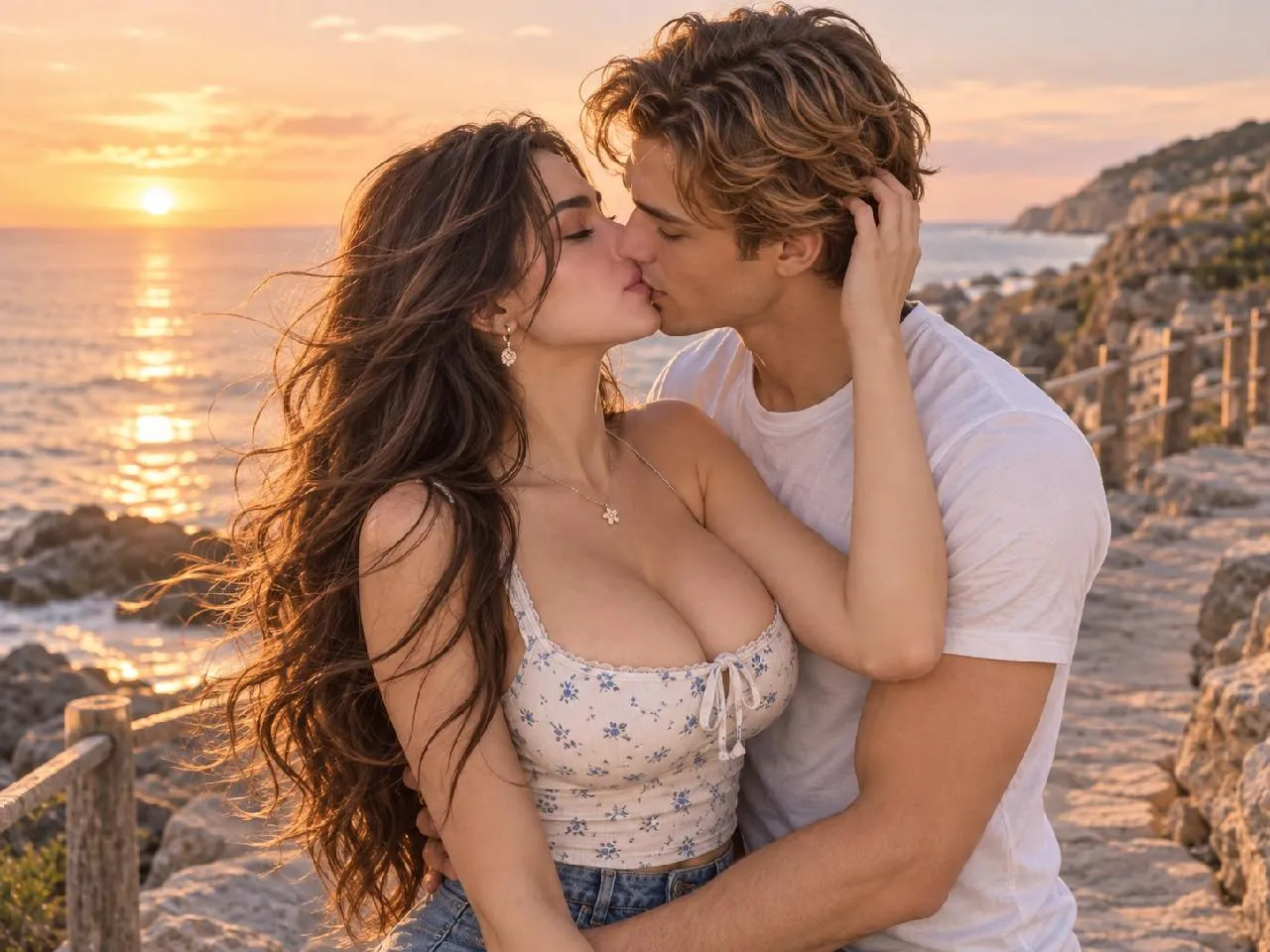
They stop where the last light catches the sea. One brushes windblown hair away, and a gentle kiss interrupts the walk before they turn back.
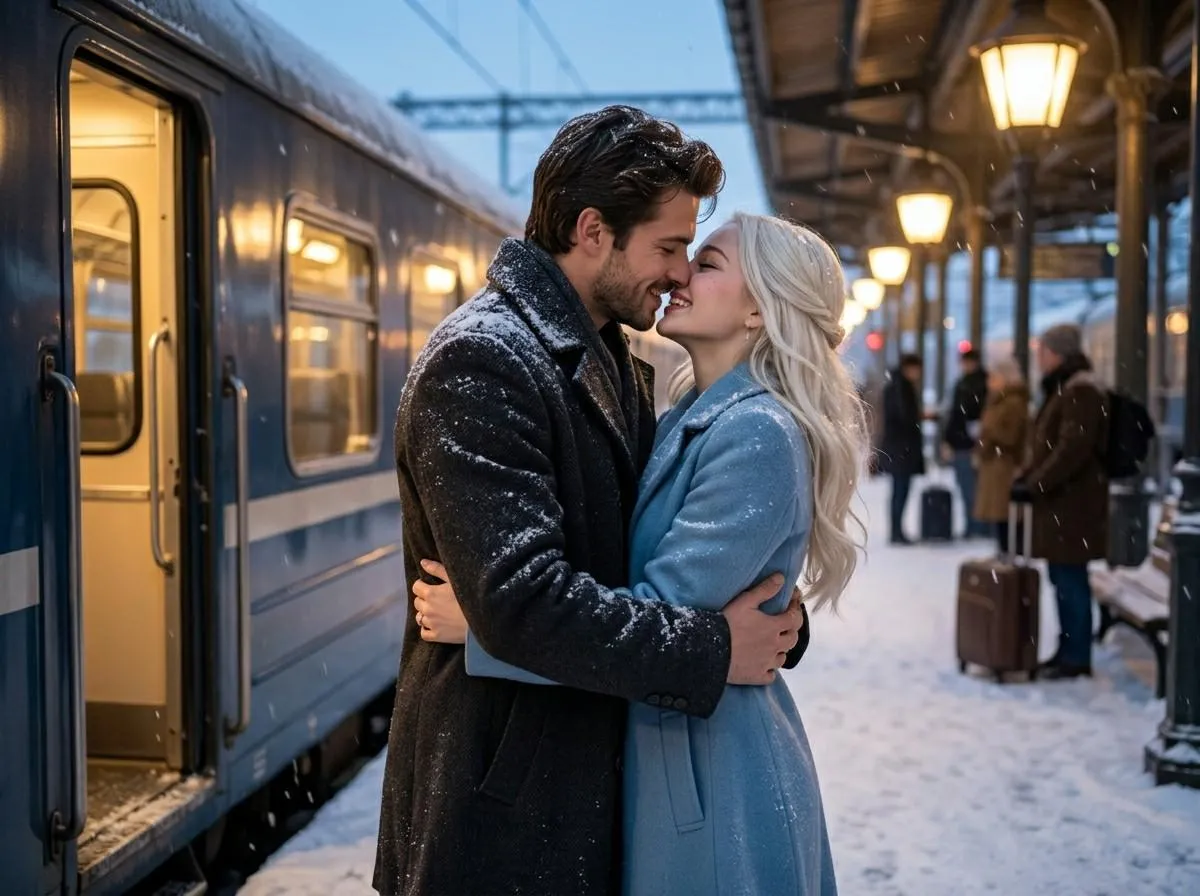
The train arrives through the snow. Their first hug lasts a little longer than expected; the kiss comes before either finds the right words.
Choose who appears, find a setting that suits them, and see how the template moves.
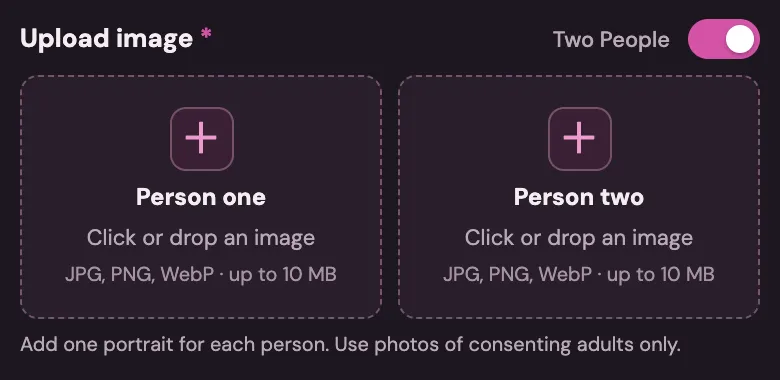
Upload two authorized adult portraits, or switch to one photo of the couple.
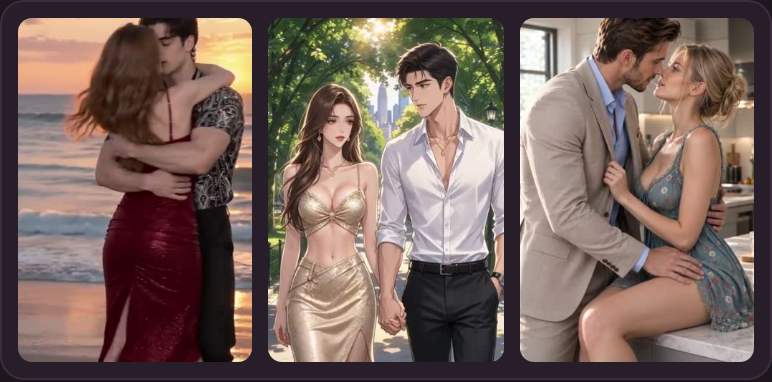
Compare the setting and gesture in the template strip, then pick the one that fits your story.
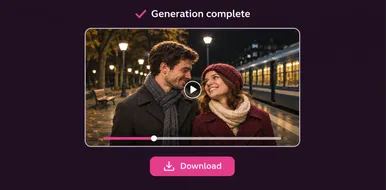
Open the moving preview to check its pace and framing before choosing a style.
See how the same simple gesture changes with the setting, the people, and the way the camera follows them.
Kissee also has Kling, Vidu, and Seedance pages when you want to explore different video model options.
Compare romantic, wedding, French, and other playable kiss templates in the same workspace.
Use two adult portraits or one couple photo, choose a scene, and open its preview in the same panel.
Move between creation tools, video models, and other kiss styles on Kissee.
The café scene feels like a first date that neither person wants to end. I can picture the small pause before the kiss.
For the beach scene, I'd keep the camera near their faces. The sunset is lovely, but their expression should carry the moment.
The station reunion works because the hug comes first. You understand why the kiss matters before it happens.
It helps you explore the setting and movement of a kiss scene. On this Kissee page, you can set up adult photos, choose a video template, and open its moving preview.
Yes. Turn off Two People in the workspace and upload one photo showing both consenting adults.
Romantic describes the mood and story around the moment; French describes a style of kiss. A scene can be romantic whether the gesture is brief or more lingering.
Choose one clear action, such as reaching for a hand, stopping during a walk, or holding a reunion hug. That gives the kiss a natural place in the sequence.
Select a template in the workspace and open its sample video. Look at the setting, approach, and camera distance to decide which scene fits your idea.
Upload two portraits or a couple photo, choose a kiss template, and create a video to download and share.