What photos work well for a neck kiss video?
Choose photos with clear faces and visible heads and shoulders. A side or three-quarter view can help show the neck kiss without hiding either person. Avoid heavy shadows or objects covering the face or neck.
Can I use two separate portraits?
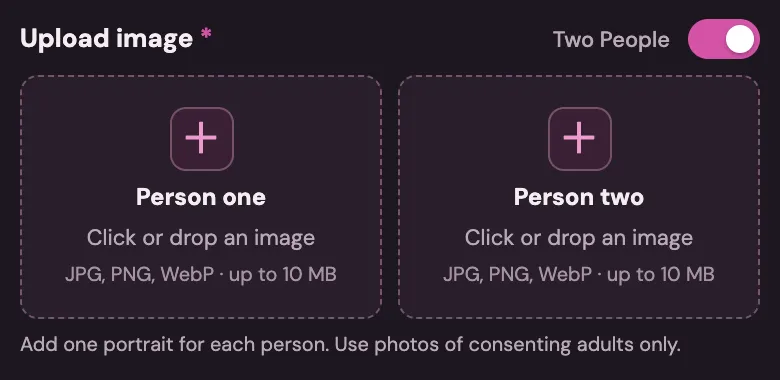
Yes. Keep Two People enabled and add one portrait of each person. If you already have a couple photo, turn Two People off and upload that image instead.
Do we need to be kissing in the original photo?
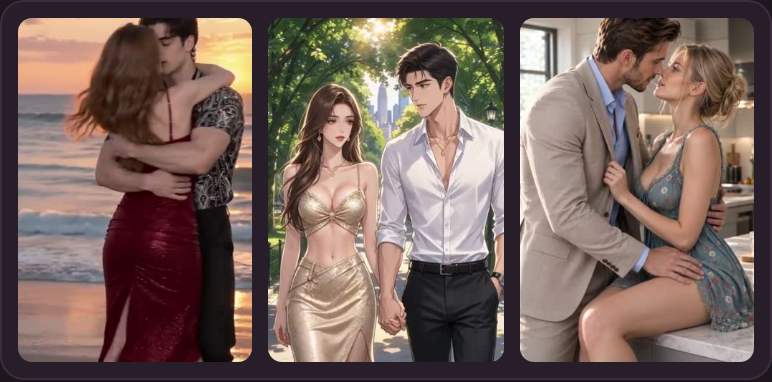
No. You can start with ordinary portraits or a couple photo. The neck kiss video generator creates a new scene from your images using the selected template.
Do I need to write a prompt?
No. The Neck Kiss template gives you a preset scene to start with. If you have a particular moment in mind, edit the prompt to describe the setting, camera angle, or pace of the approach.
Can I use the clip in a longer anniversary video?
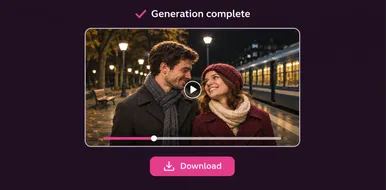
Yes. Create your neck kiss clip in Kissee, then combine it with photos and other clips in a video editor. Add your own captions and music, and trim each scene to fit the story you want to tell.