CELEBRATION INVITE
A Kiss Portrait for an Invitation
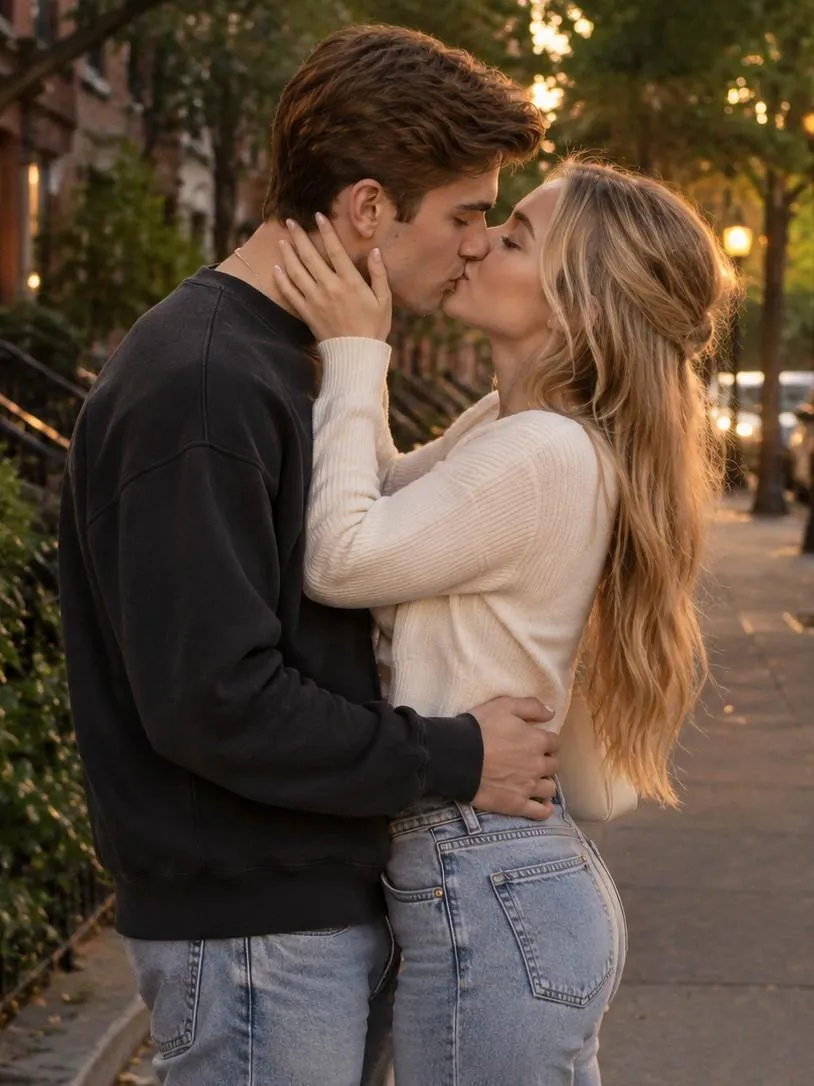
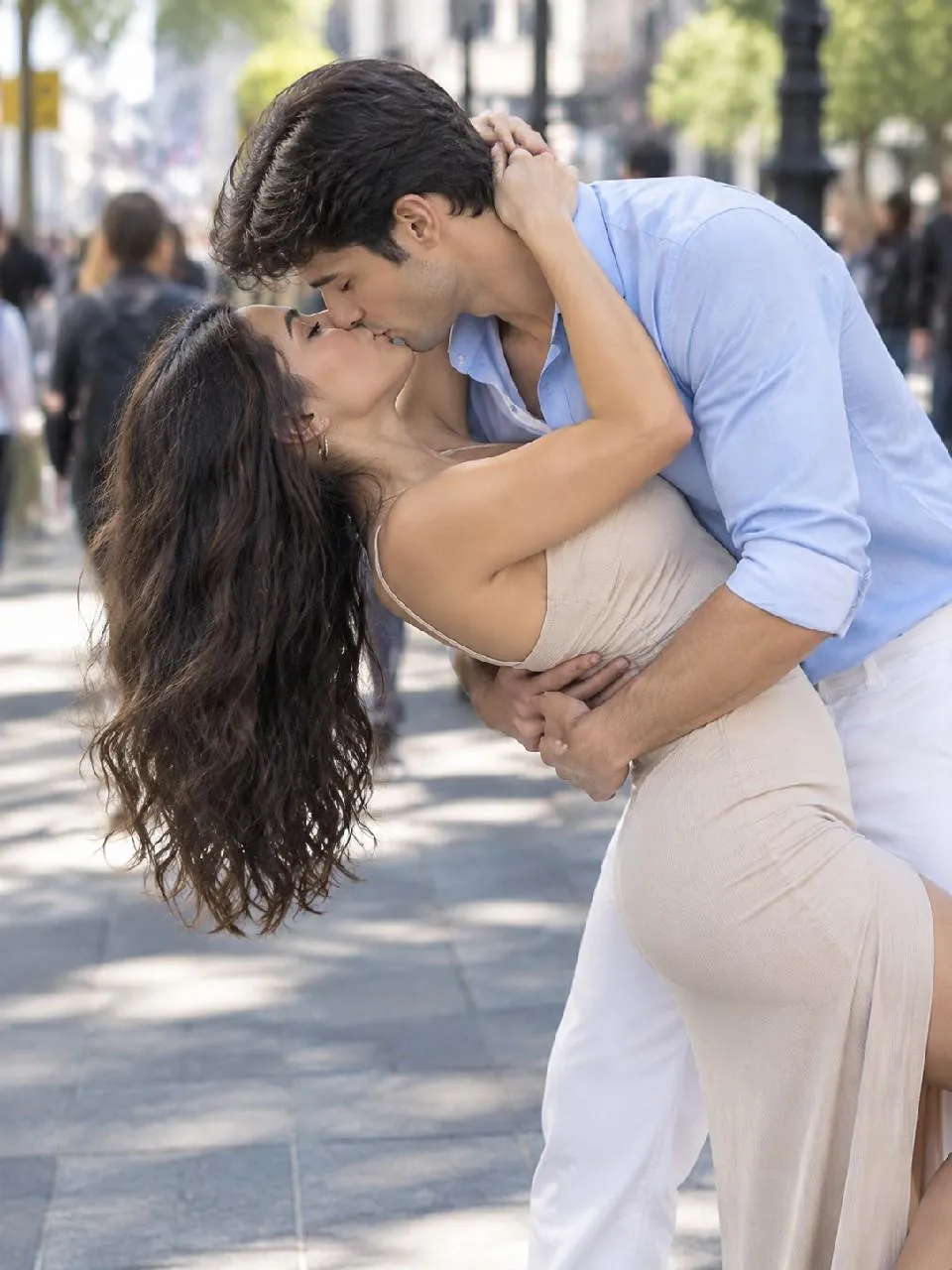
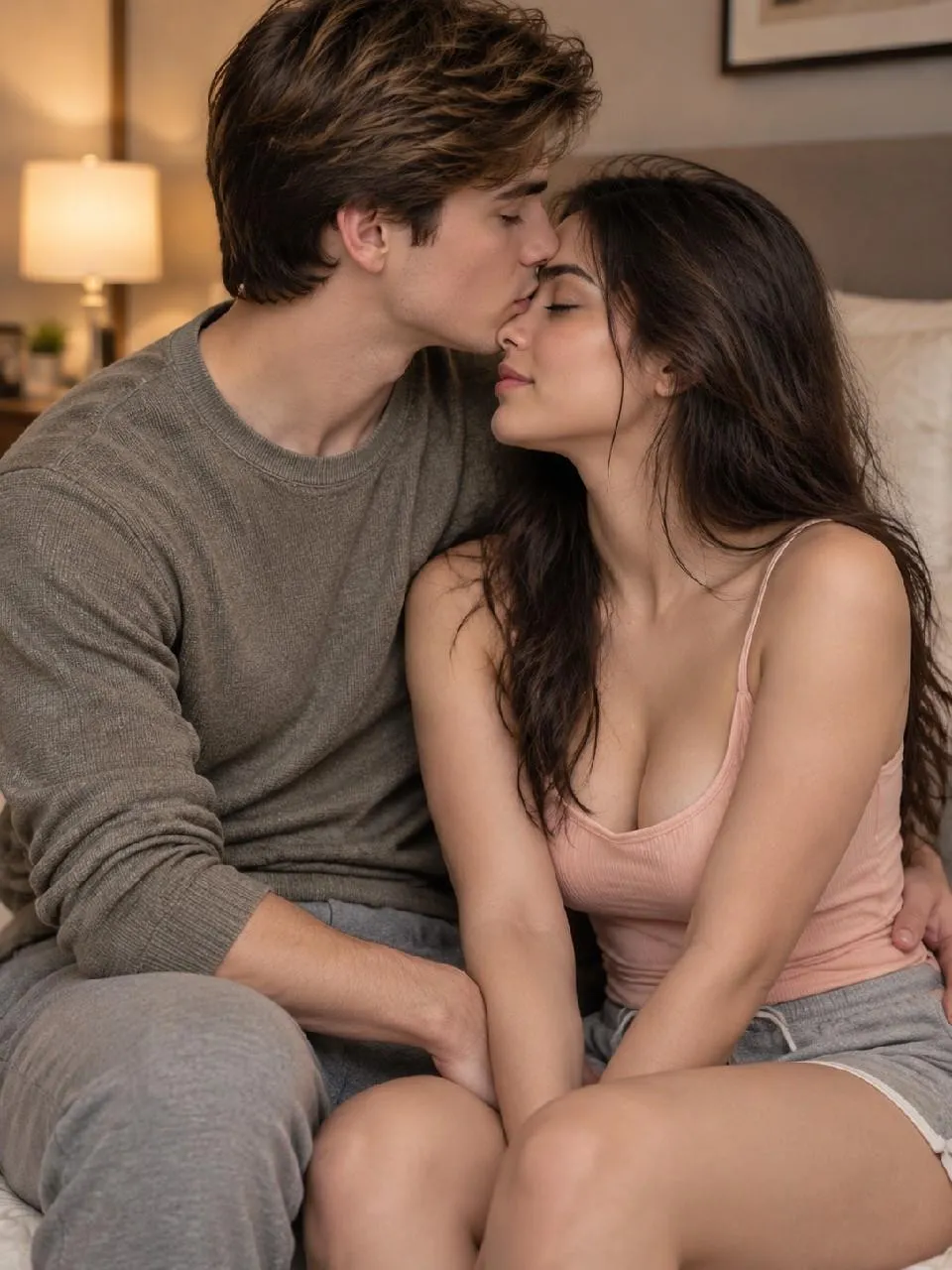
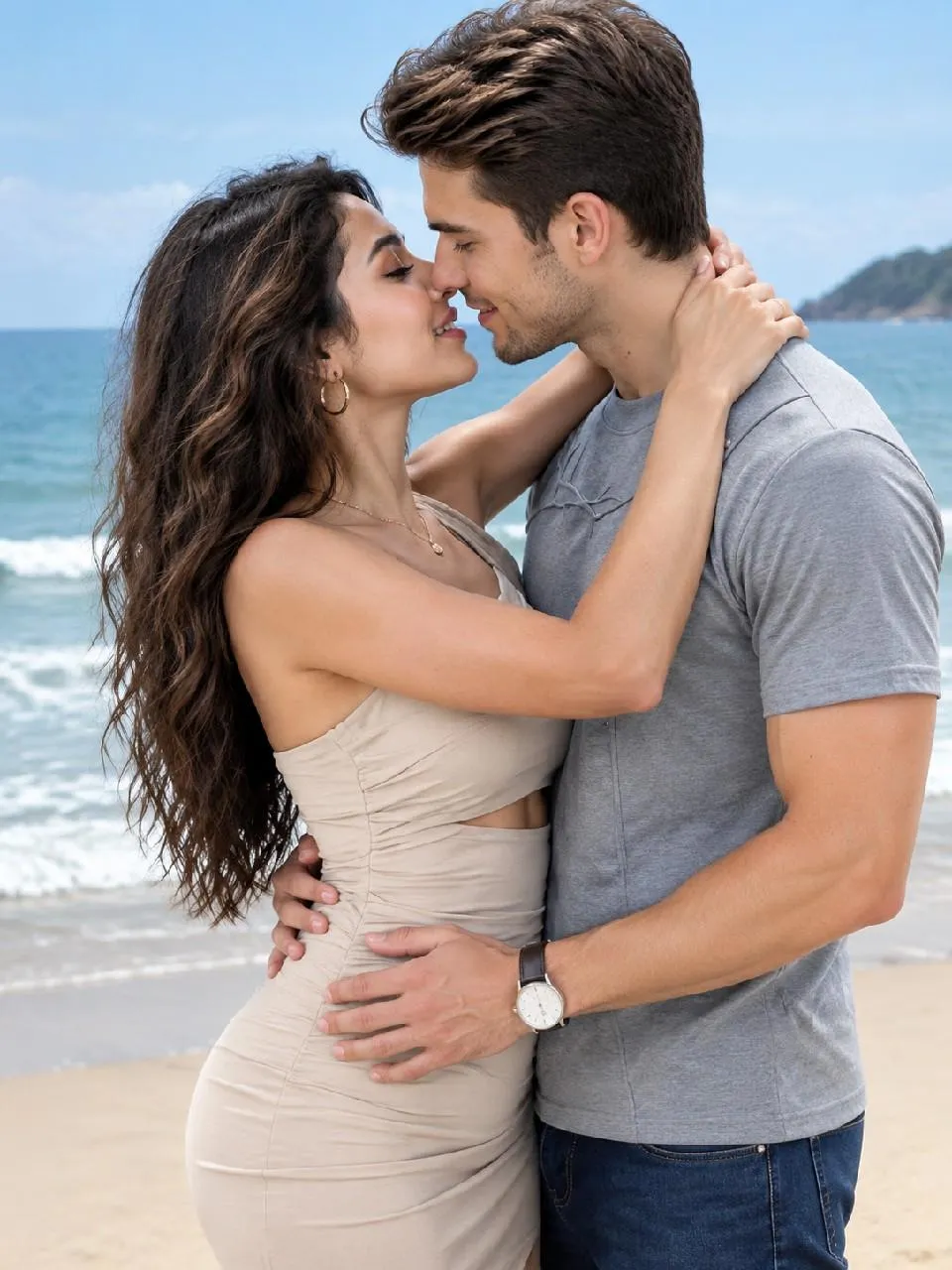
Picture a gentle kiss in a simple outdoor setting, with room beside the couple for the event details. It gives the invitation a personal image without making the text hard to read.
 Kissee
Have a couple photo you love? Try a different setting or style while keeping the two people at the center of the picture.
AI kiss image-to-image uses an existing photo as the starting point for a new still picture. On this page, one photo of two adults sets the people in the scene. You can describe a different backdrop, pose, lighting, or art style to plan the portrait you want.
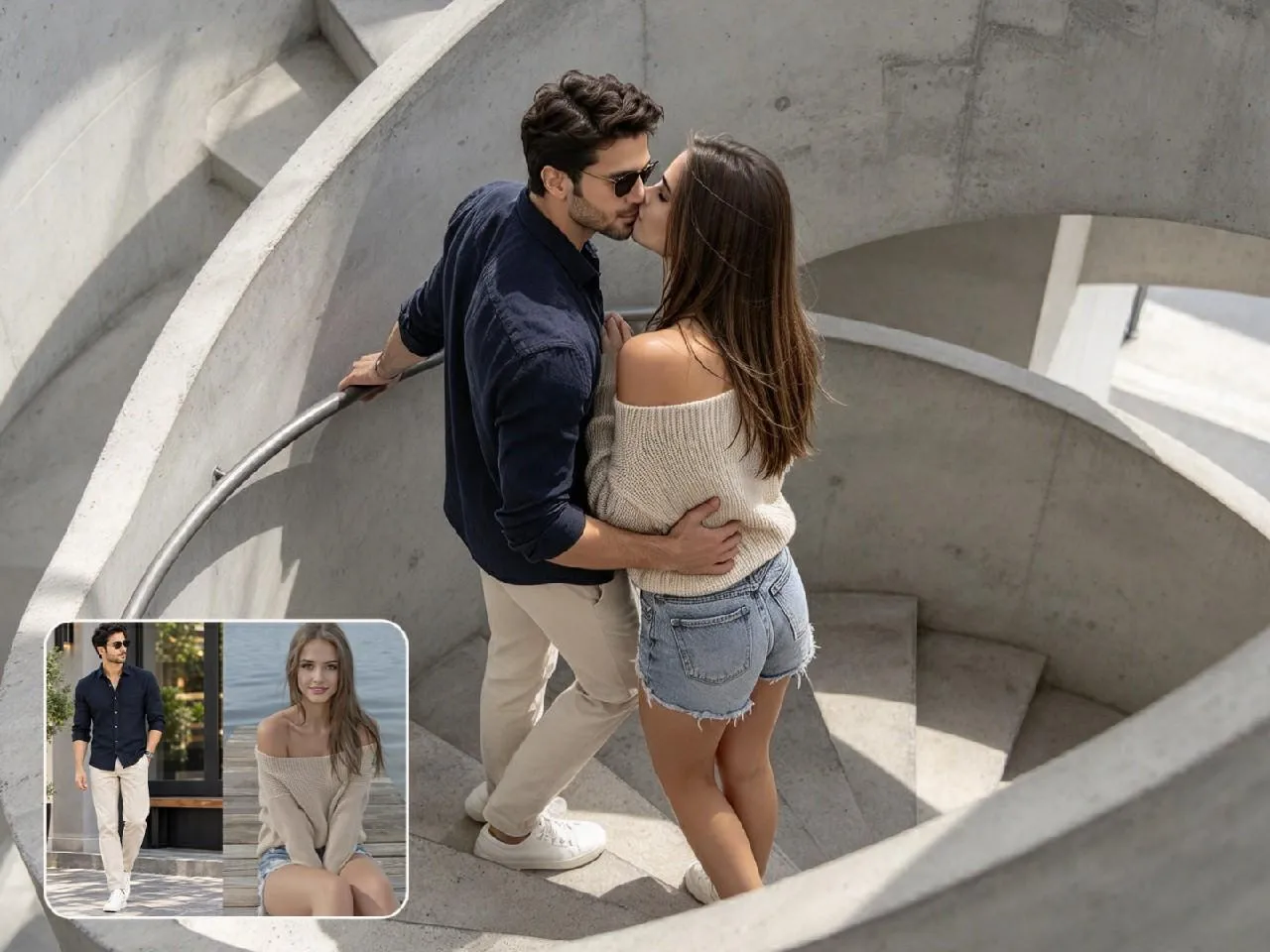
Upload a couple photo, describe the changes you want, then generate and download your new image.
Start with one clear photo showing both adults. Keep their faces visible so the image gives your edit a useful reference.
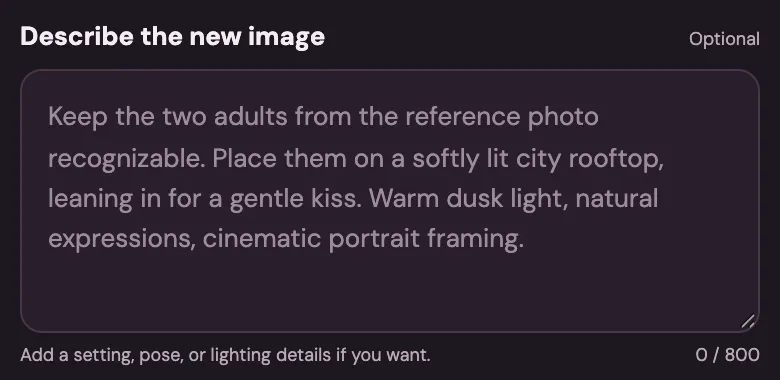
Write a prompt for the kiss, setting, lighting, or visual style. Choose an image idea if you need a starting point.
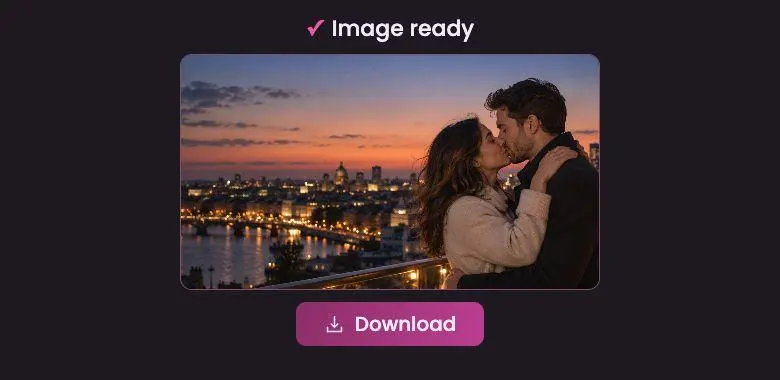
Choose your model and image settings, then click Generate. Download the finished image to save or share.
Start with a photo of the two of you, then choose the kind of kiss portrait you want to share or keep.
Picture a gentle kiss in a simple outdoor setting, with room beside the couple for the event details. It gives the invitation a personal image without making the text hard to read.
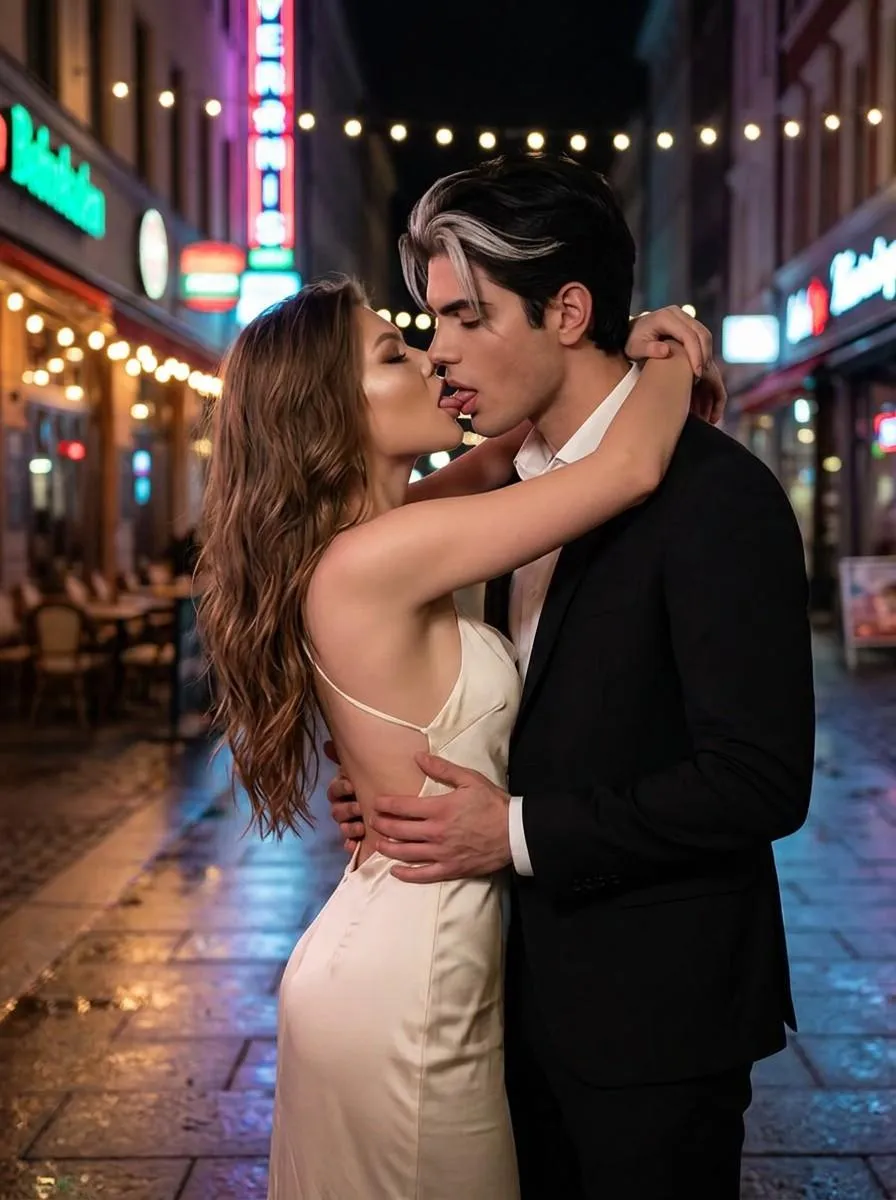
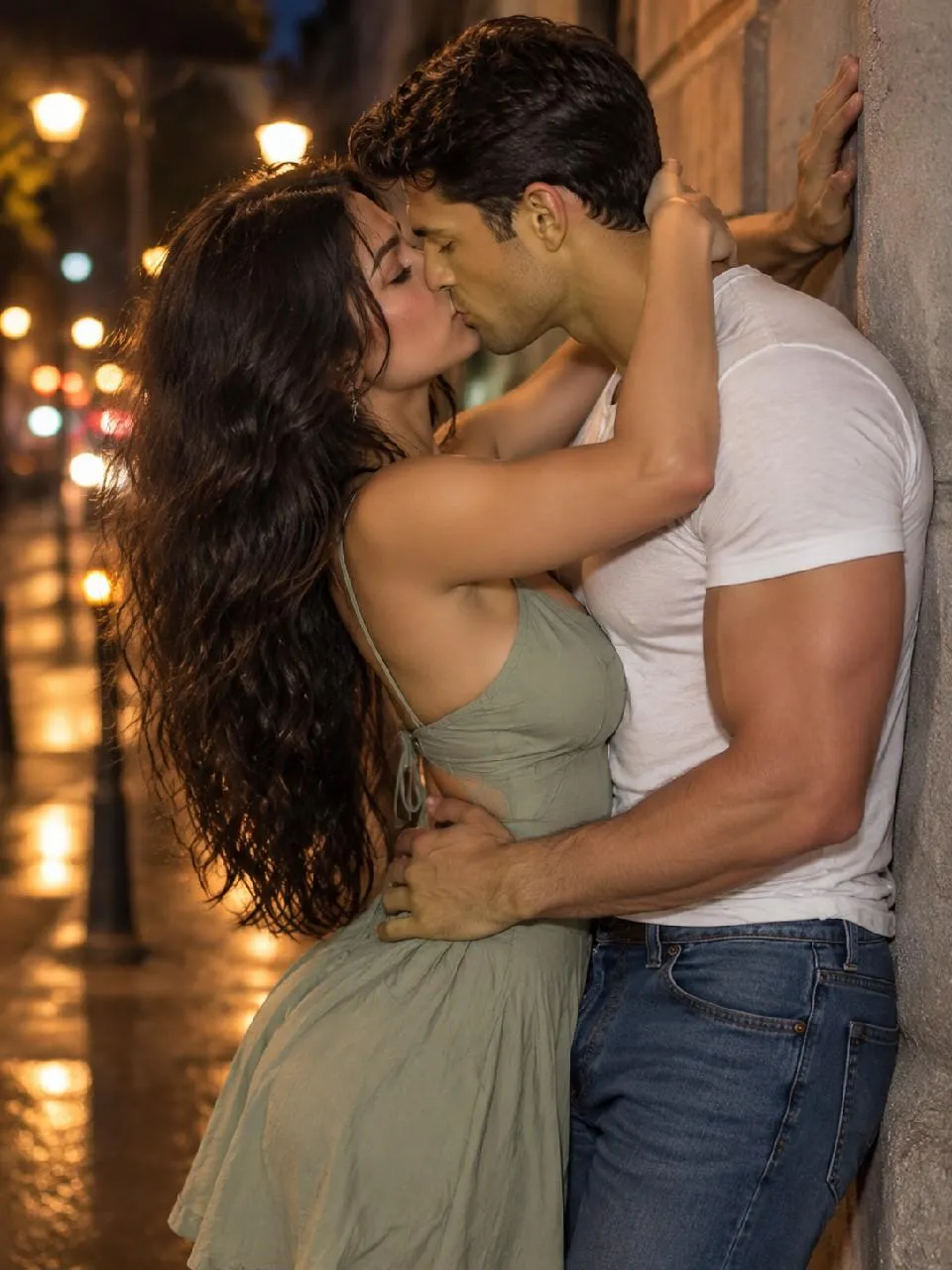
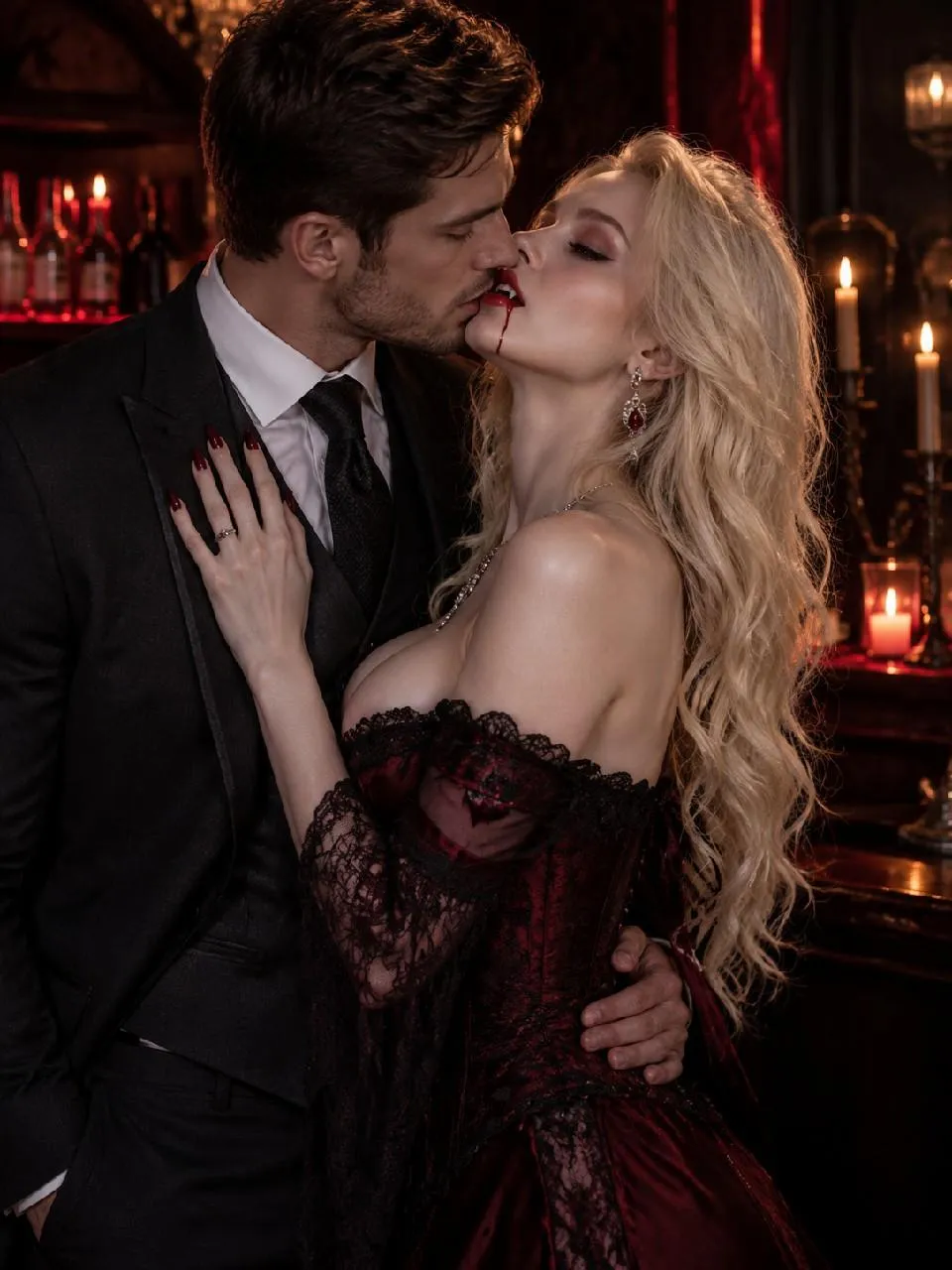
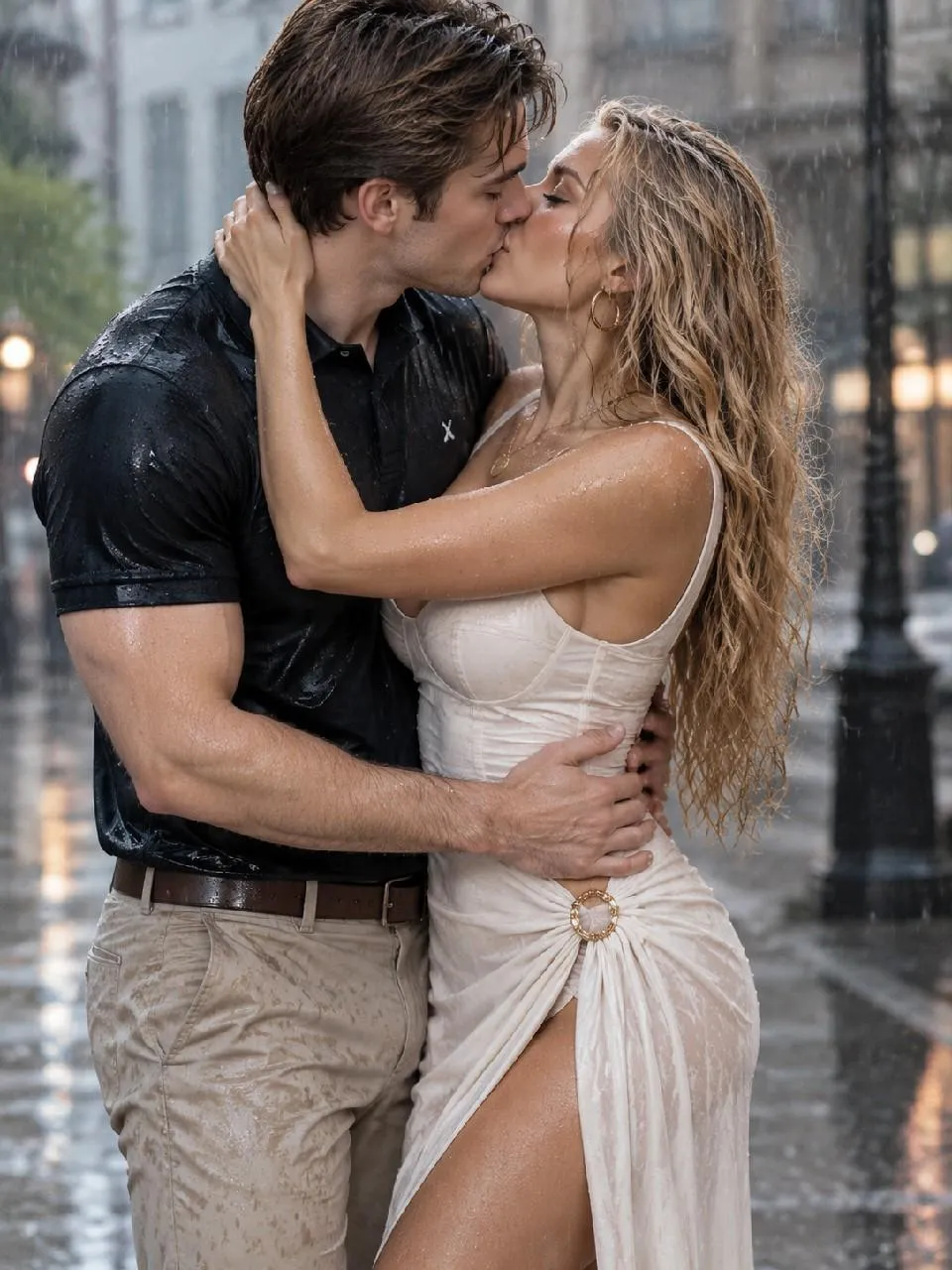
Turn a plain background into a rain-soaked city scene. Describe the kiss, reflections, and close framing, then choose a portrait format that suits a poster.
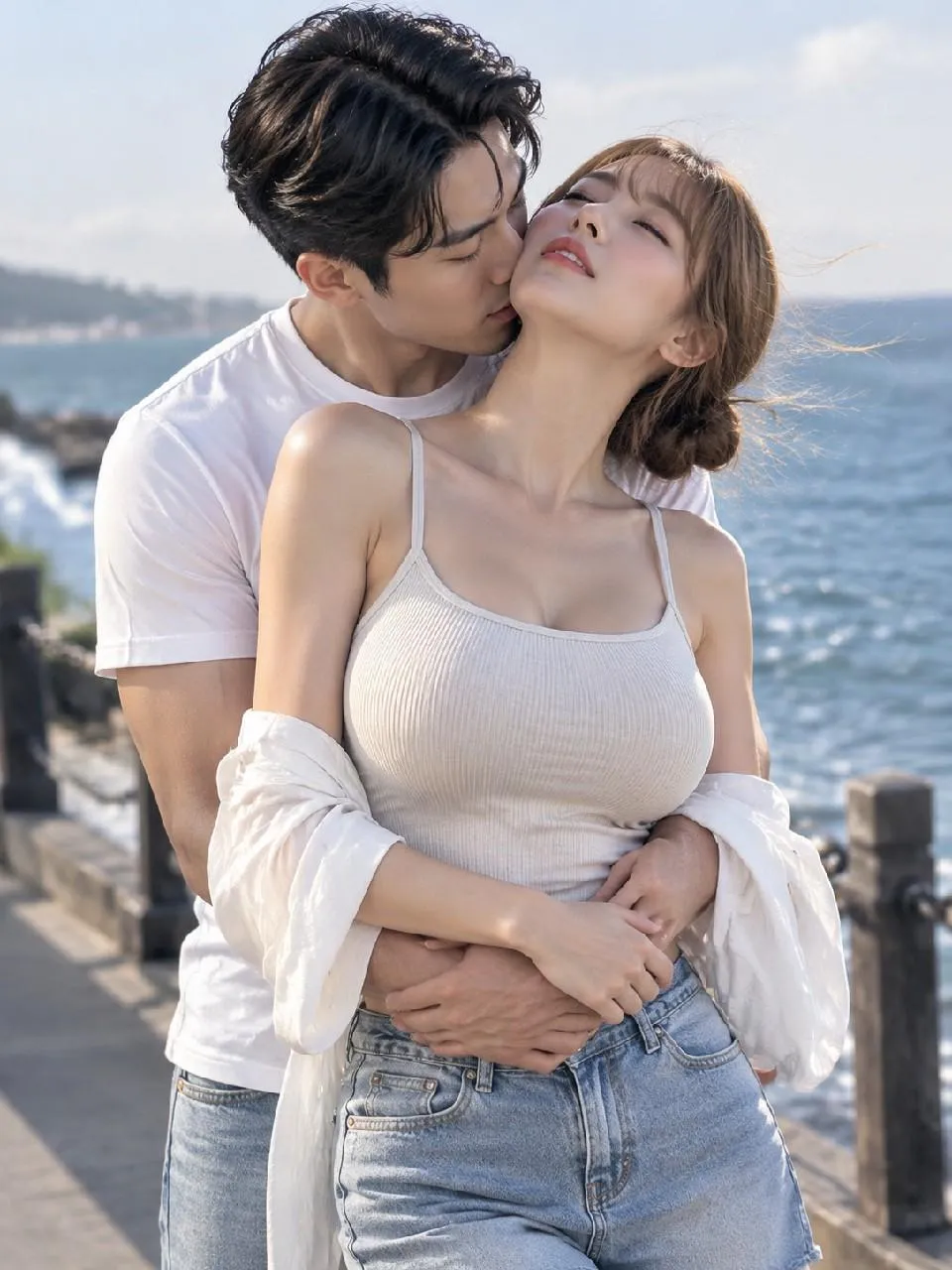
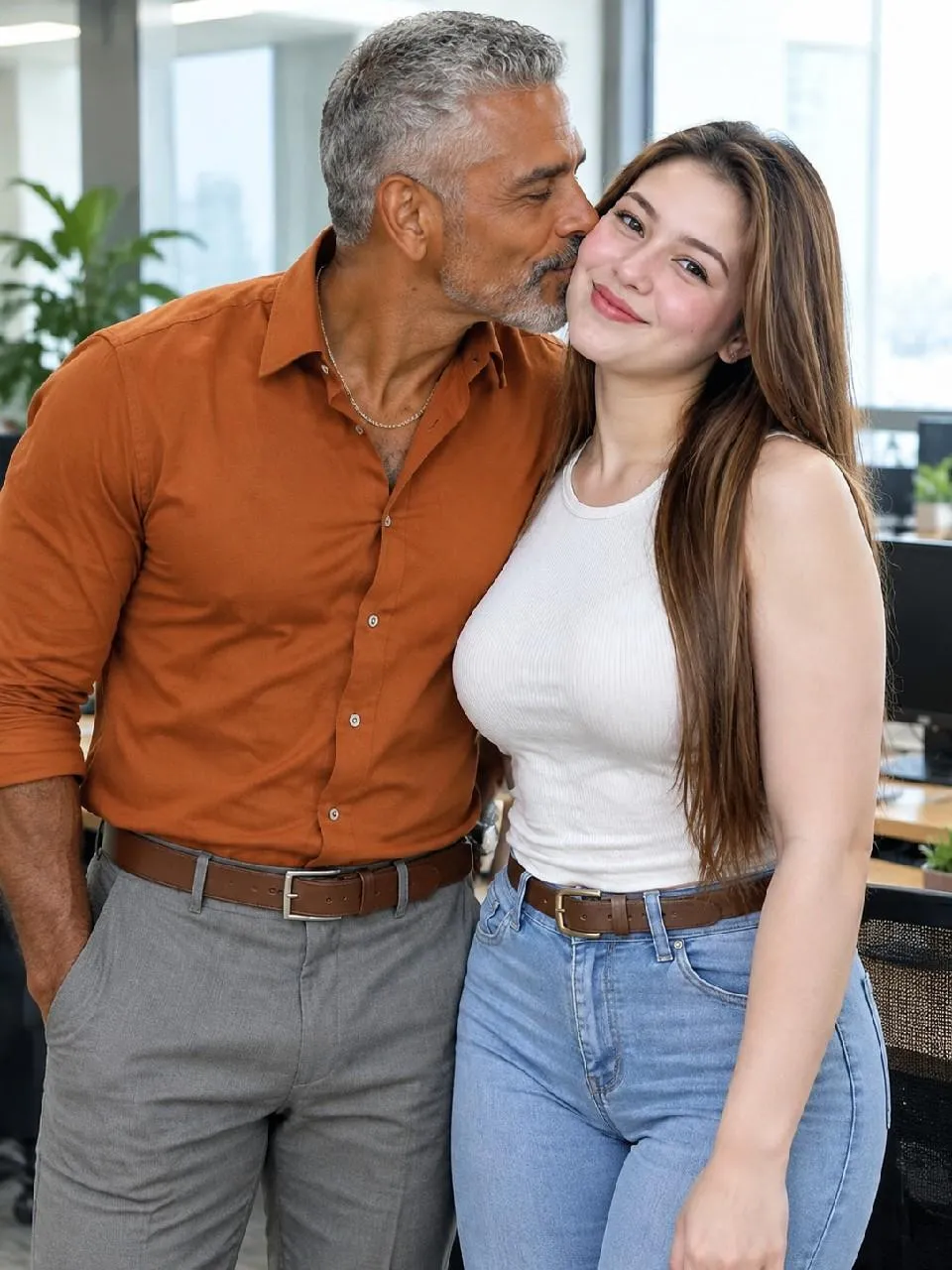
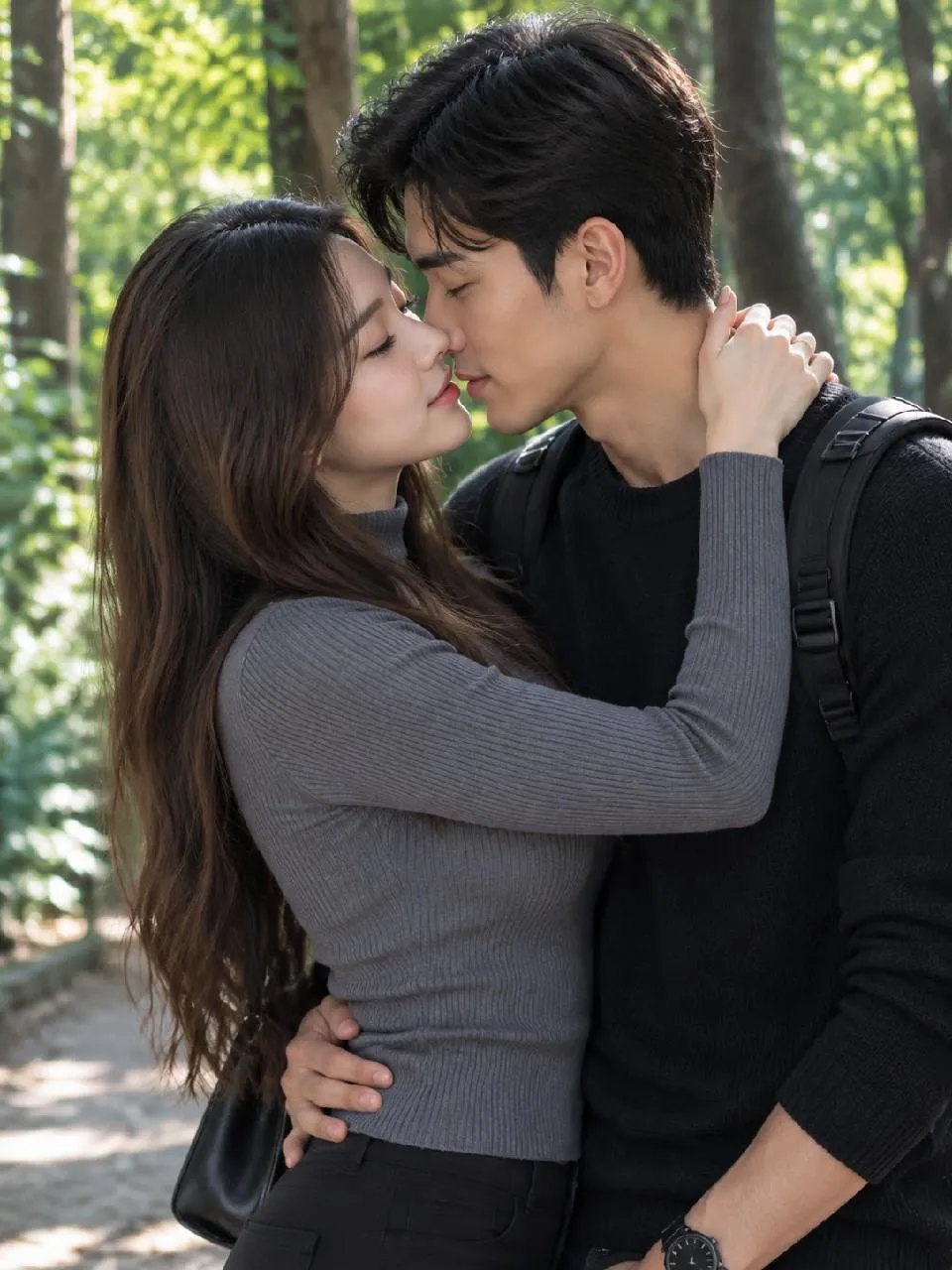
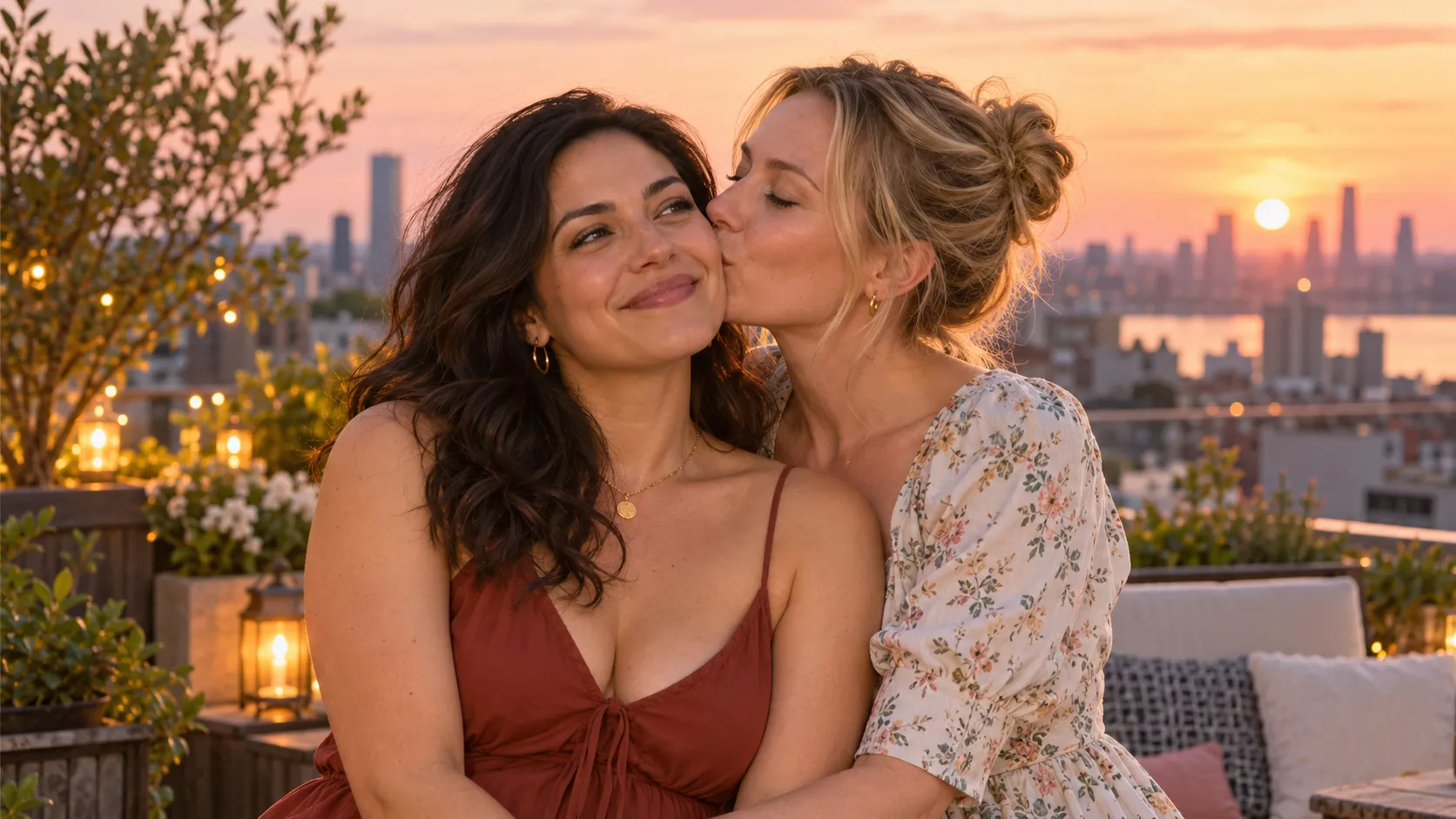
For a shared profile photo, picture one woman giving her partner a gentle cheek kiss. Crop close enough to keep both faces clear, even when the image appears as a small avatar.
Choose an image style and use it as a starting point for your next kiss image.
I love being able to upload an image and experiment with different styles without starting from scratch. Kissee makes it easy to explore new creative directions while keeping the original idea in mind. It's become a really useful part of my design workflow.
I've been looking for an easy way to transform my sketches into more polished visuals. Kissee has made that process much more enjoyable. I can try different looks and see how my original ideas evolve with just a few clicks.
I often need multiple versions of the same image for my social media posts. Instead of spending ages editing everything manually, I can upload an image and experiment with different styles using Kissee. Such a time-saver!
What I like most is how easy it is to experiment with image transformations. I can upload a reference photo, try different visual styles, and explore ideas I wouldn't normally think of. Having multiple AI models to choose from is a great bonus.
I use Kissee to create different product visuals for my online store. Being able to transform existing images into new styles is incredibly convenient. It helps me create more varied content without having to arrange a new photoshoot every time.
I'm not a professional artist, but I really enjoy playing around with images. Kissee makes it simple to upload a picture and see how it looks in different styles. Sometimes the results are completely different from what I expected, in the best way!
Upload a couple photo showing both adults, choose a kiss template, and adjust the prompt for your preferred setting or style. Select your model and image format, then click Generate. Once your AI kiss image is ready, you can download and share it.
Yes. Upload two separate portraits, one for each adult, and use them together to create an AI kiss image. Choose a kiss template and adjust the prompt for your preferred setting or style.
You can describe the backdrop, lighting, pose, clothing, or art style. If a detail in the source photo matters to you, say what you want to keep as well as what you want to change.
No. A reference photo is enough to open the sample preview. The optional prompt is useful when you have a particular look in mind.
Use a square frame for a profile picture, a portrait frame for a card, or a landscape frame when the setting matters. The image settings let you choose the aspect ratio and resolution.
Yes. Go to Text to Image to describe the people and scene in words.
Yes. You can add a couple photo, explore image ideas, and open a sample image preview on this page for free.
Yes. Your uploaded photo is sent to Kissee and used to generate your new image.
Upload two portraits or a couple photo, choose a kiss template, and create a video to download and share.