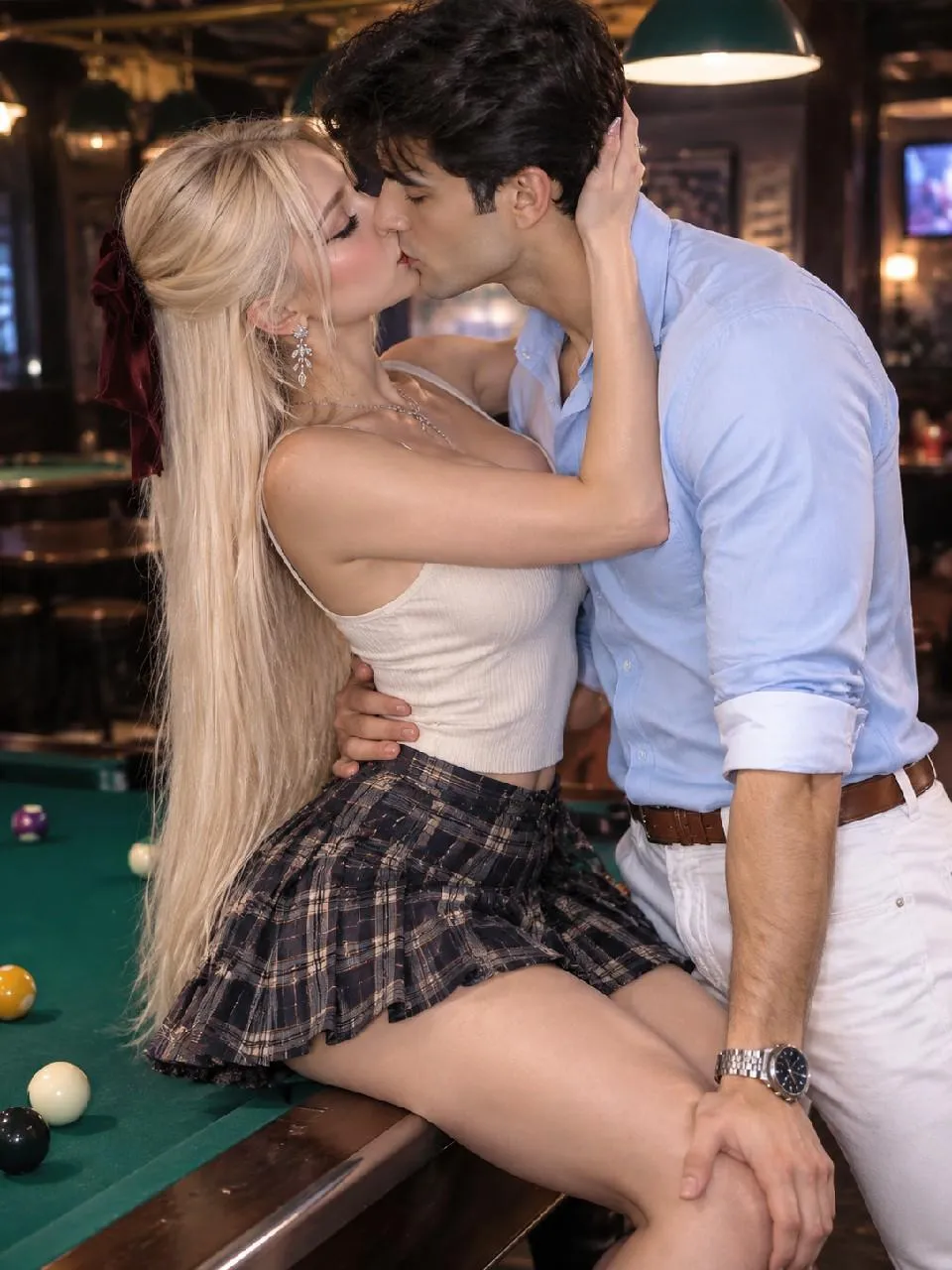
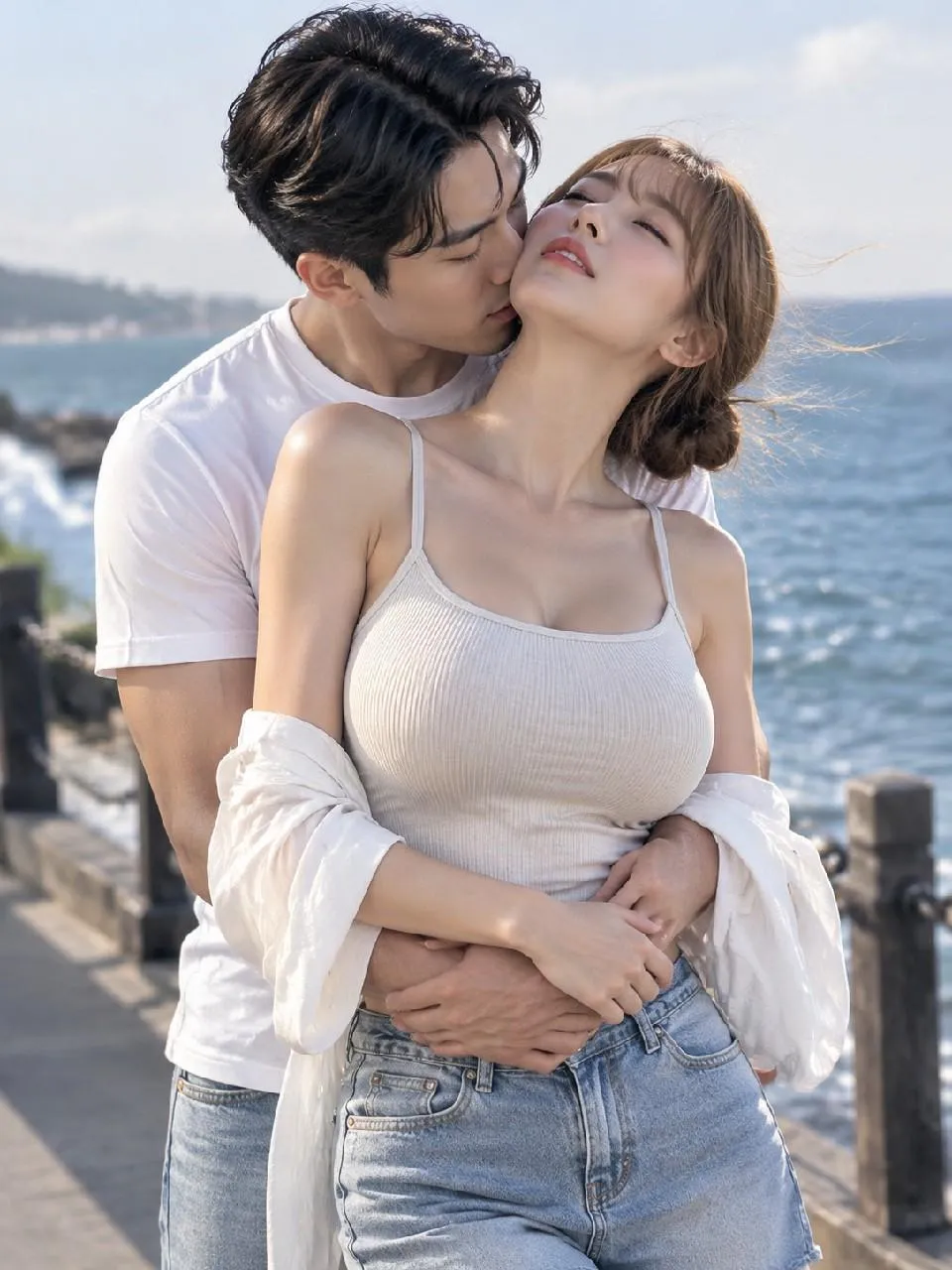
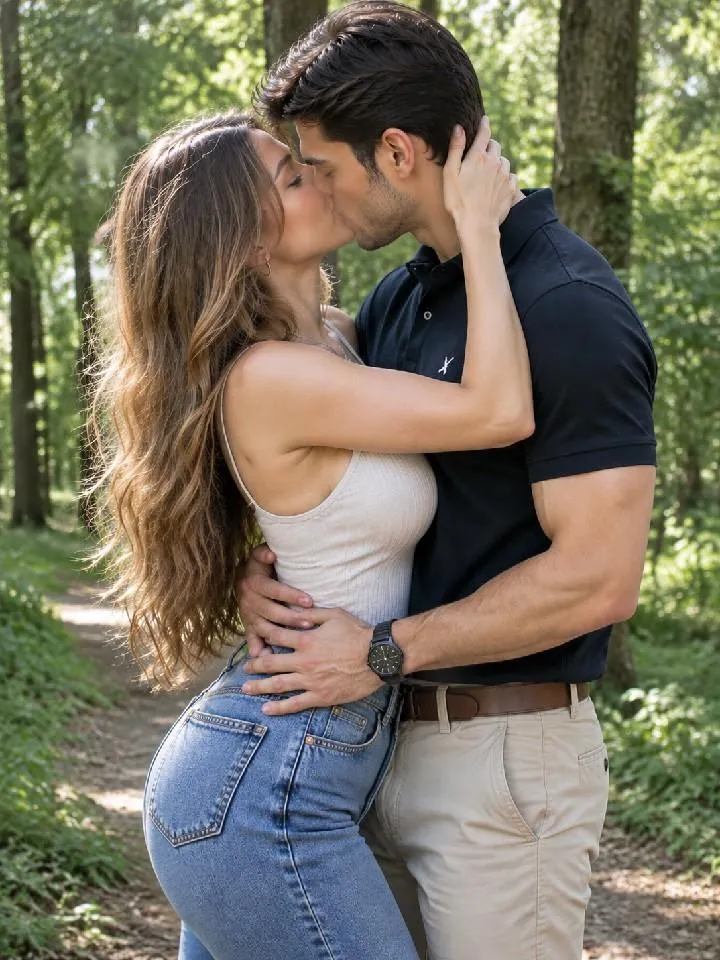
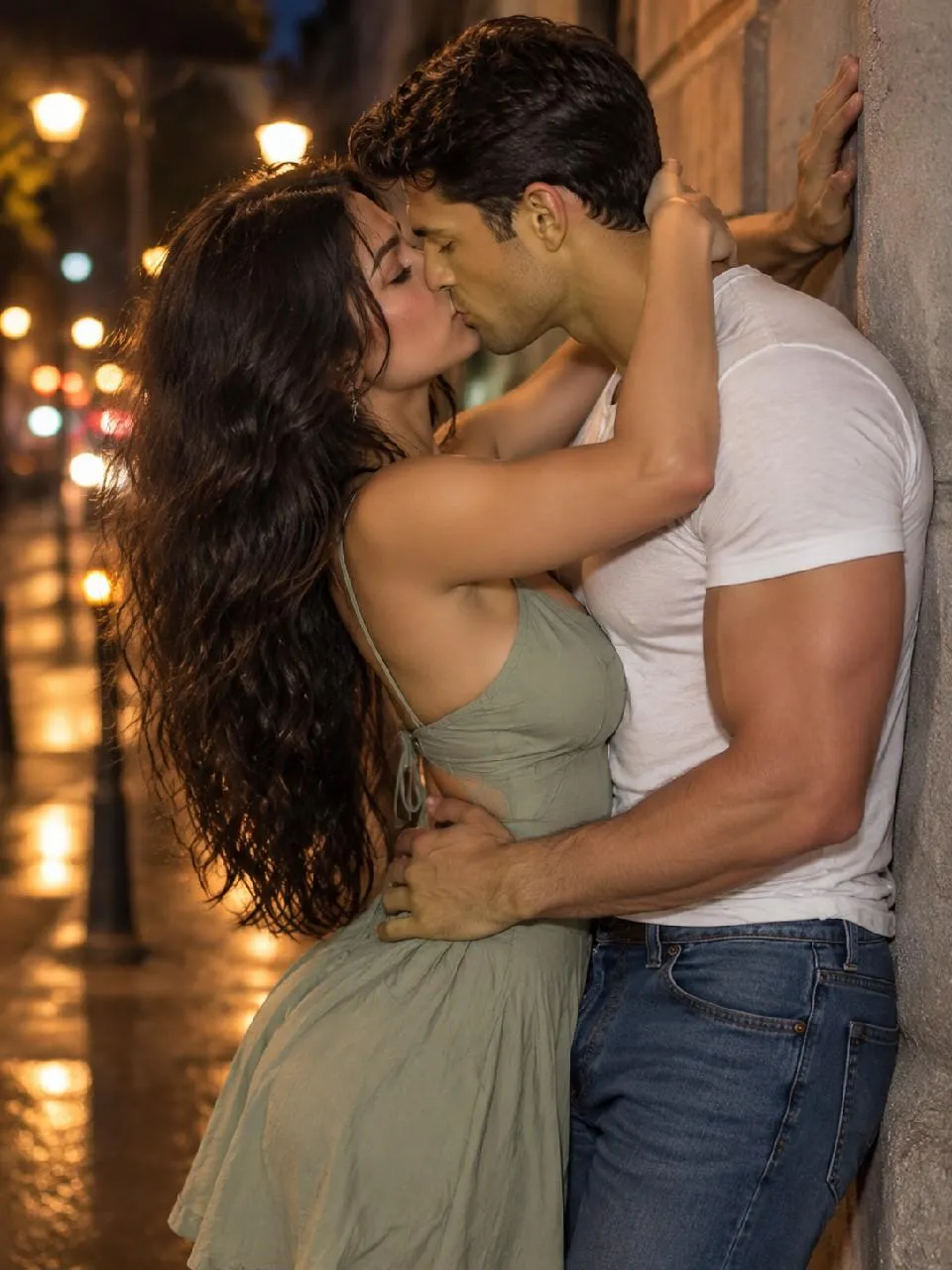
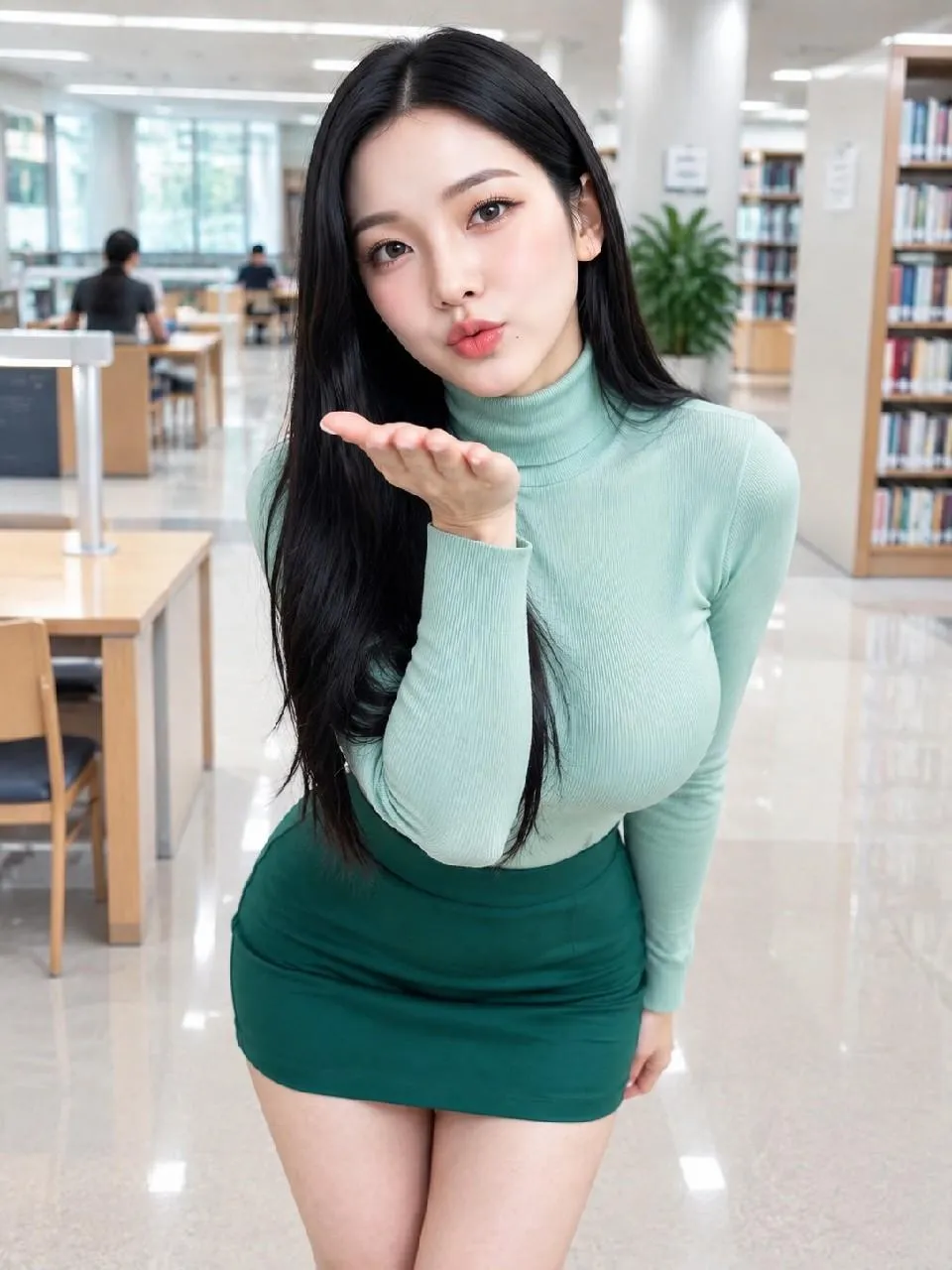
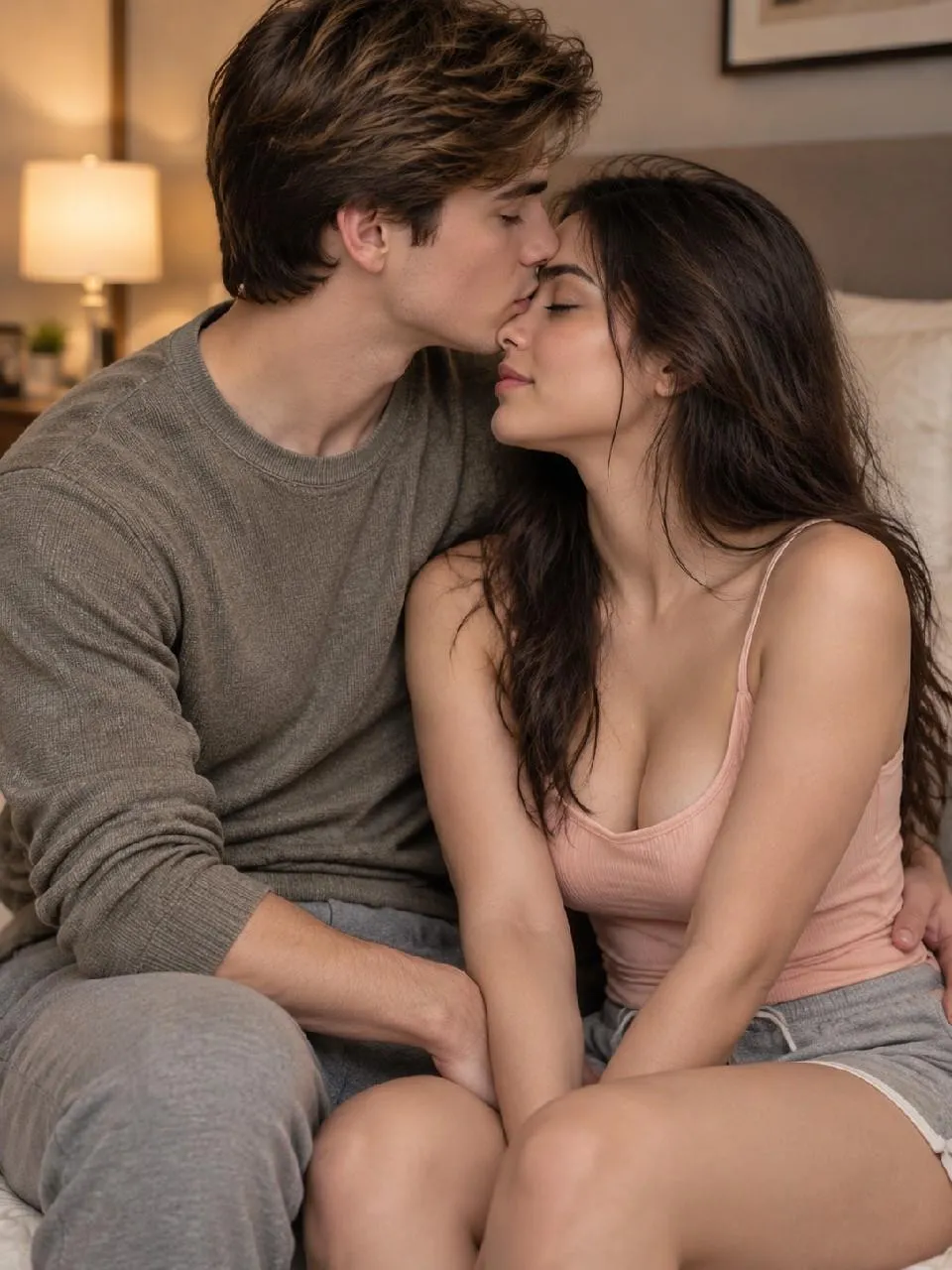
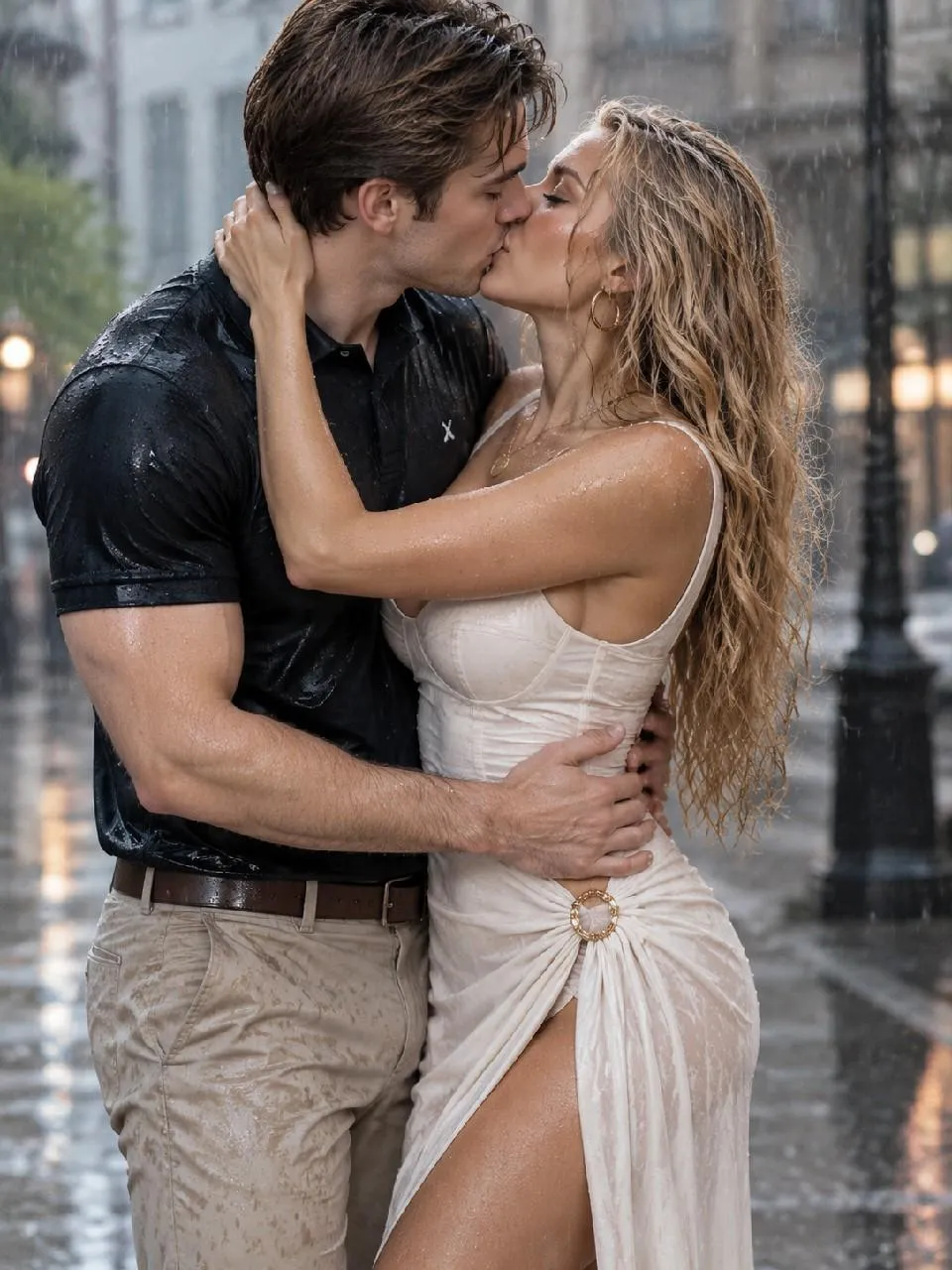
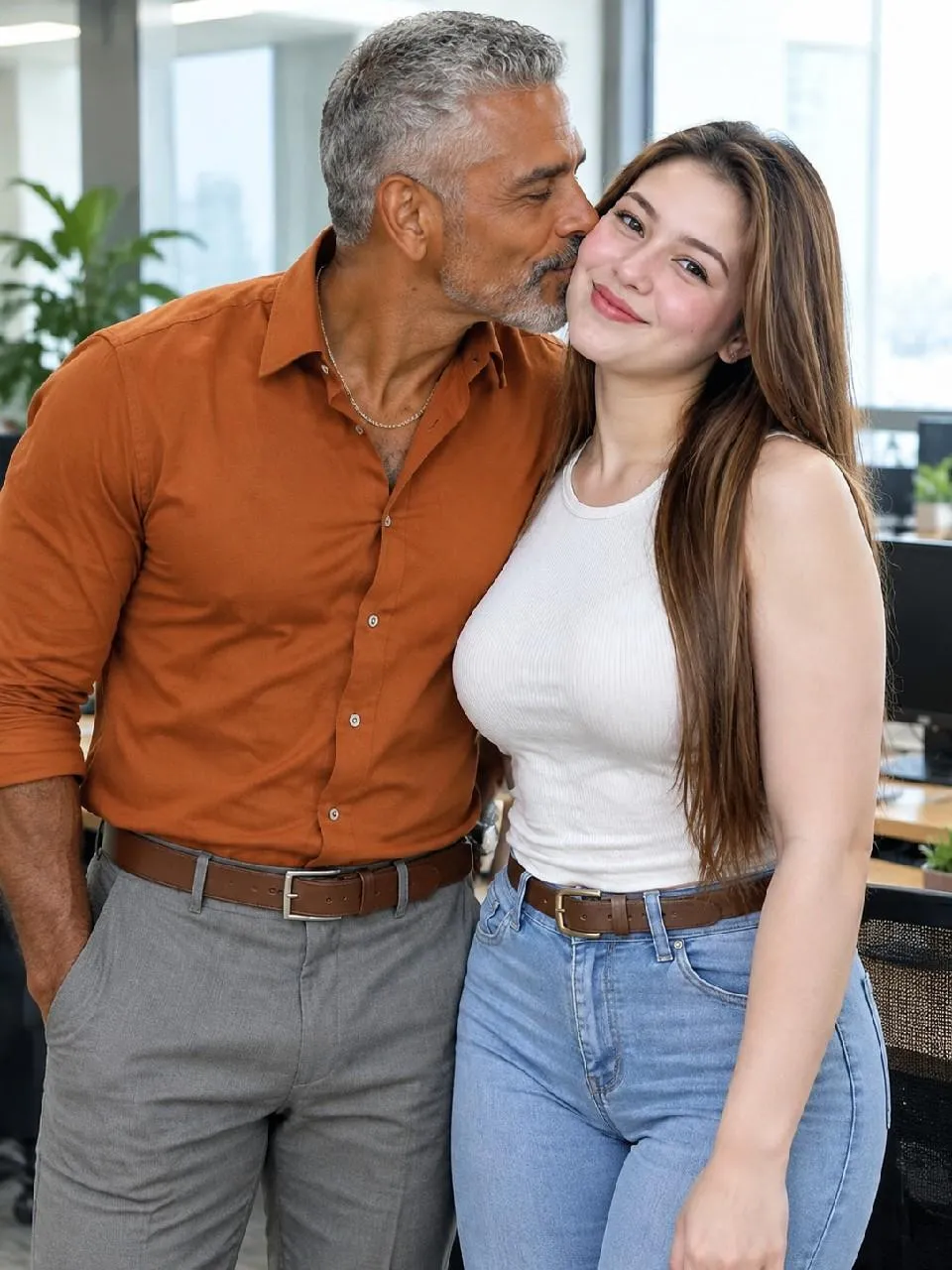
A Kiss Scene for a Romance Cover
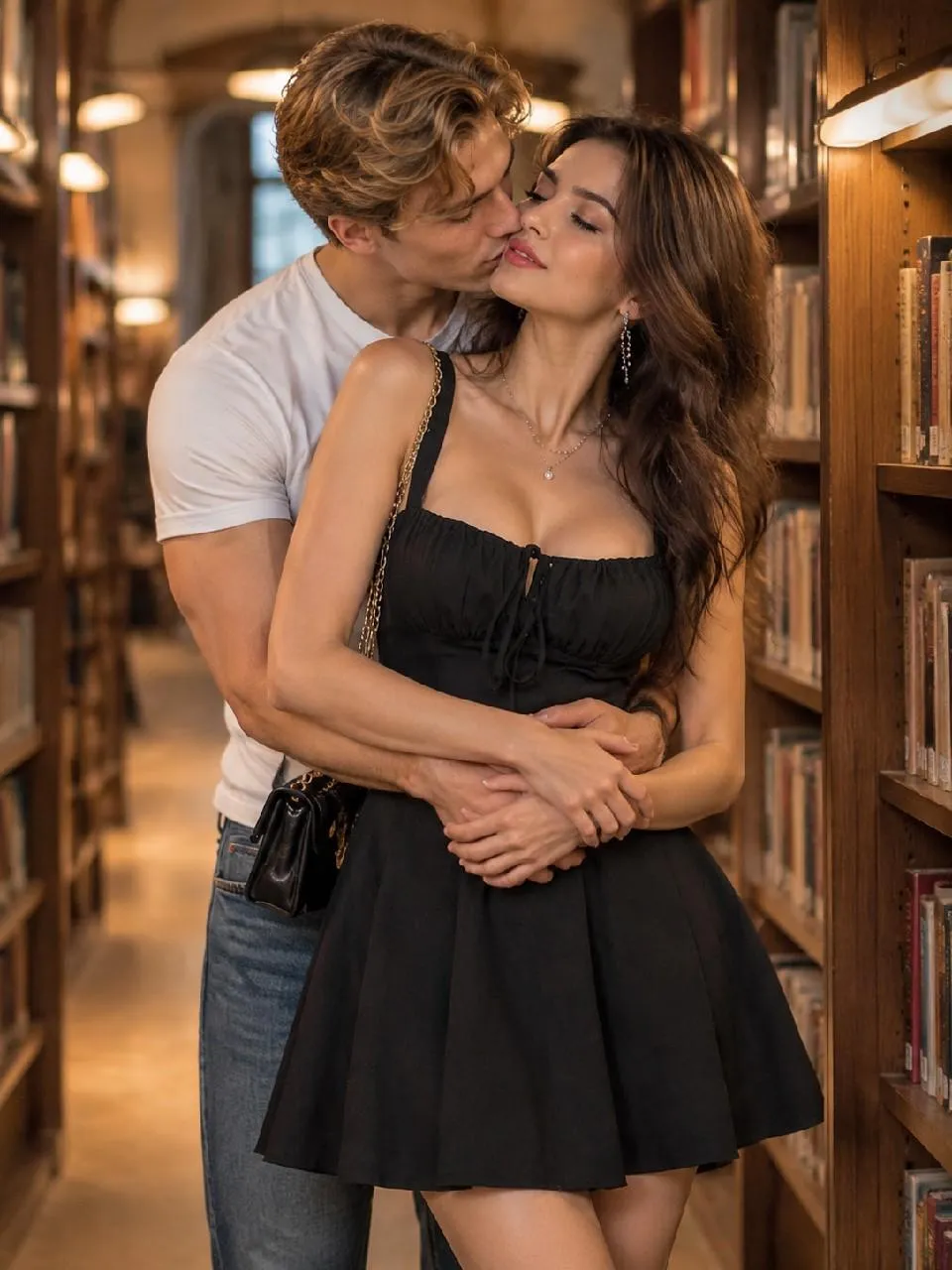
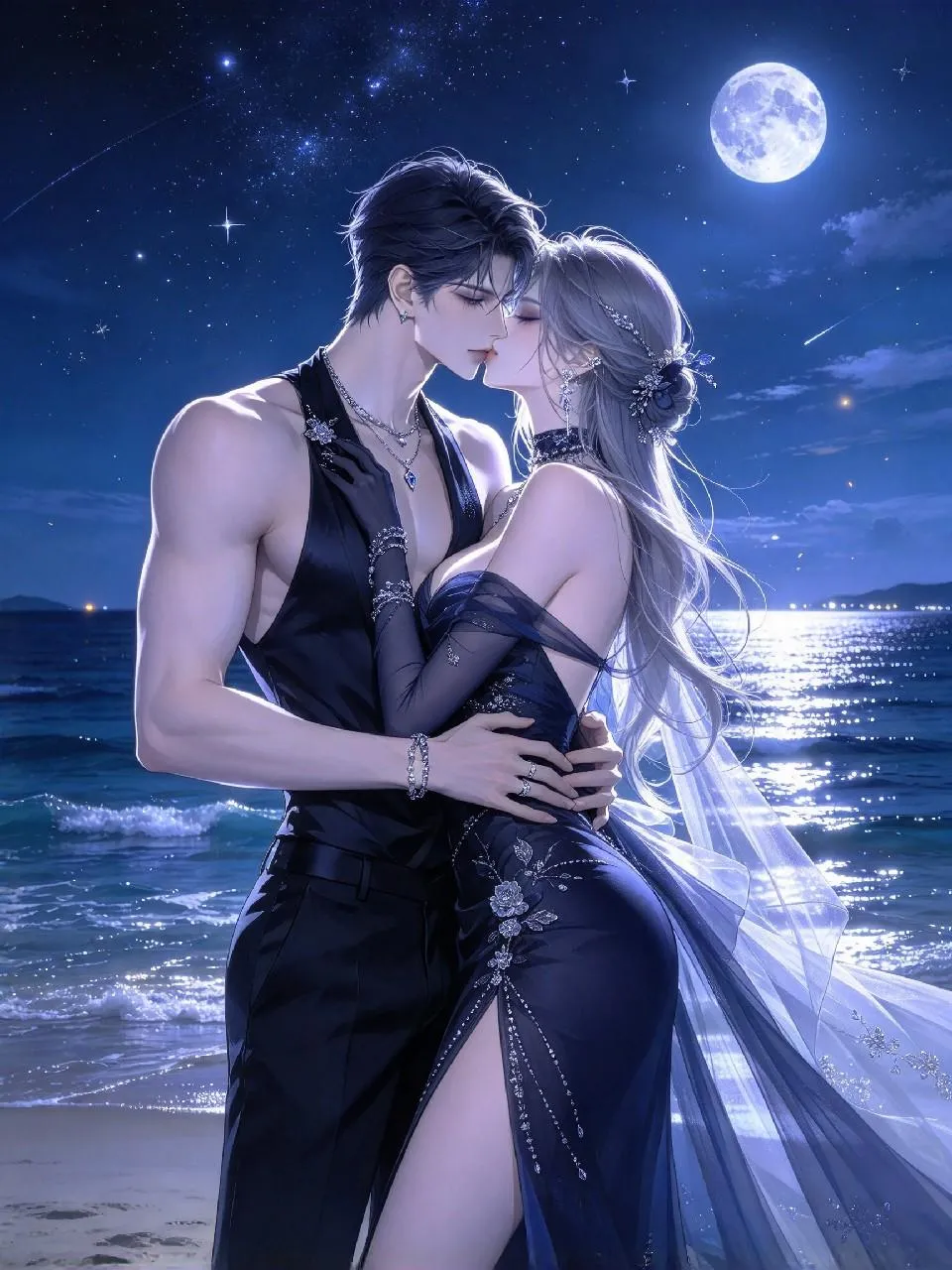
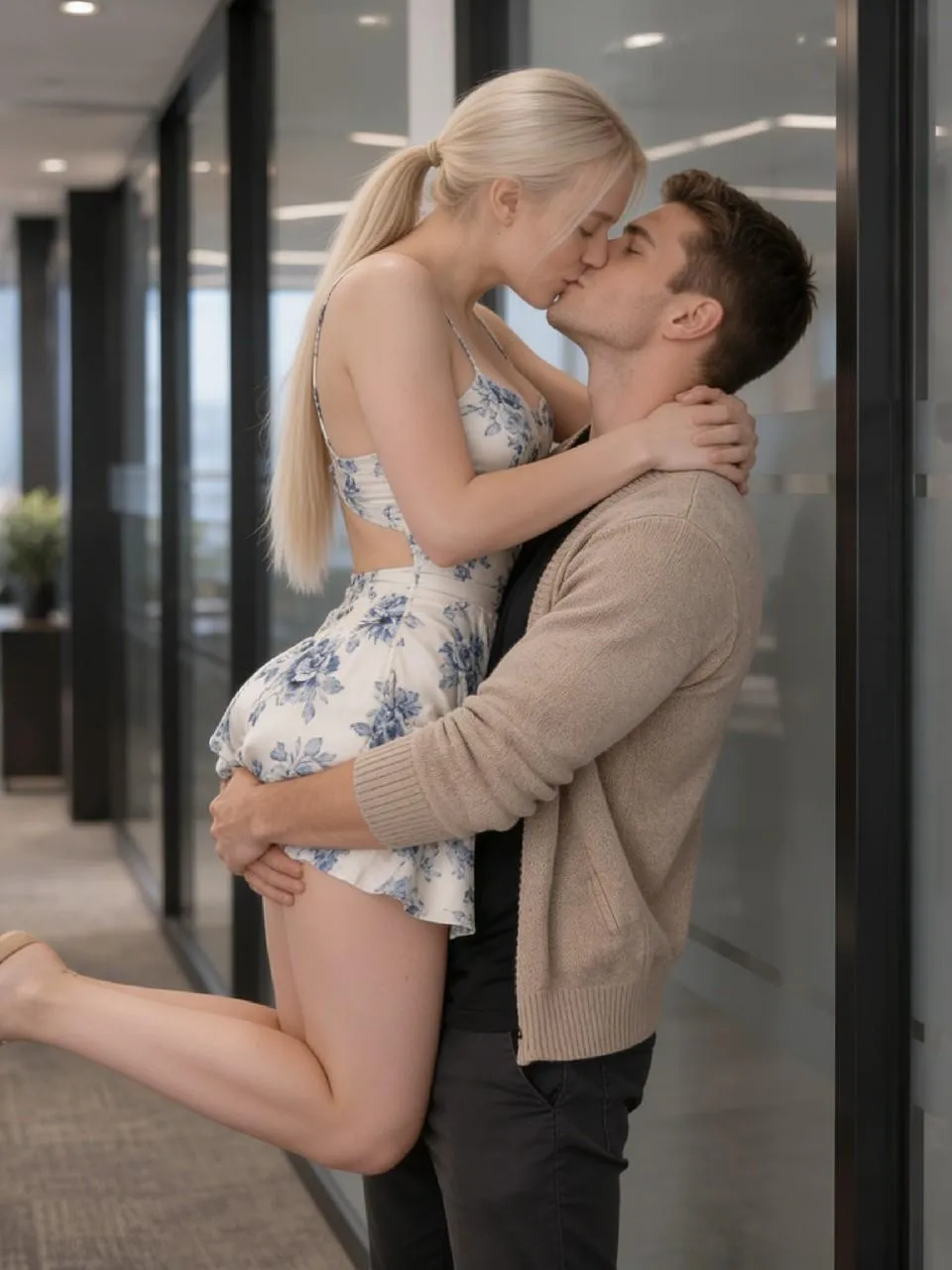
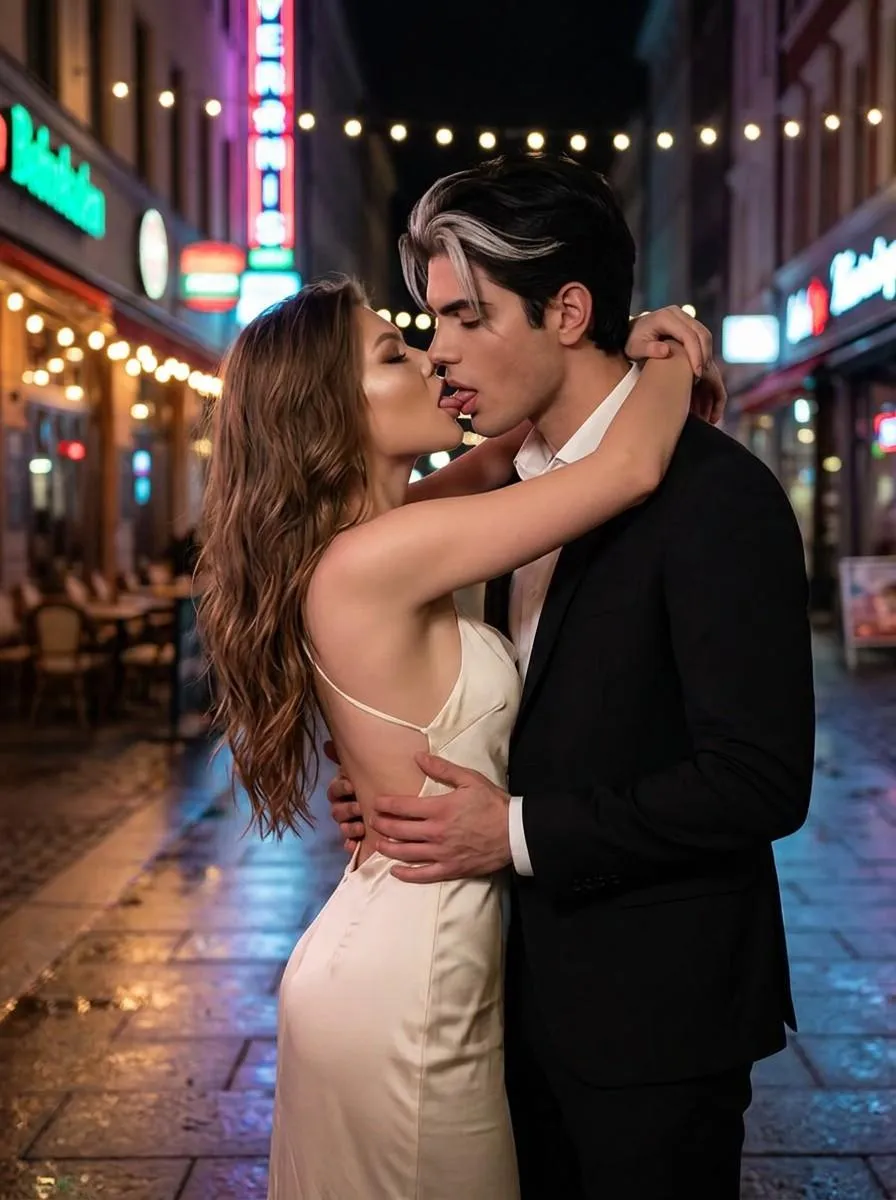
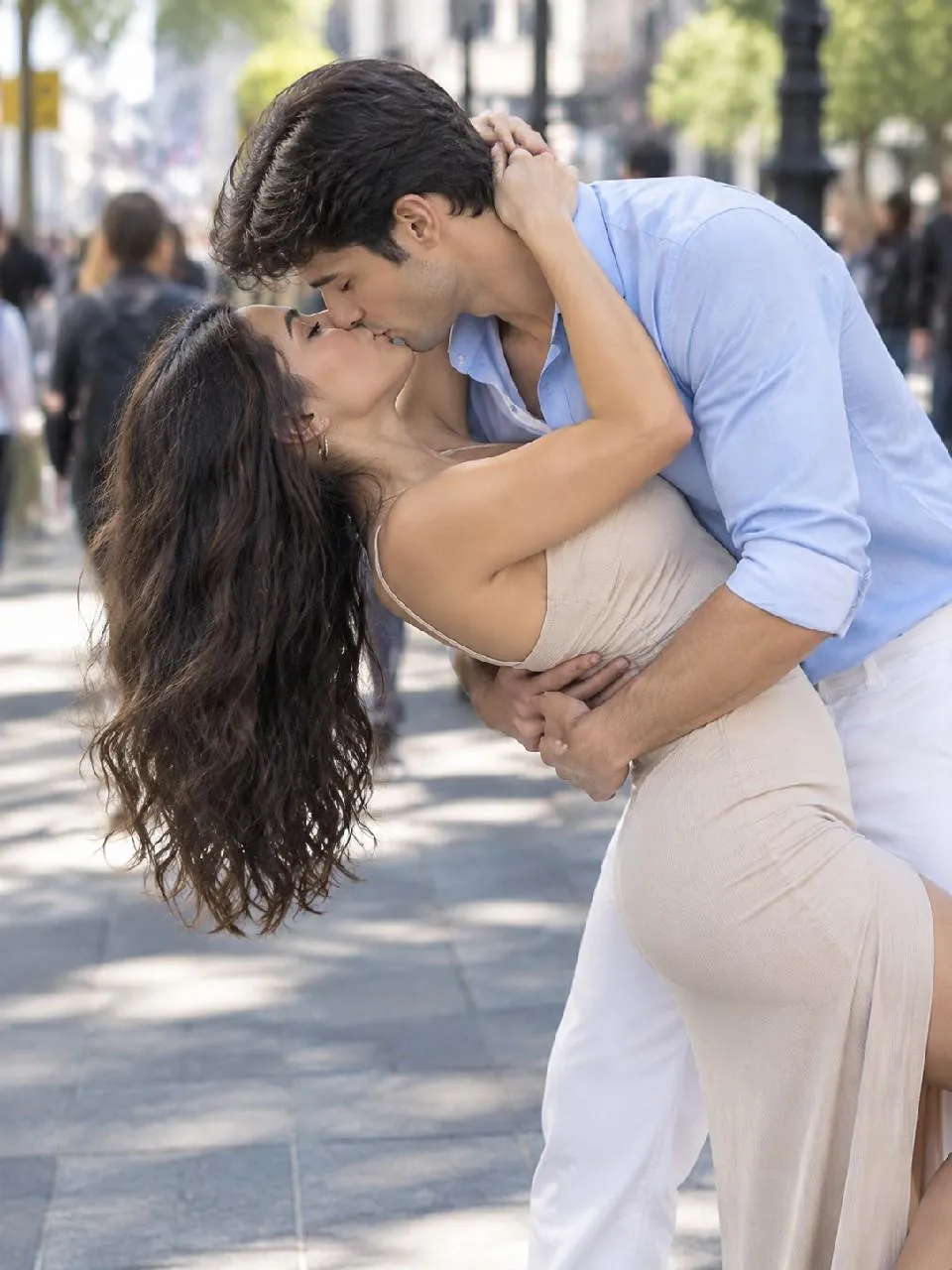
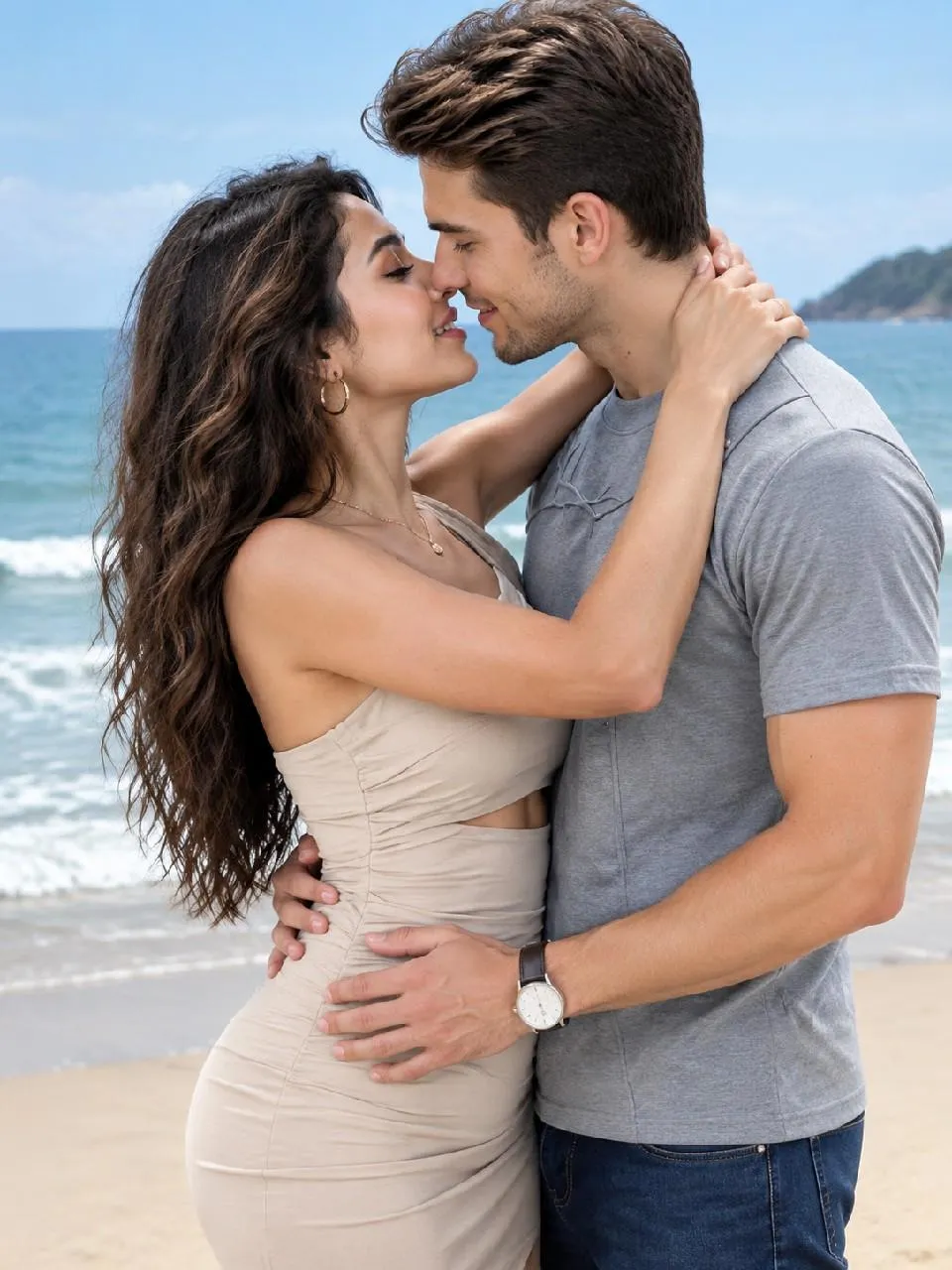
Picture two fictional adults stealing a kiss between the shelves of an old bookshop. The setting tells you where their story unfolds, while a close portrait keeps the couple at the center of the cover.

No photos needed. Write an original kiss scene for two adults, then choose the still-image look you want.
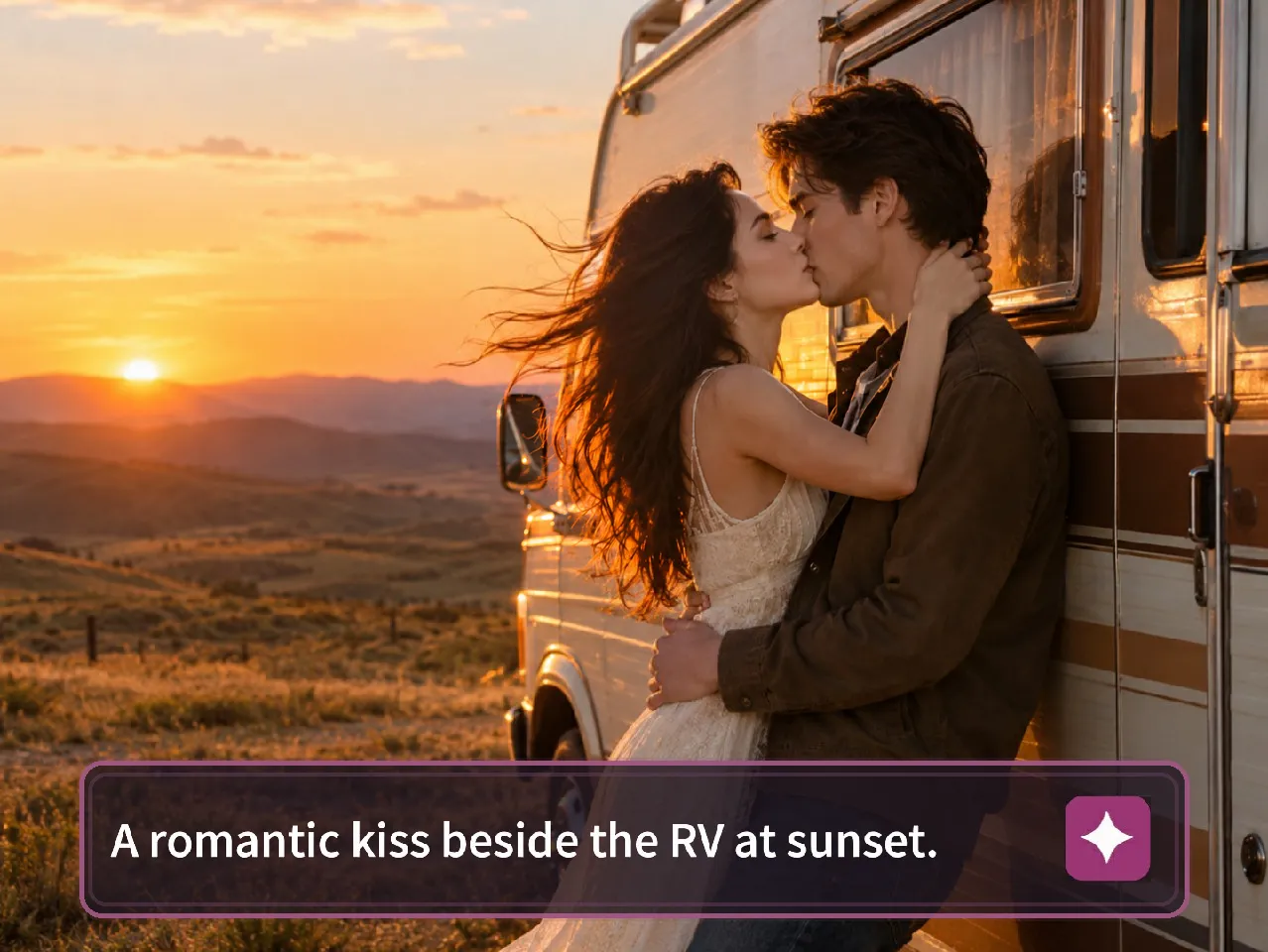
AI kiss text-to-image starts with a written prompt instead of a photo. The prompt describes the adults, their kiss, the setting, and the style of one still picture. On Kissee, you can shape that idea and open a sample image preview. To work from a specific couple photo, use Image to Image.

Write your scene, choose a model and image settings, then generate and download your image. No photo required.

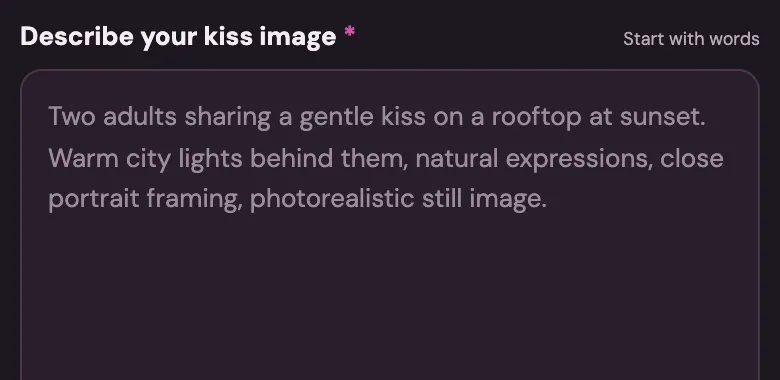
Describe the adults, kiss pose, setting, and lighting. Add the visual style you want, or start from an image idea.

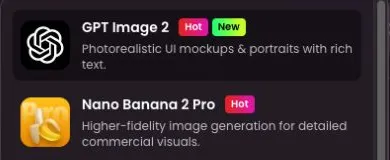
Select a model and the available quality, resolution, and aspect ratio for your picture.

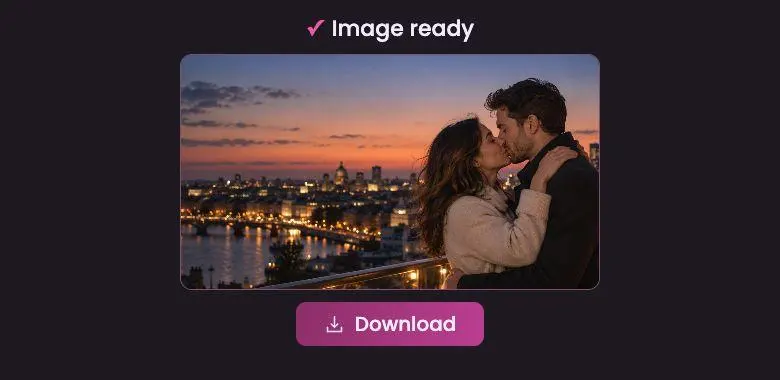
Click Generate to create the image from your prompt. Once it is ready, download it to keep or share.
No reference photo? Start with a kiss you can picture: a scene for a story, an illustrated couple, or a card for someone you love.
Picture two fictional adults stealing a kiss between the shelves of an old bookshop. The setting tells you where their story unfolds, while a close portrait keeps the couple at the center of the cover.

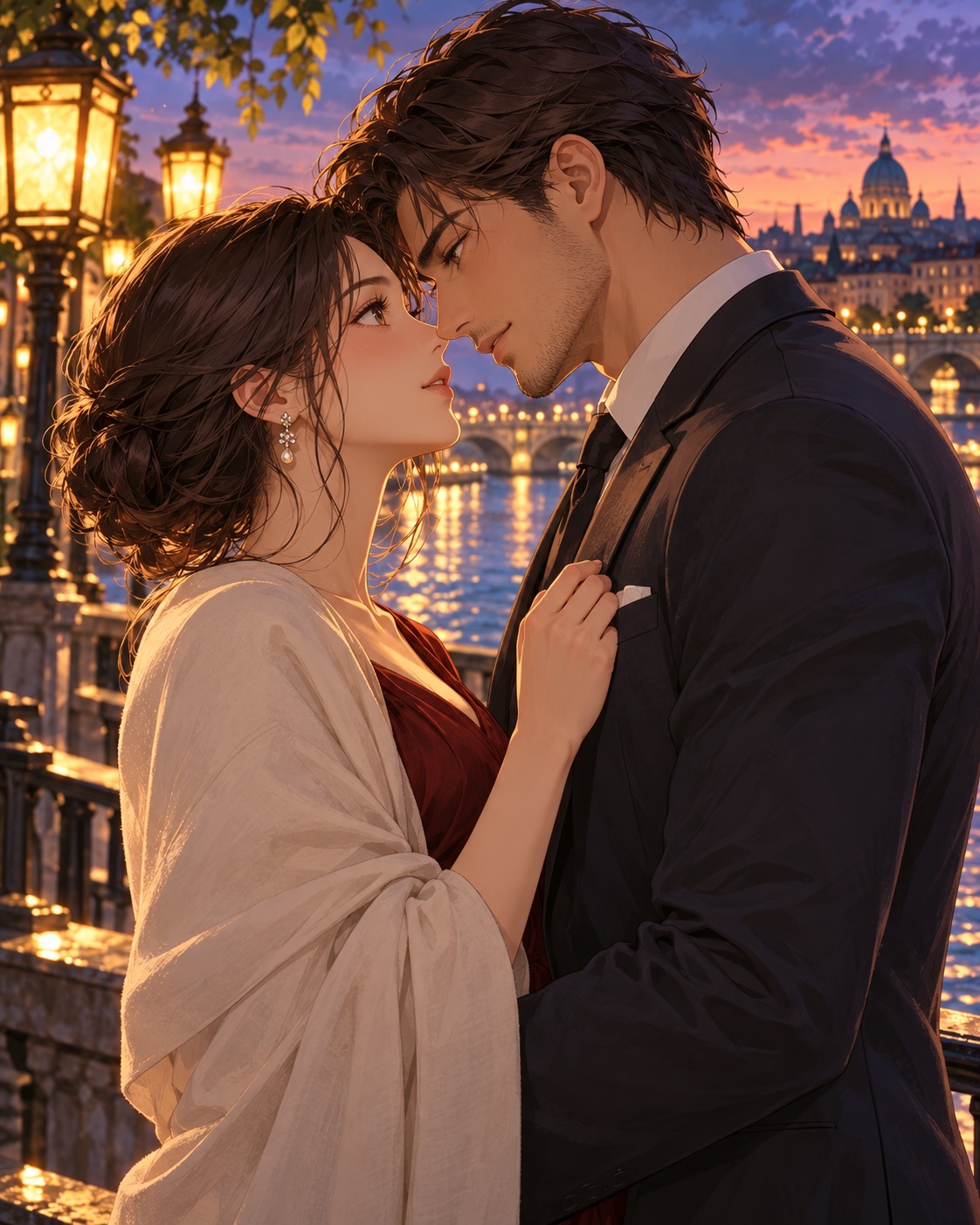
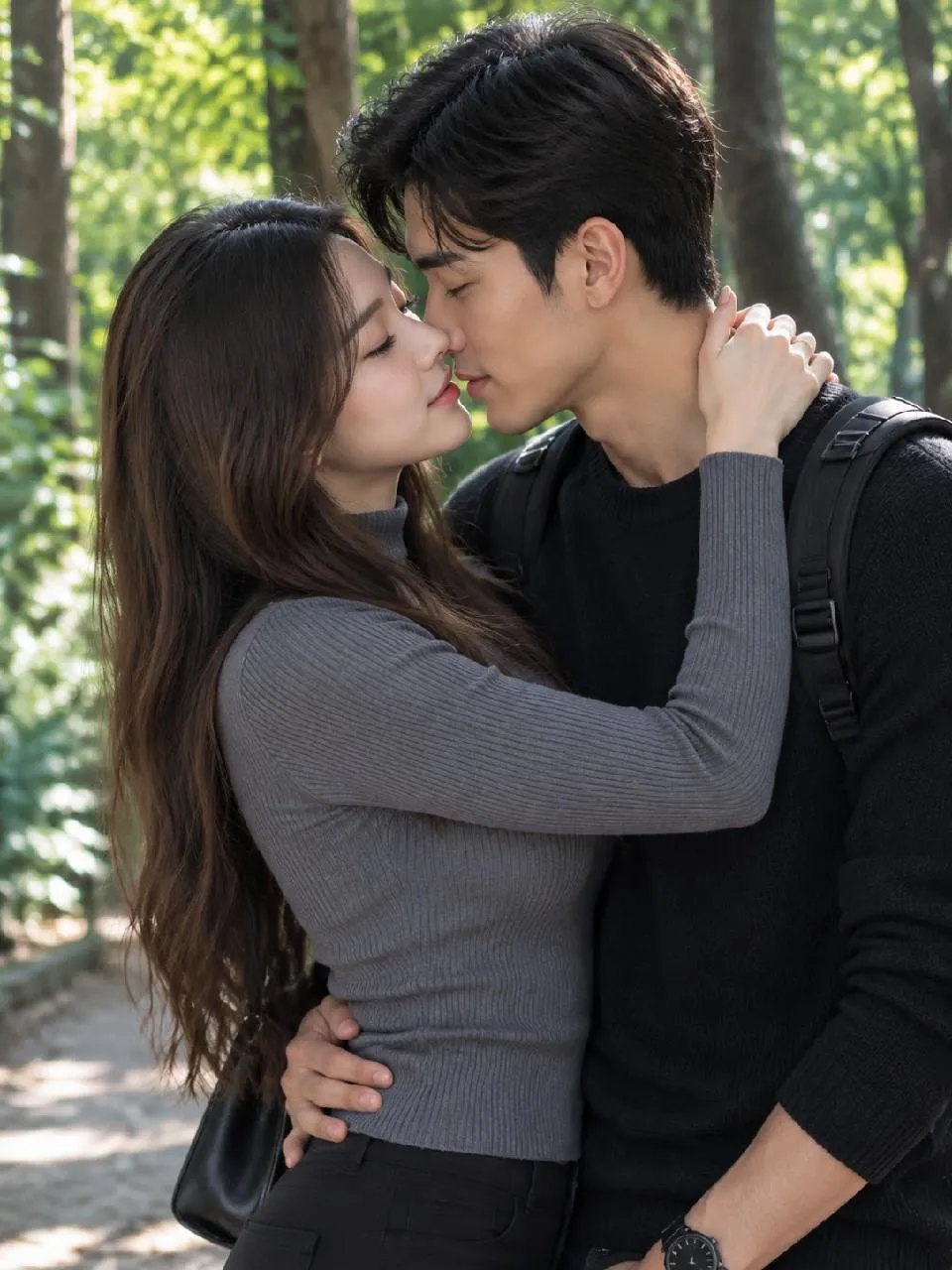
A single illustration can hold the pause before two adult characters kiss: a hand on a jacket, river lights behind them, and both faces close enough to fill the frame.

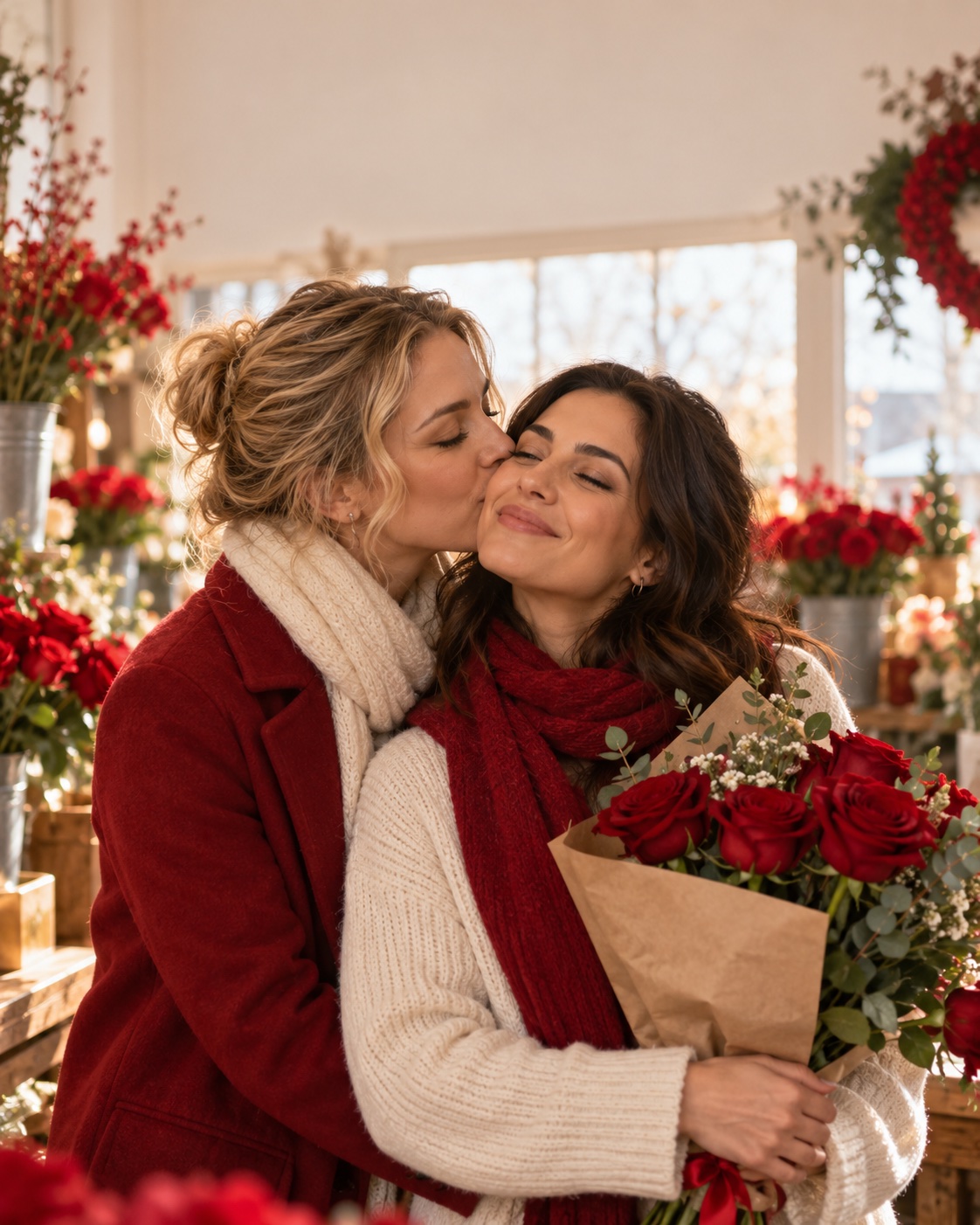
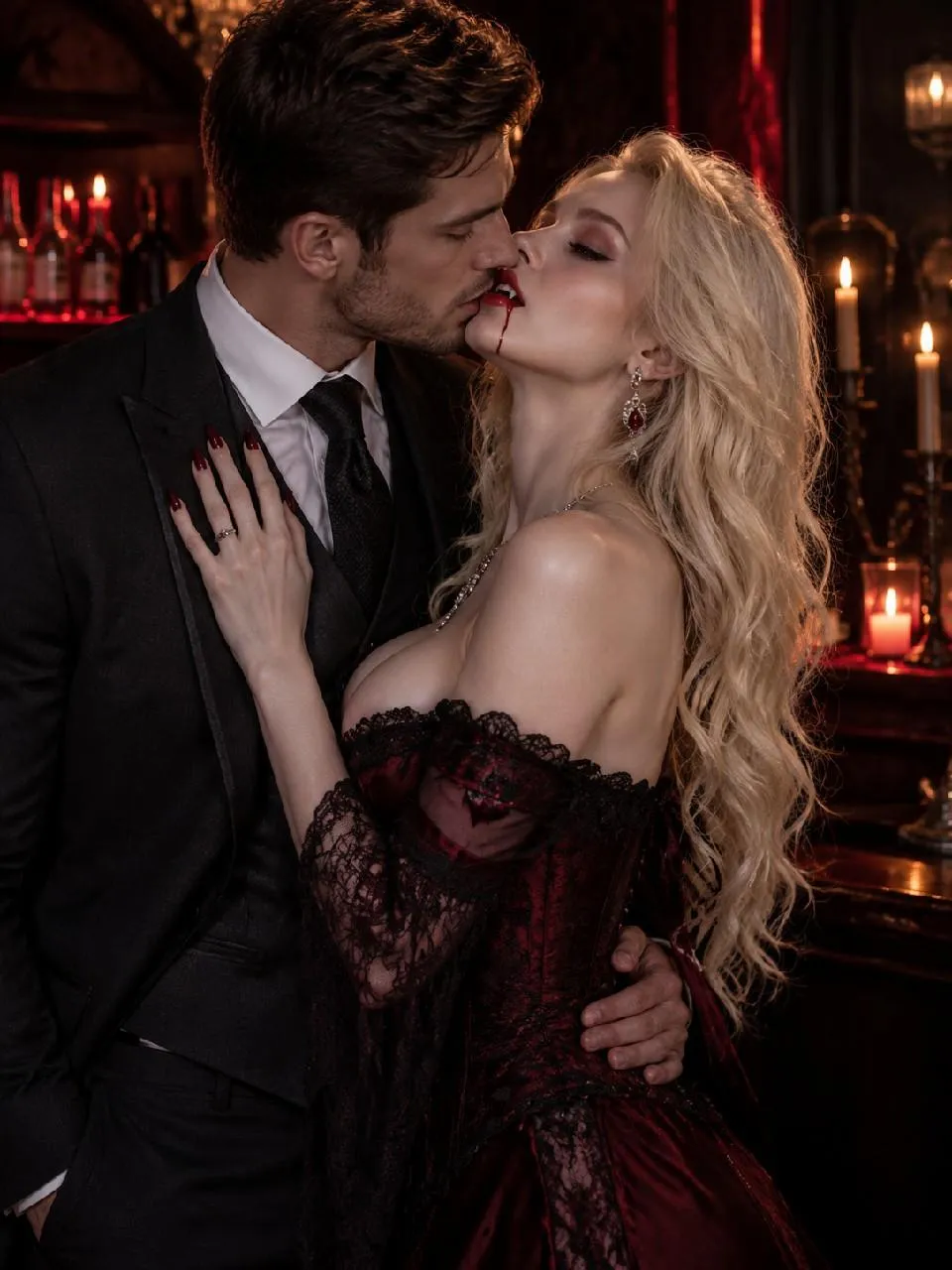
For a card that feels personal without using a photo, imagine two adult women in a flower shop, one kissing the other on the cheek. Leave a little space for your own message.

Choose an image style and use it as a starting point for your next kiss image.
I love how quickly I can turn my ideas into images with Kissee. I just type in a description, choose a style, and let the AI do its thing. It's made creating visuals for my content so much easier!
Finding the right visual for a project can take forever. With Kissee, I can describe what I'm looking for and generate several creative possibilities. I especially like being able to try different AI models to get different results.
I use Kissee whenever I need fresh images for my social media posts. It's fun to experiment with different prompts and styles, and I don't need any advanced design skills to get something that looks great.
I needed a simple way to create visuals for my product promotions without hiring a designer every time. Kissee has been really helpful. I can describe the image I want and get creative results in just a few minutes.
Sometimes I have a very specific image in mind but don't have the skills to draw it myself. Kissee makes it possible to bring those ideas to life just by describing them. I love exploring all the different styles!
What stands out to me is the variety of models and creative options available. I can use the same prompt with different models and compare the results. It's a great way to find the right visuals for different marketing campaigns without spending hours creating them manually.
Enter a prompt describing the couple, kiss, setting, and style you want. Choose a kiss template for inspiration, select your model and image format, then click Generate. Once your AI kiss image is ready, you can download and share it.
No. This page starts with words. If you want the picture to follow a specific couple photo, use Image to Image instead.
Describe one still moment: who is kissing, their pose or expression, where they are, the lighting, and the image style. For example, “two adults sharing a gentle cheek kiss in a bookshop, warm window light, close portrait.”
Yes. You can describe two adult women sharing a gentle kiss, along with their clothing, setting, and the style of the picture. Keep the scene consensual and non-explicit.
You can write an anime-style scene in the prompt. Describe the adult characters, the moment you want to show, and details such as linework, color, or background.
A portrait frame suits a book cover or greeting card. Choose square for a social post, or landscape when the setting needs more room.
Yes. The required credits depend on your selected model and image settings. You can check the credit cost before generating your image.
No. The preview is illustrative. It shows an example image while you plan your own kiss picture.
Upload two portraits or a couple photo, choose a kiss template, and create a video to download and share.